
Product Photo Enhancer for Clean, Studio-Ready Images
Use this AI product photo enhancer to improve an existing product photo with natural color correction, clearer detail, and a clean white studio background. The workflow is built for ecommerce product photo editing while preserving the item, packaging, label, and logo.
将图片拖到这里,或
参考图片(最大 50MB)


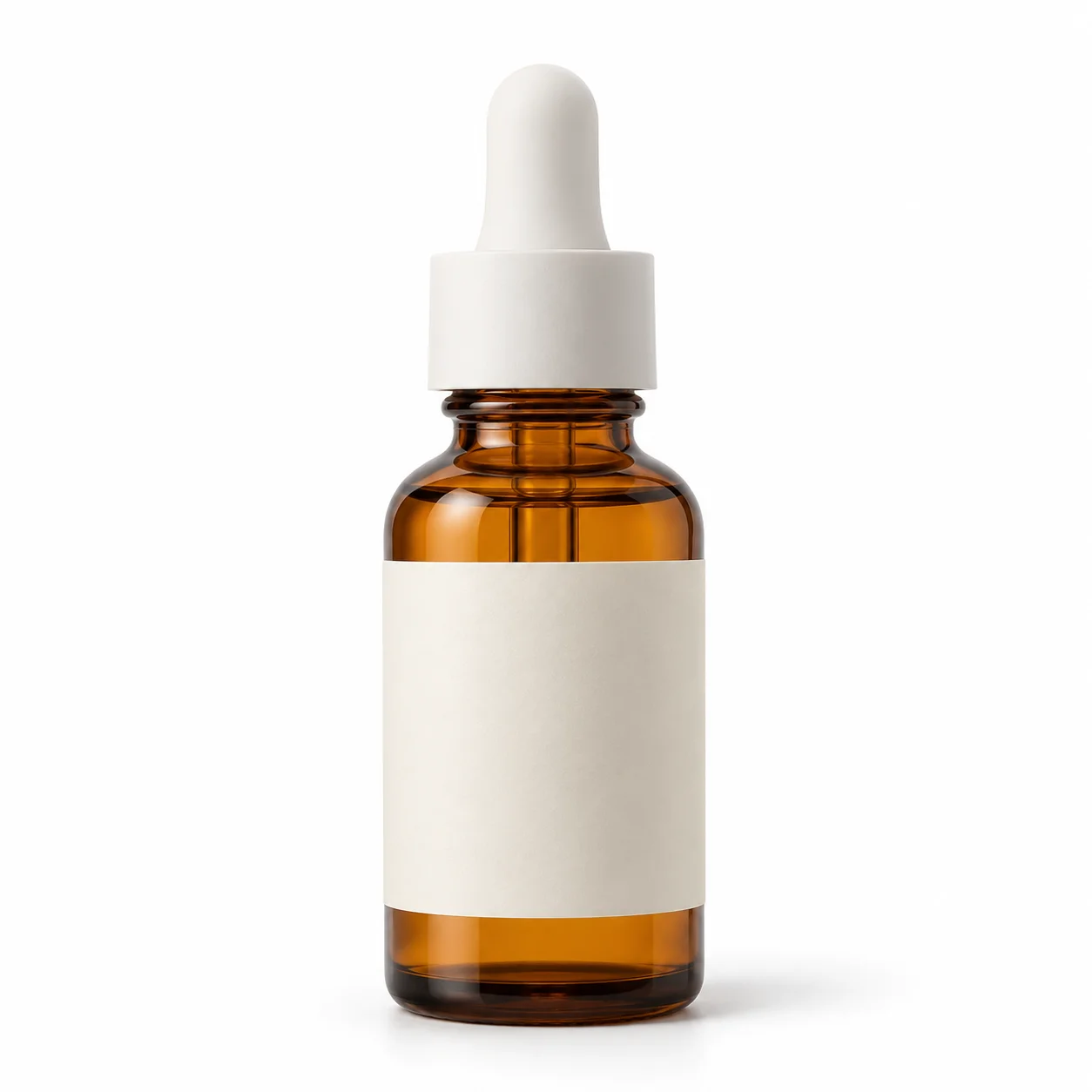
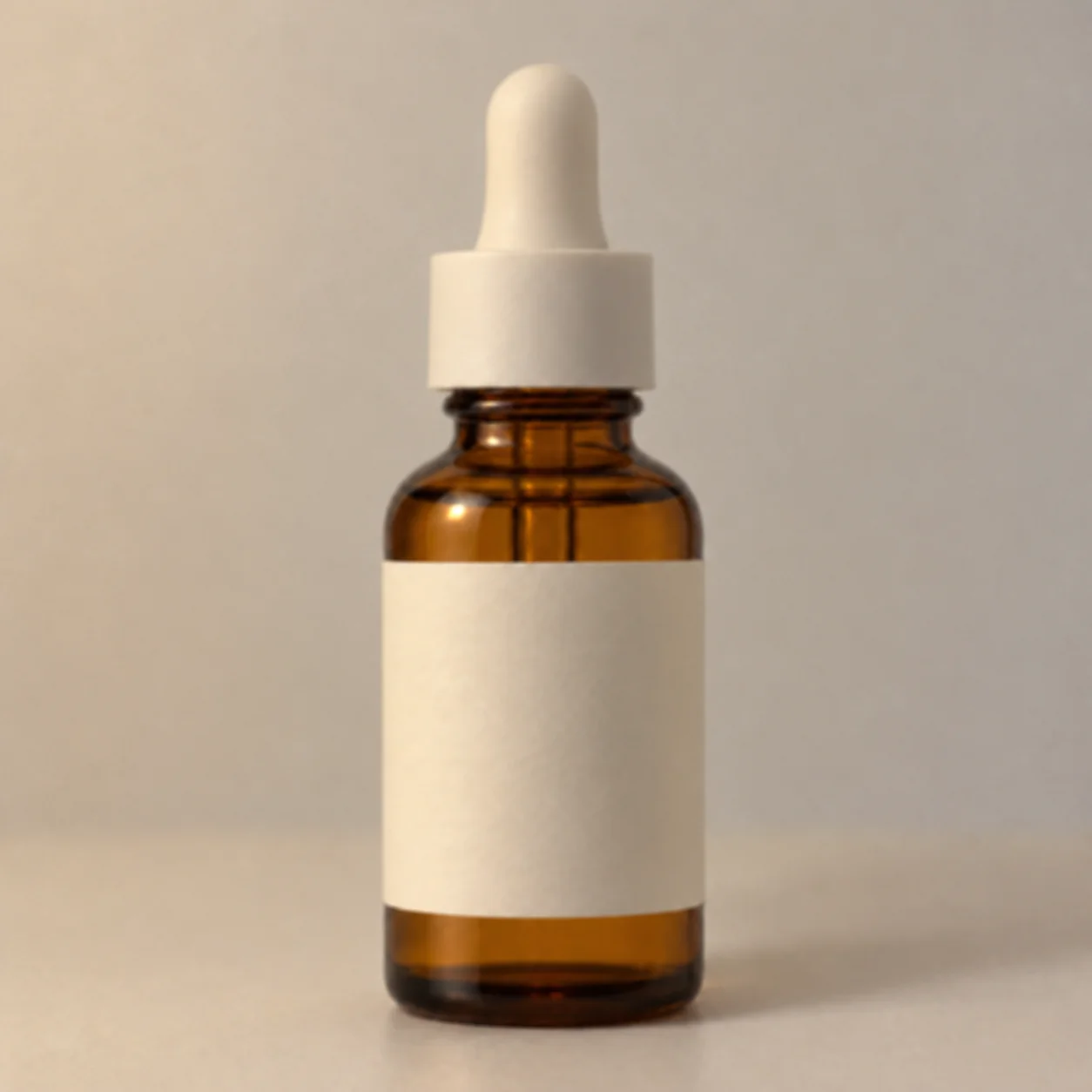
Ecommerce Product Photo Editing Examples
These planned before-and-after examples cover four product photo enhancement tasks: improve an ecommerce hero photo, correct uneven color, clean up a distracting background, and refine soft image detail. A product photo enhancer starts from the actual item photo, so each edit can be checked against the source instead of generating a different product or lifestyle scene.
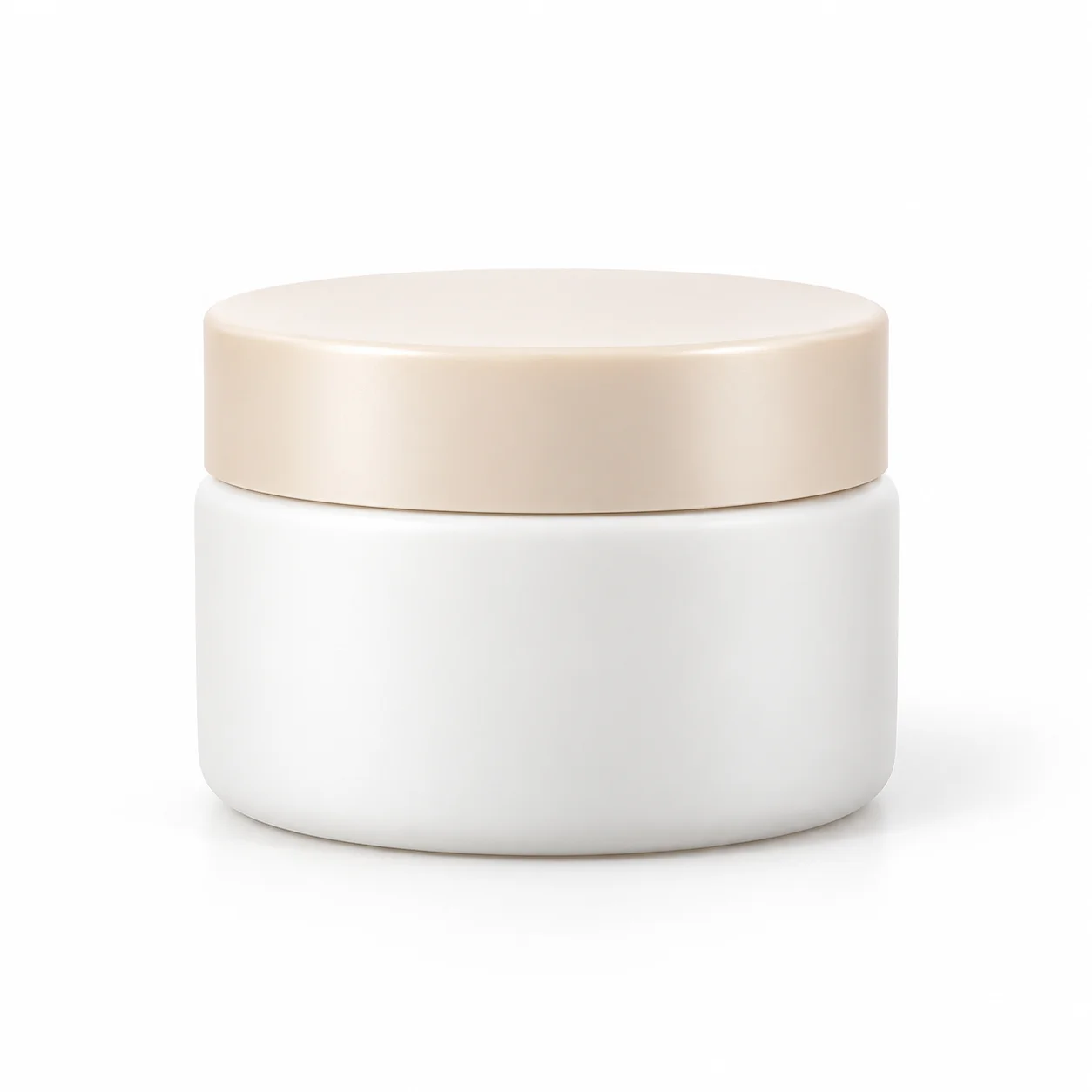
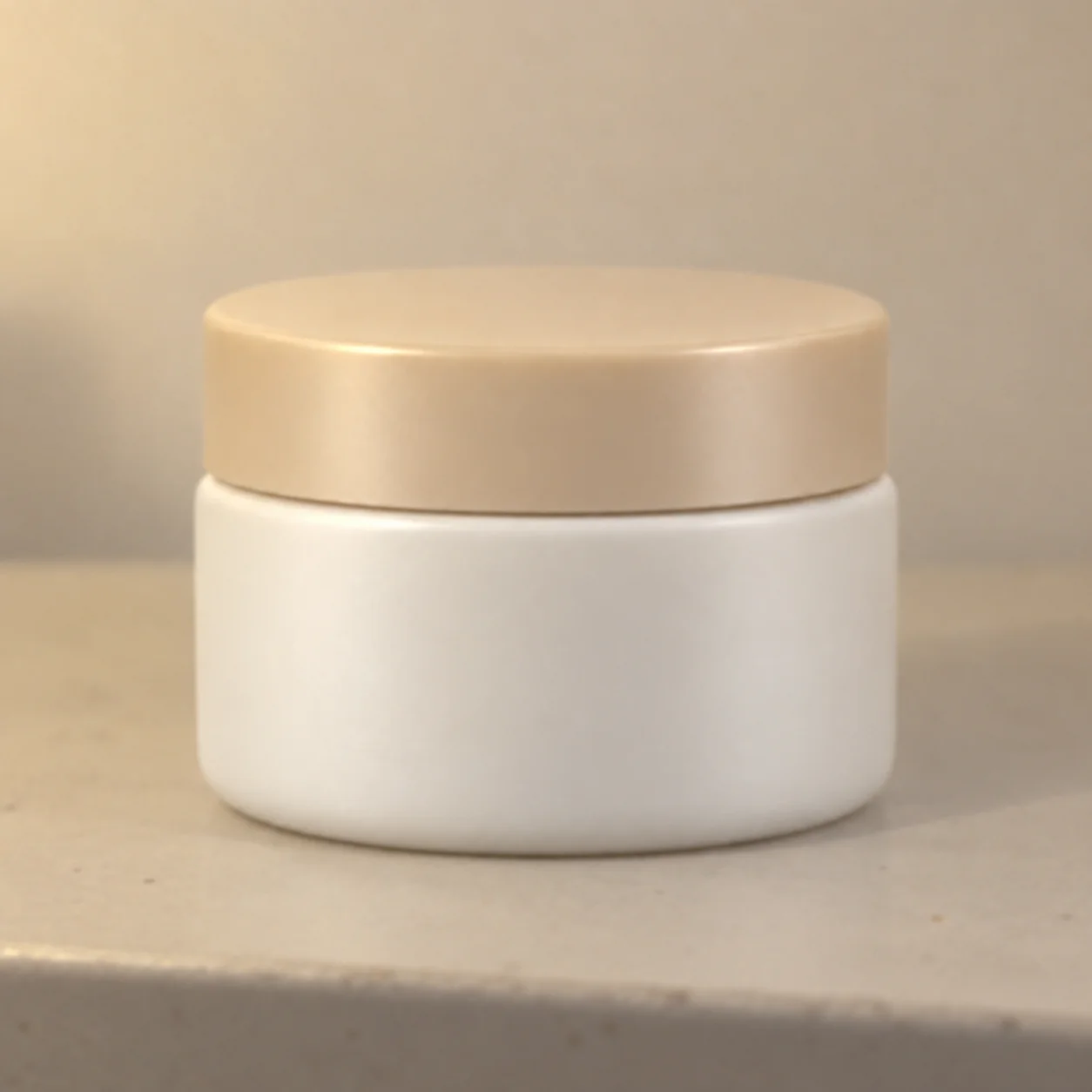
A Clean Studio Product Photo
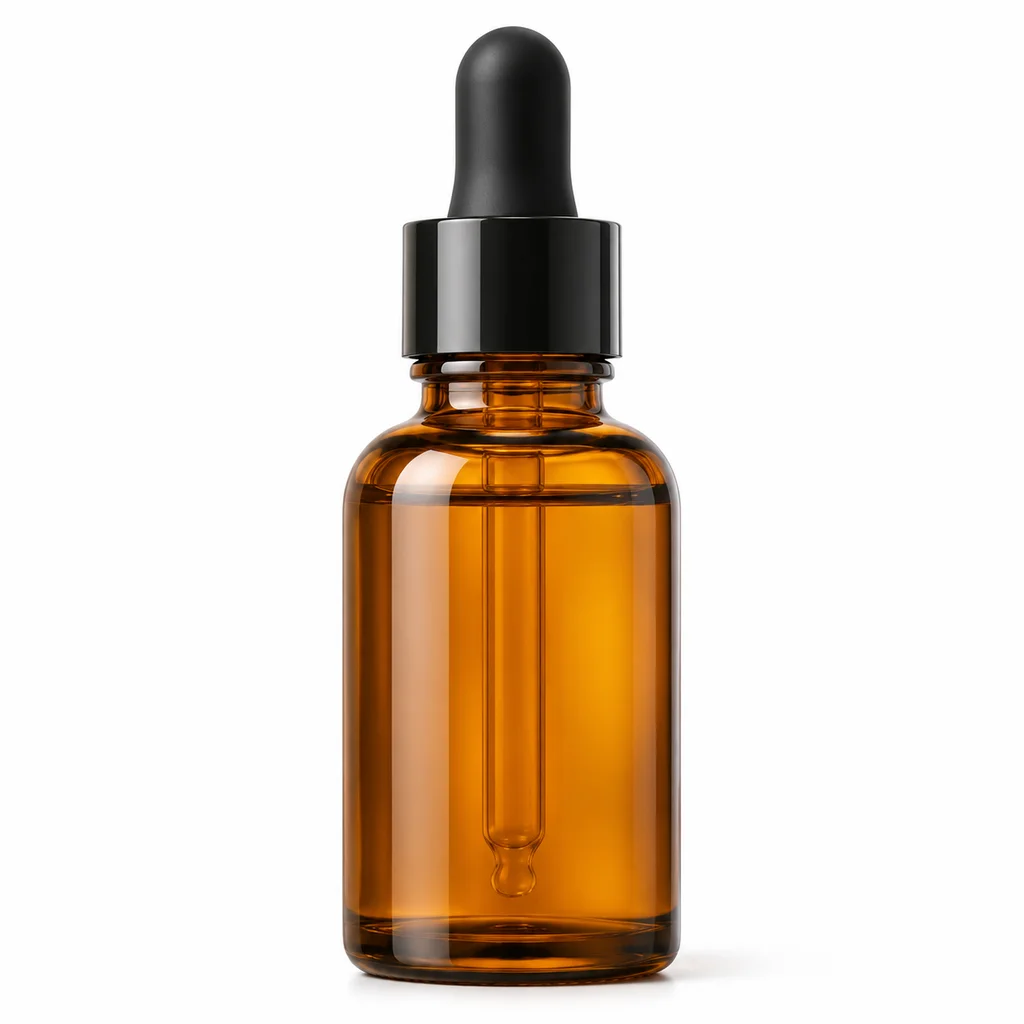
Start with a real phone photo of one packaged skincare item against an everyday bathroom background. The AI product photo enhancer example shows the same bottle centered on a clean white studio background with balanced light and the visible brand label retained.
More Natural Product Color
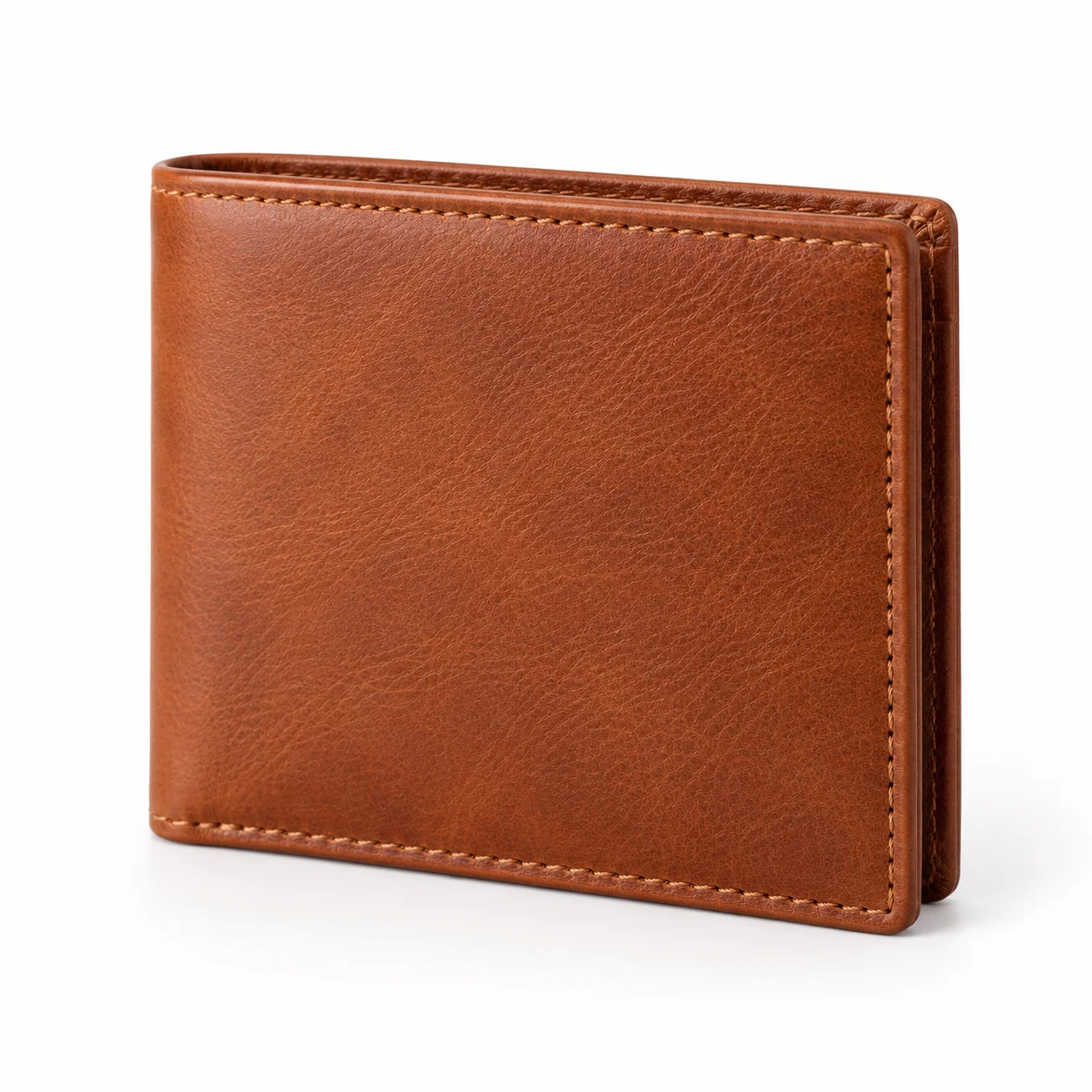
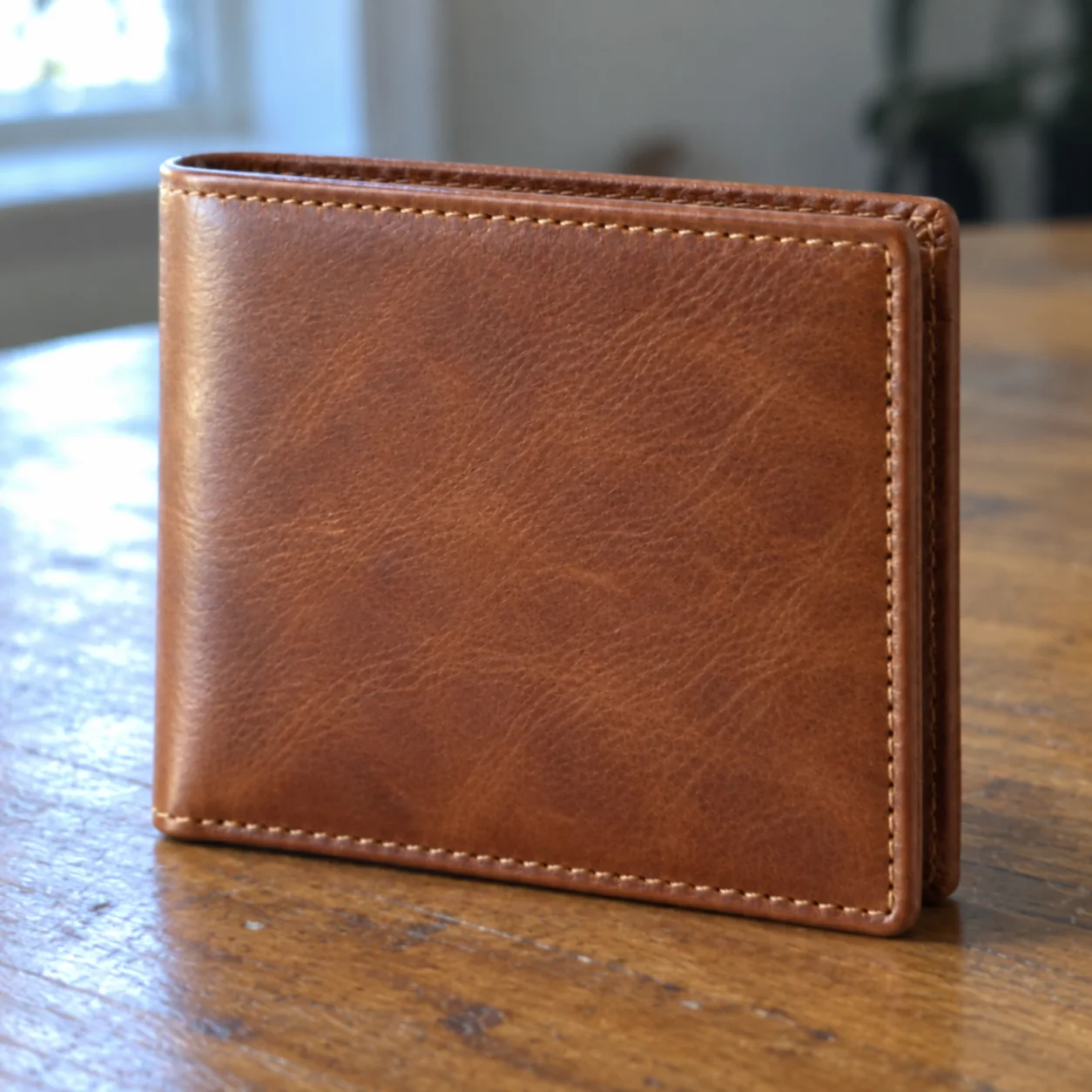
Imagine a brown leather wallet photographed under a yellow room light. A product photo enhancer can correct a mild color cast and uneven exposure while keeping the leather hue, texture, stitch pattern, and original item intact.

Remove Distractions Around the Product
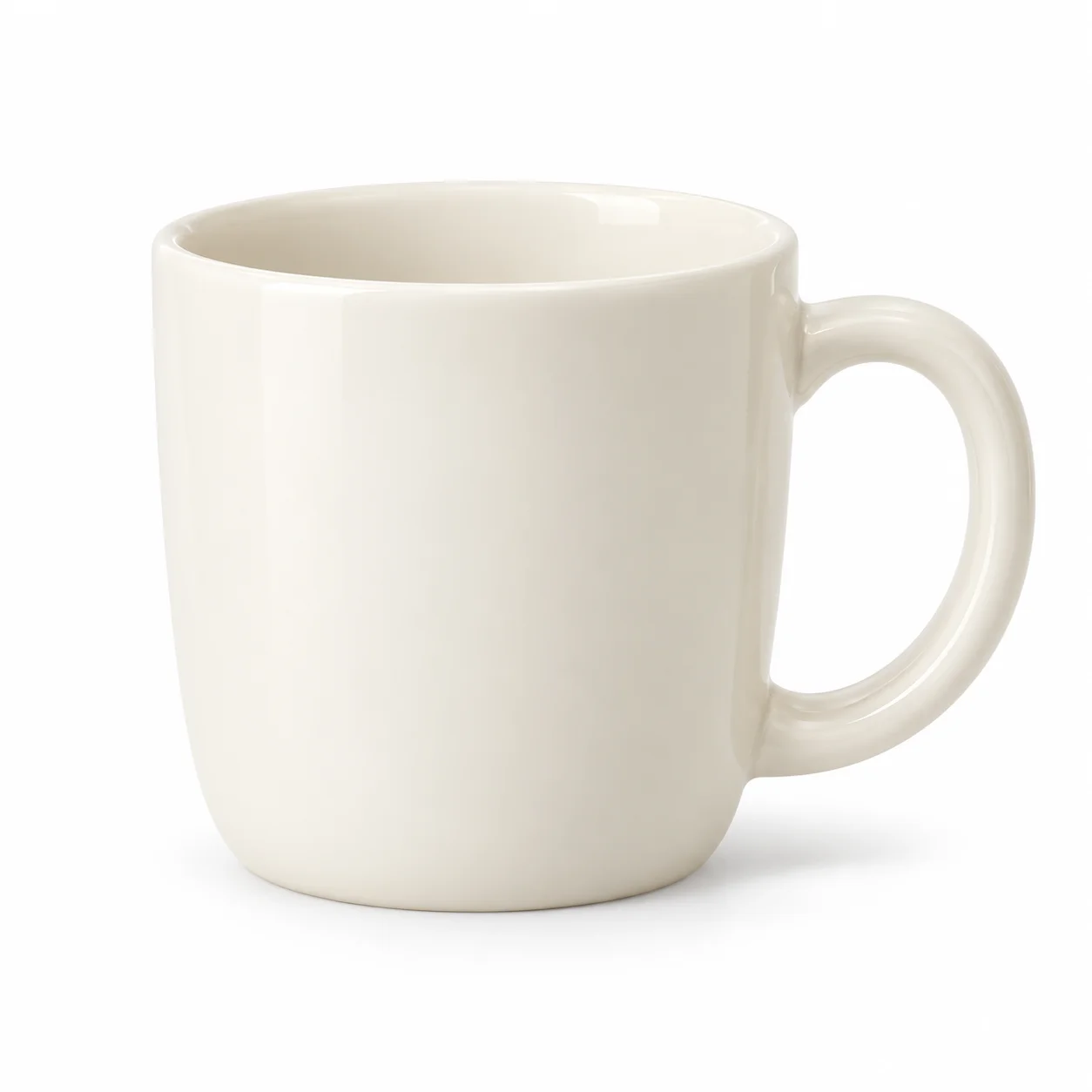
Picture a single white ceramic mug on a patterned kitchen cloth. This product photo enhancer concept uses a white-studio product image to focus on the mug by removing unrelated capture surroundings while keeping its handle, glaze, silhouette, and packaging or accessory unchanged.
Clearer Listing Photo Detail
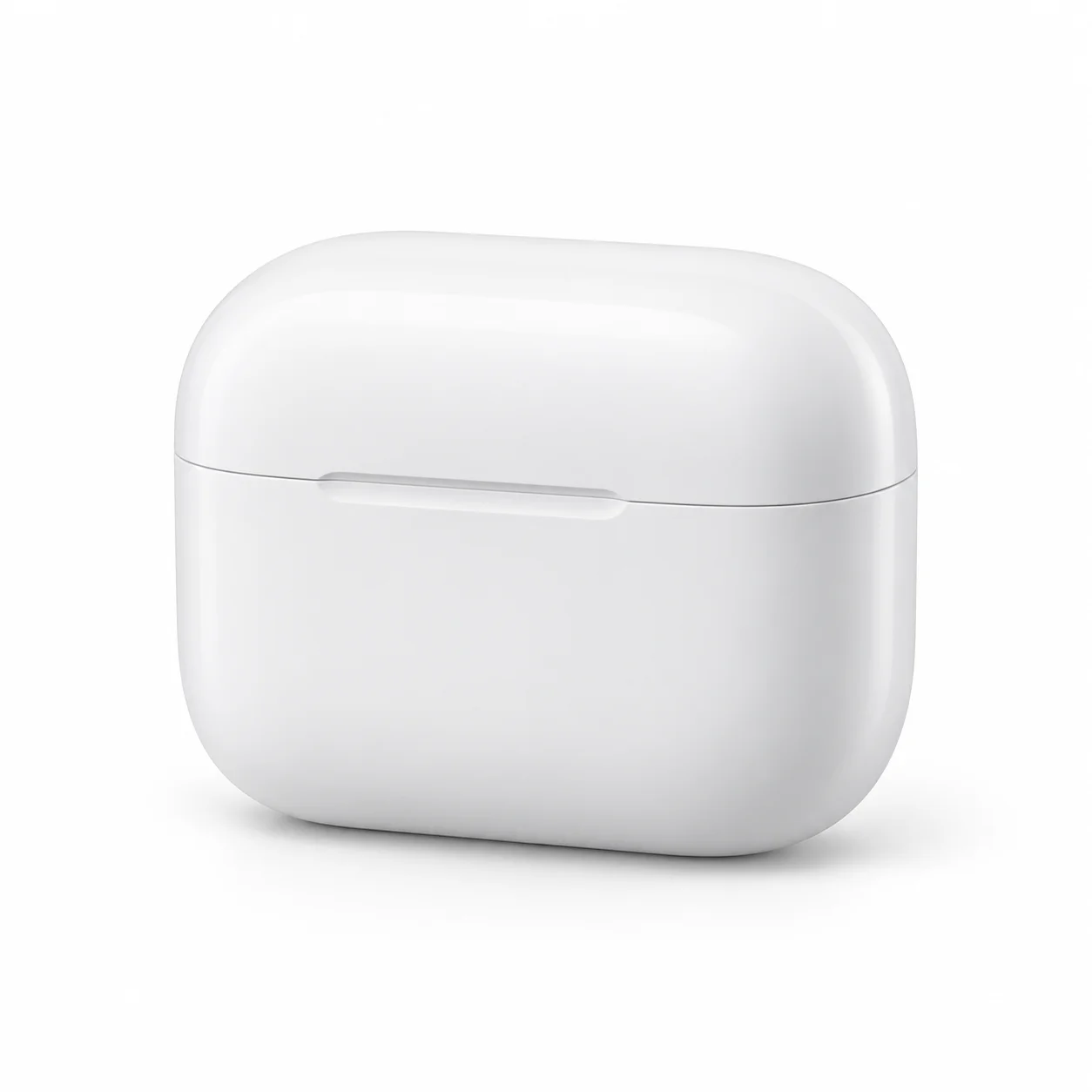
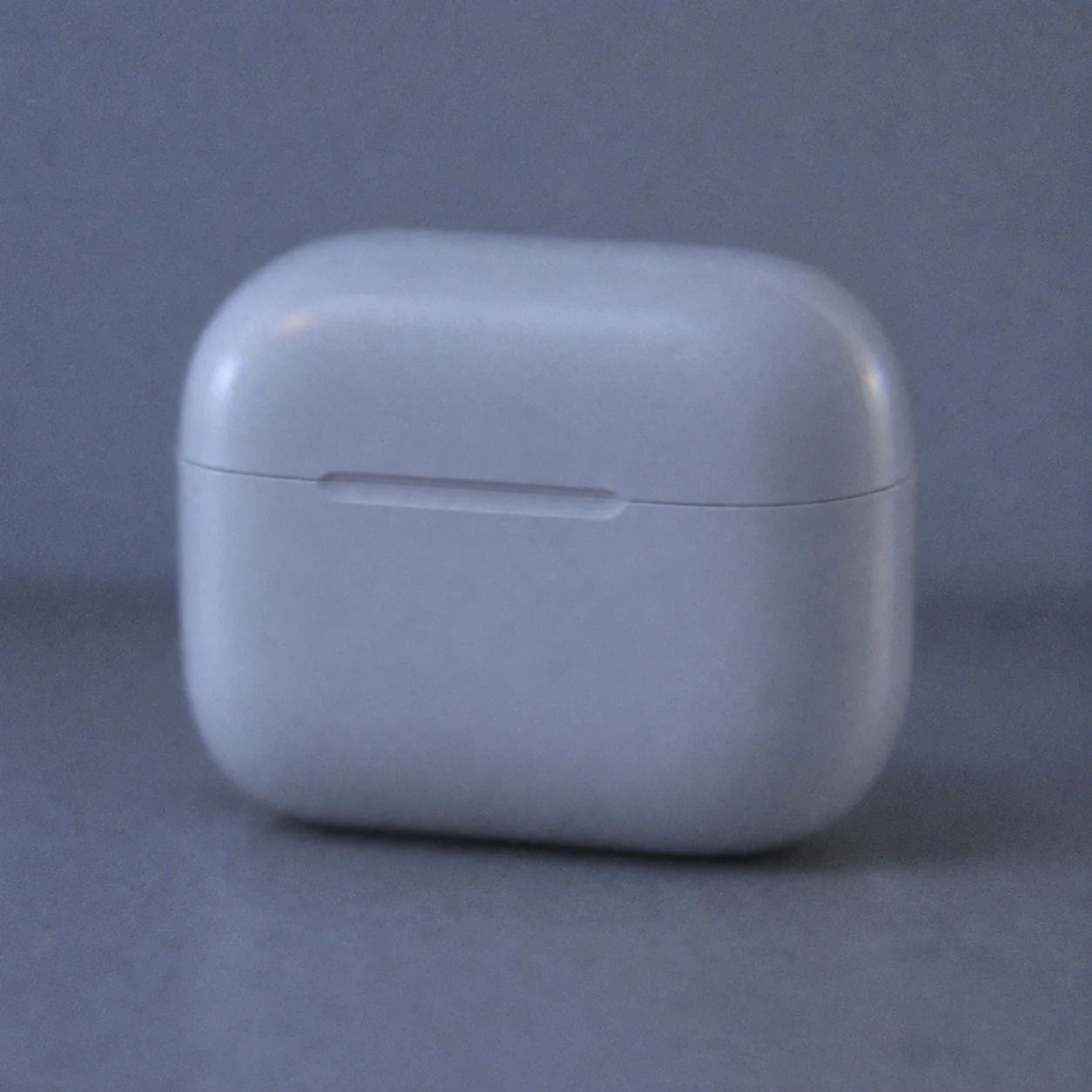
A soft phone image of a silver wireless-earbuds case can make its edge and charging port difficult to see. This product photo enhancer example improves supported clarity and lighting while preserving the original case shape, seam, finish, and components.
What Can a Product Photo Enhancer Improve?
An AI product photo enhancer can improve an existing product image at the point where shoppers first notice it: color, lighting, clarity, framing, and background. Use product photo editing to make an item easier to see while keeping its identity anchored to the original upload.
Uneven Color and Lighting
Mixed indoor light can make a product look yellow, blue, or dull. This product photo enhancer corrects exposure and white balance toward the natural appearance supported by the source, so packaging, materials, and product color remain recognizable.
Distracting Photo Backgrounds
A tabletop, fabric, or room can draw attention away from an item. Product photo editing can isolate the complete item against the clean white studio background, removing unrelated capture surroundings while retaining merchandise packaging and accessories.
Soft Detail and Low Clarity
A soft, compressed, or noisy listing image can hide the texture that helps someone assess an item. Use an AI product photo enhancer to improve supported clarity, fine detail, and edge definition without making the material look artificial.
Loose Framing and Weak Focus
A product near the edge of a phone photo may feel unbalanced or partly lost in the scene. A product photo enhancer can center the complete item and create breathing room without cropping out a strap, connector, lid, or other product component.
Refine the Photo and Preserve the Item
Good product photo editing makes a product easier to evaluate without making it look like a different item. This product photo enhancer aims for practical studio cleanup: improve what the uploaded photo supports and keep the merchandise details recognizable.
How to Enhance a Product Photo in 4 Steps
Use a straightforward four-step workflow to improve an existing product image in the browser. A product photo enhancer starts from the photo you upload, then lets you review and download an image prepared for ecommerce use.
Upload a Product Photo
Choose a single existing image of the item you want to improve. A product photo enhancer can better preserve details when a clear photo shows the full product.
Let AI Enhance the Image
The workflow analyzes the uploaded image and prepares it for product image enhancement. It may balance natural lighting and color, clarify visible detail, and simplify the capture surroundings for a white studio presentation.
Review the Product Details
Check the product photo enhancer's result beside your upload. Inspect the shape, finish, accessories, packaging, and visible logos or label text before adding the ecommerce image to your catalog.
Download for Your Store
Download the version you reviewed and add it to your product photo set when it accurately represents the item. This is a practical way to edit a product photo for a catalog; check any marketplace image rules before publishing.
A Practical Product Photo Editor for Ecommerce
Use a product photo enhancer to improve an existing image with careful lighting, color, clarity, framing, and white-background presentation for ecommerce product photo editing.
AI Product Photo Enhancement
Use a product photo enhancer to refine a real product photograph with supported exposure, background, framing, and presentation adjustments while keeping the source item in view.
Cleaner, More Consistent Images
Improve a mild color cast, uneven exposure, distracting capture surroundings, or soft visible detail when the source image supports a clear correction. Review the result so product materials, labels, and sellable details stay intact.
Natural Color Correction
This product photo enhancer corrects mild color casts and exposure shifts while keeping natural product color anchored to the uploaded image. Check color-sensitive items against the real product before publishing.
Product Detail and Clarity
Use a product photo enhancer to improve visible edge definition and supported texture in an online product photo. The goal is a clearer image, not a replacement product, plastic texture, or invented fine detail.
Preview Before You Download
Review the product photo enhancer's before-and-after preview to decide whether the edit represents the item accurately before downloading it for a store or marketplace draft. This product photo enhancer works best when the source shows the complete item clearly.
Edit Product Photos Online
Upload an item photo from your phone, tablet, or computer, then use this product photo enhancer directly in a modern browser without installing image-editing software.
Product Photo Enhancer FAQ
Learn how the product photo enhancer works, what it can improve, and how to review product image edits before use.
Create a Cleaner Product Photo
Upload an existing product image to improve its lighting, color, clarity, and studio presentation. This product photo enhancer is designed to keep the real product and its visible details at the center of the result.