
Night Photo Enhancer for Clearer Night Shots
Use this night photo enhancer to brighten underexposed night photos, lift shadow detail, and make dim scenes easier to see. Upload a night street, city skyline, evening portrait, or low-light travel photo, then compare an enhanced preview with your original. The goal is a clearer night image while keeping streetlights, colors, and the natural mood balanced. Results depend on detail in the original capture.
Перетащите изображение сюда или
Референсное изображение (макс. 50MB)


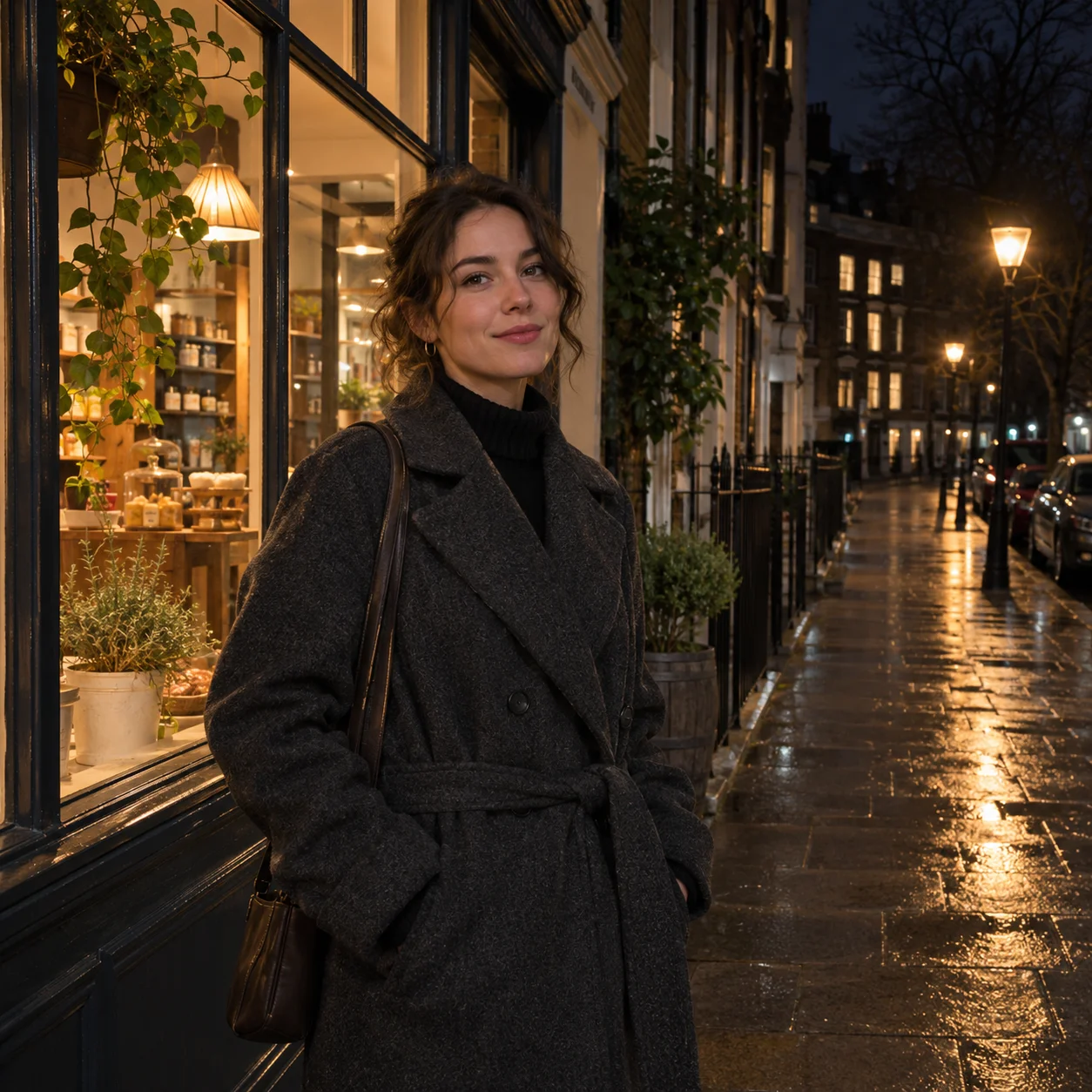
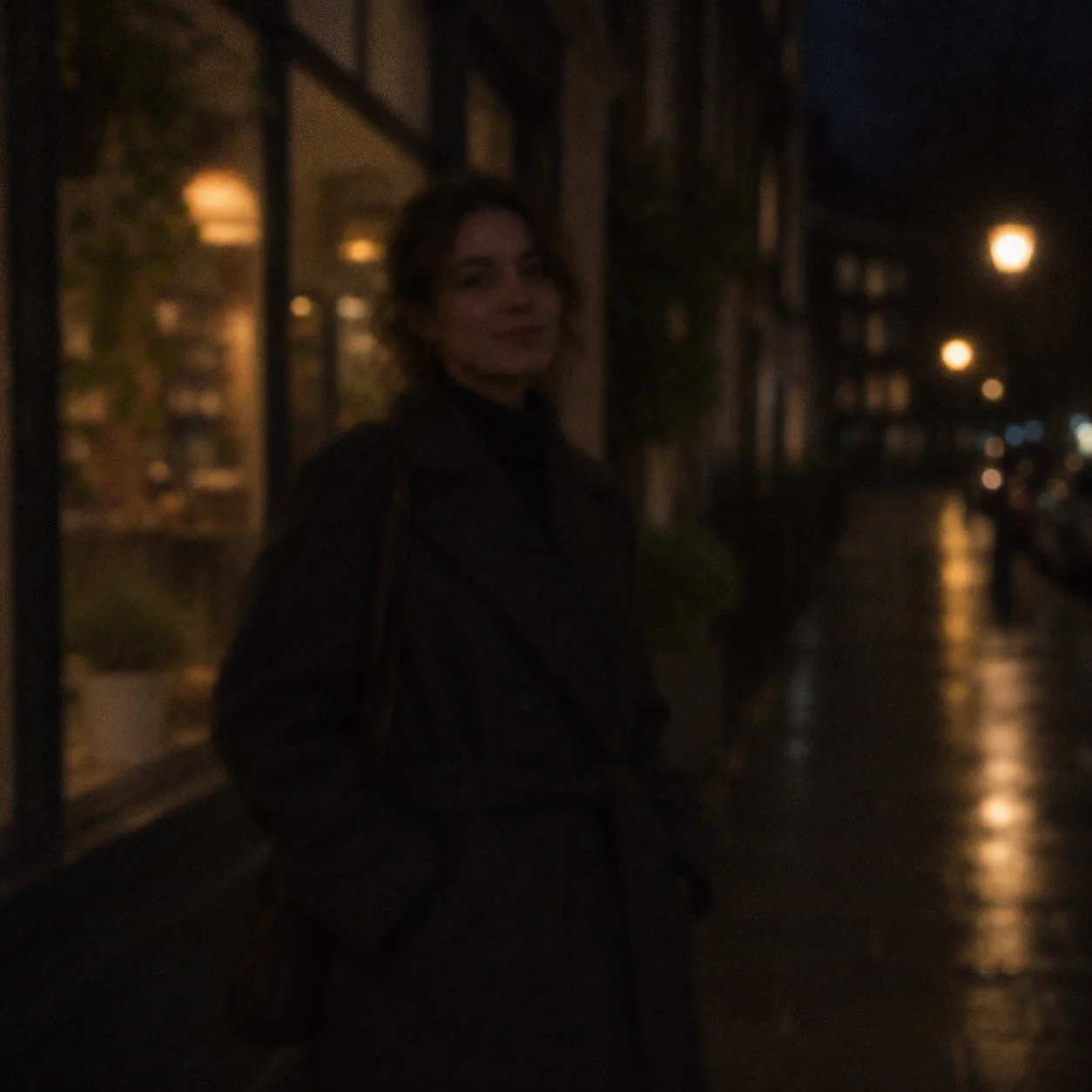
See Night Photo Enhancement Examples
Explore night photo enhancer examples planned for dim urban, portrait, and travel scenes. Each before-and-after pair will show the same composition so you can compare shadow visibility, subject detail, color, and the appearance of bright lights.
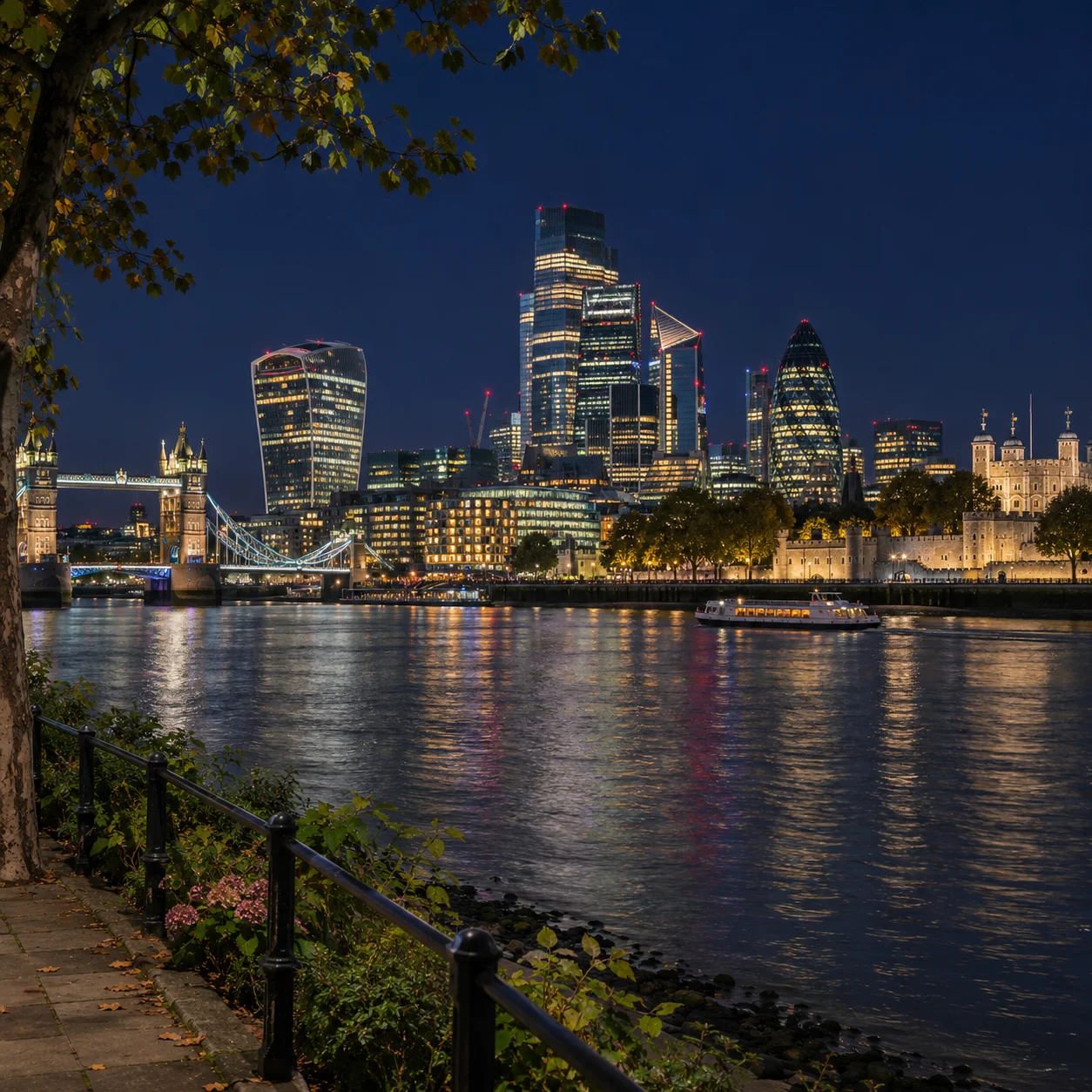
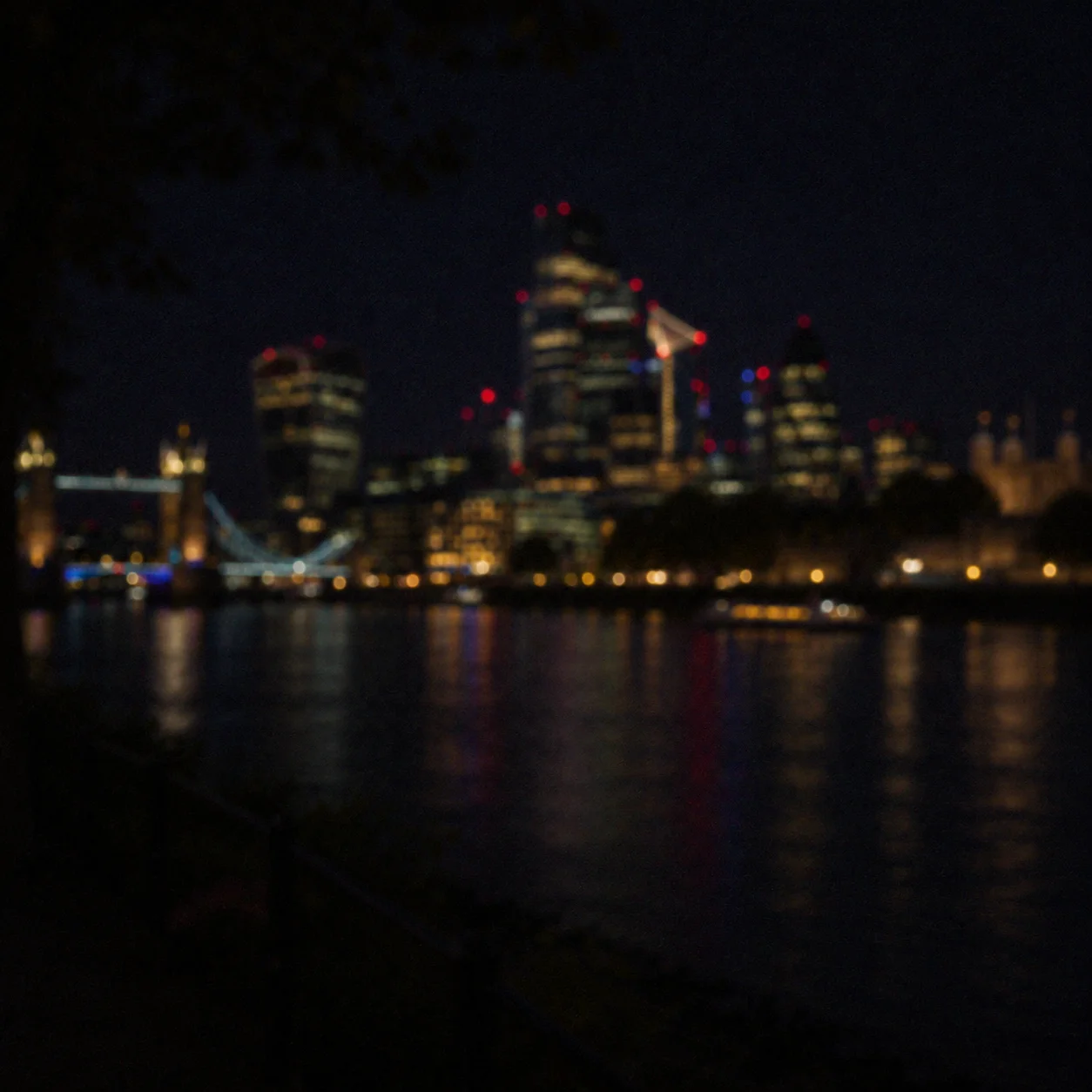
Brighten a Dark City Skyline
This night photo enhancer example is planned around a city skyline after dark. Compare the dim building shapes in the original with a brighter preview that makes captured edges easier to see while retaining the dark sky and points of city light. A night photo enhancer should keep both the skyline and its light sources in view.
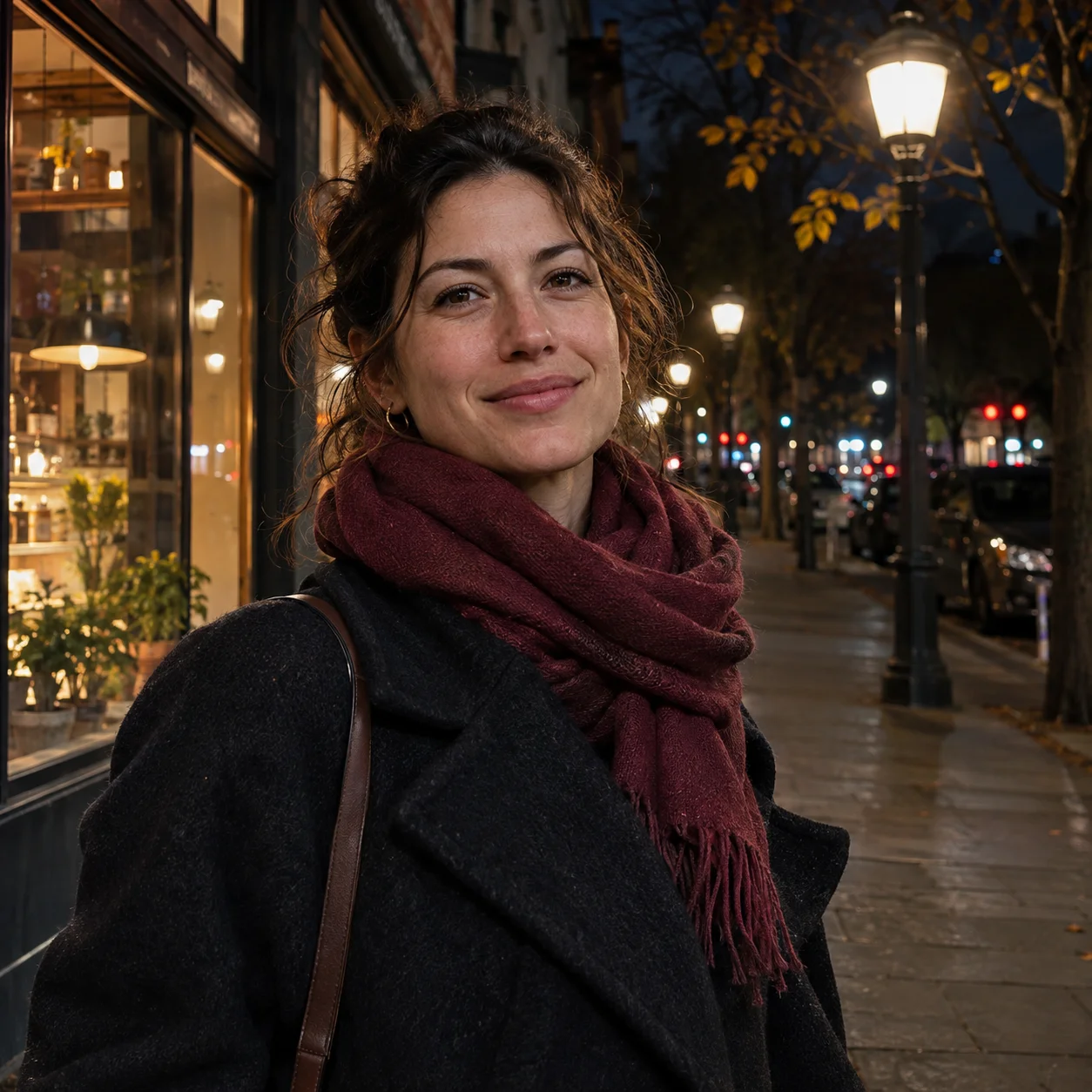
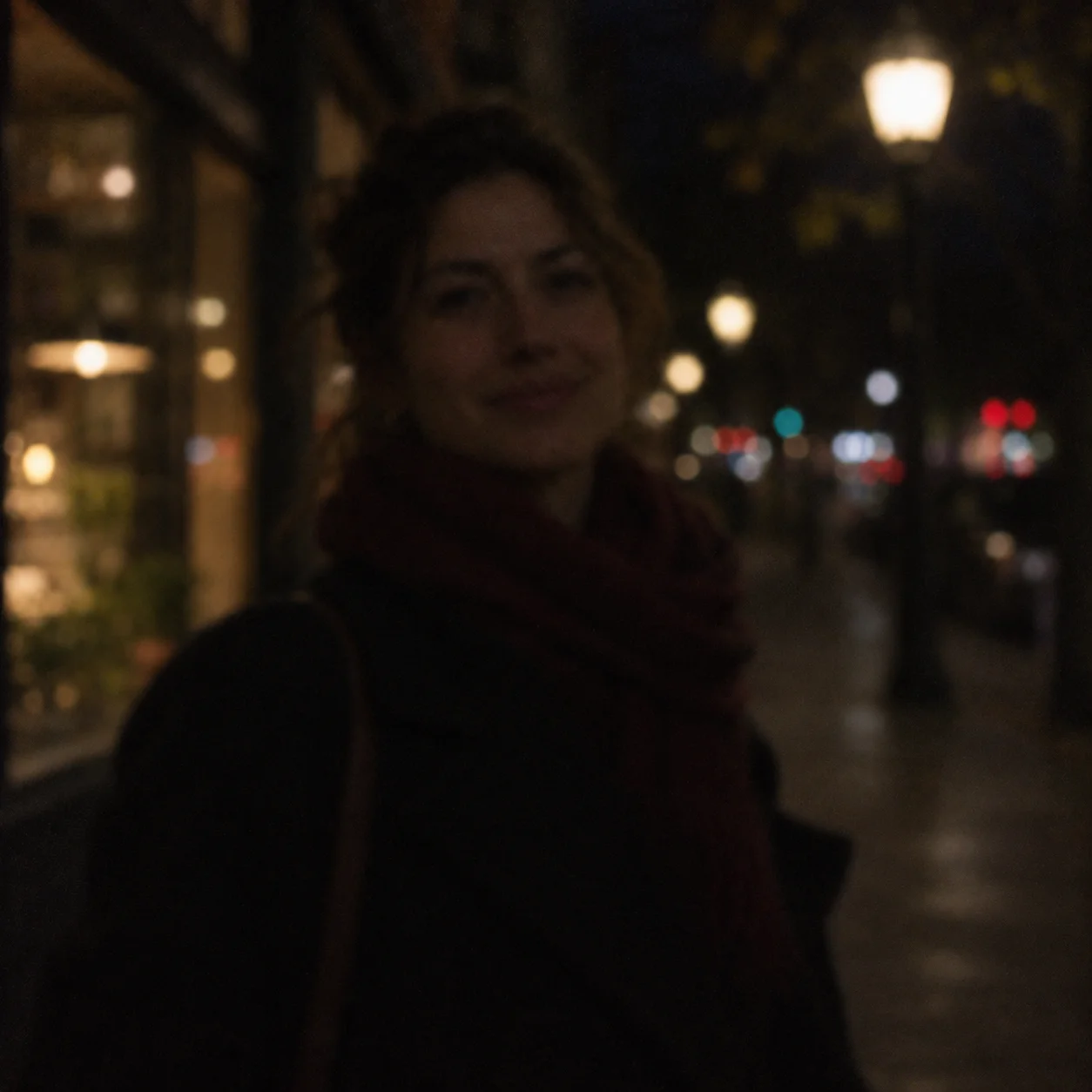
Bring Out Detail in a Night Portrait
An evening portrait can be difficult to see when a person stands beneath weak street lighting. Use this night photo enhancer example to assess subject visibility, skin color, and background lights together instead of judging brightness alone.
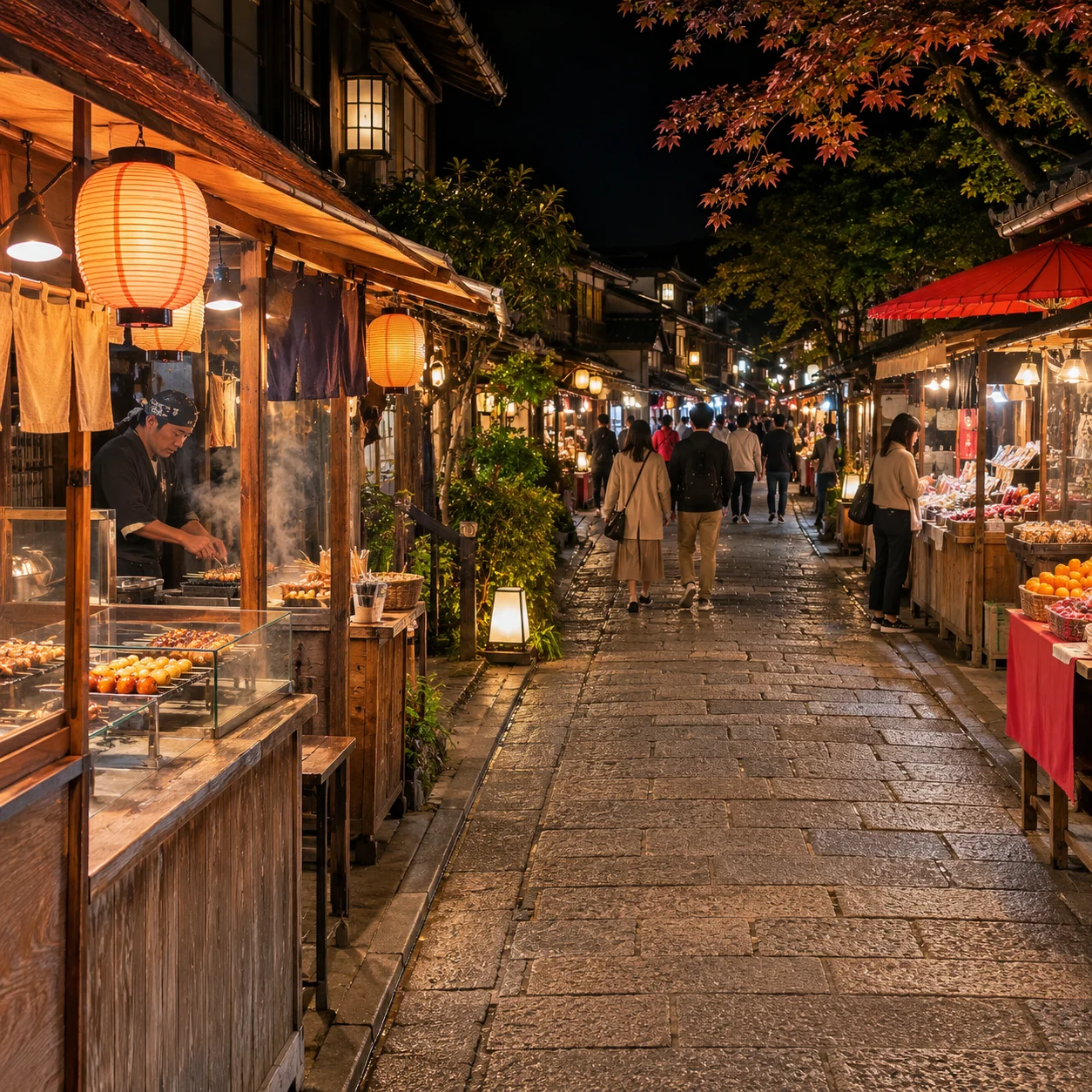
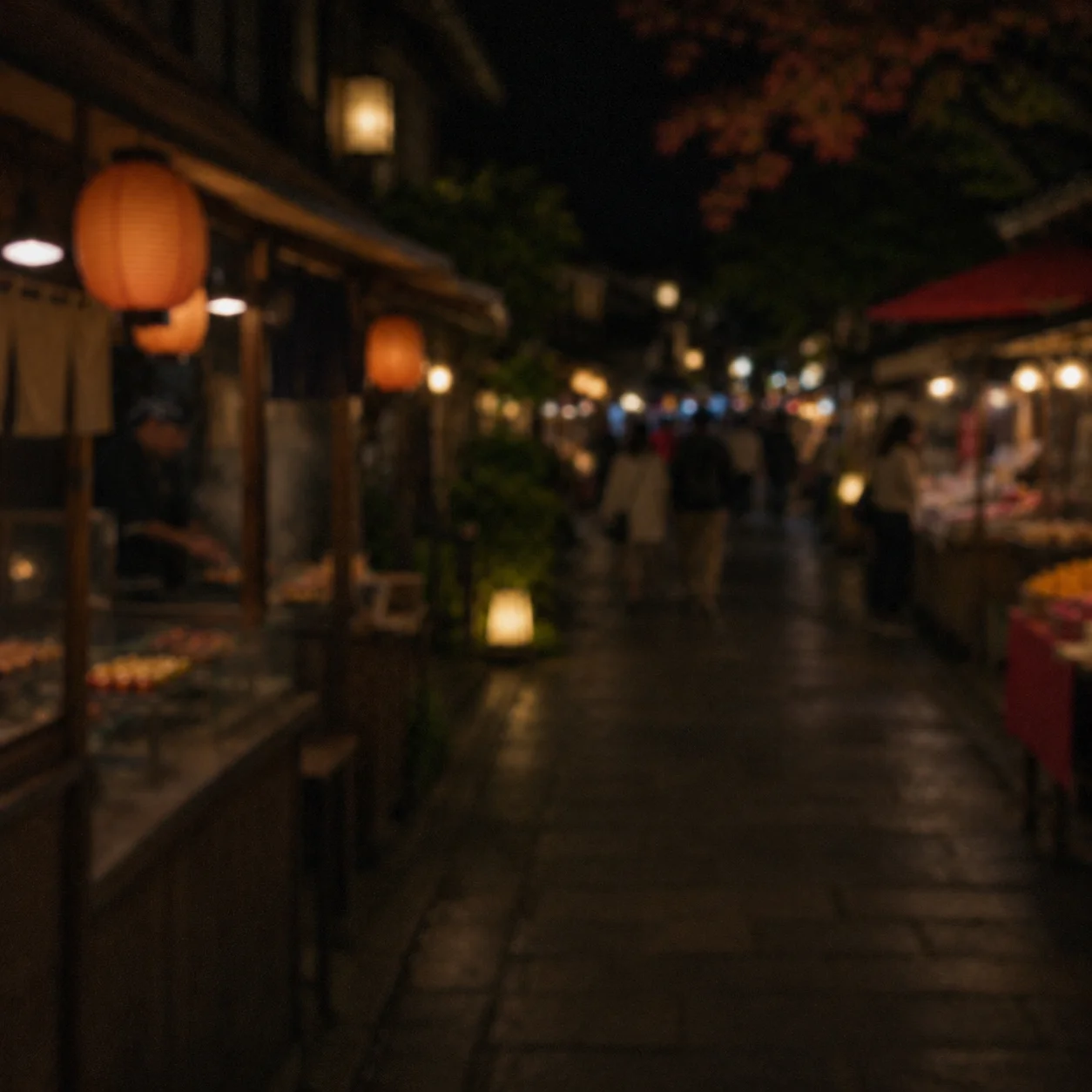
Improve a Low-Light Street Scene
A busy night market combines dark stalls with bright lanterns and signs. This night photo enhancer scenario focuses on revealing visible scene detail while checking that highlights do not overpower the warmer colors that give the evening scene its character. Compare how the night photo enhancer handles the stalls and lights.
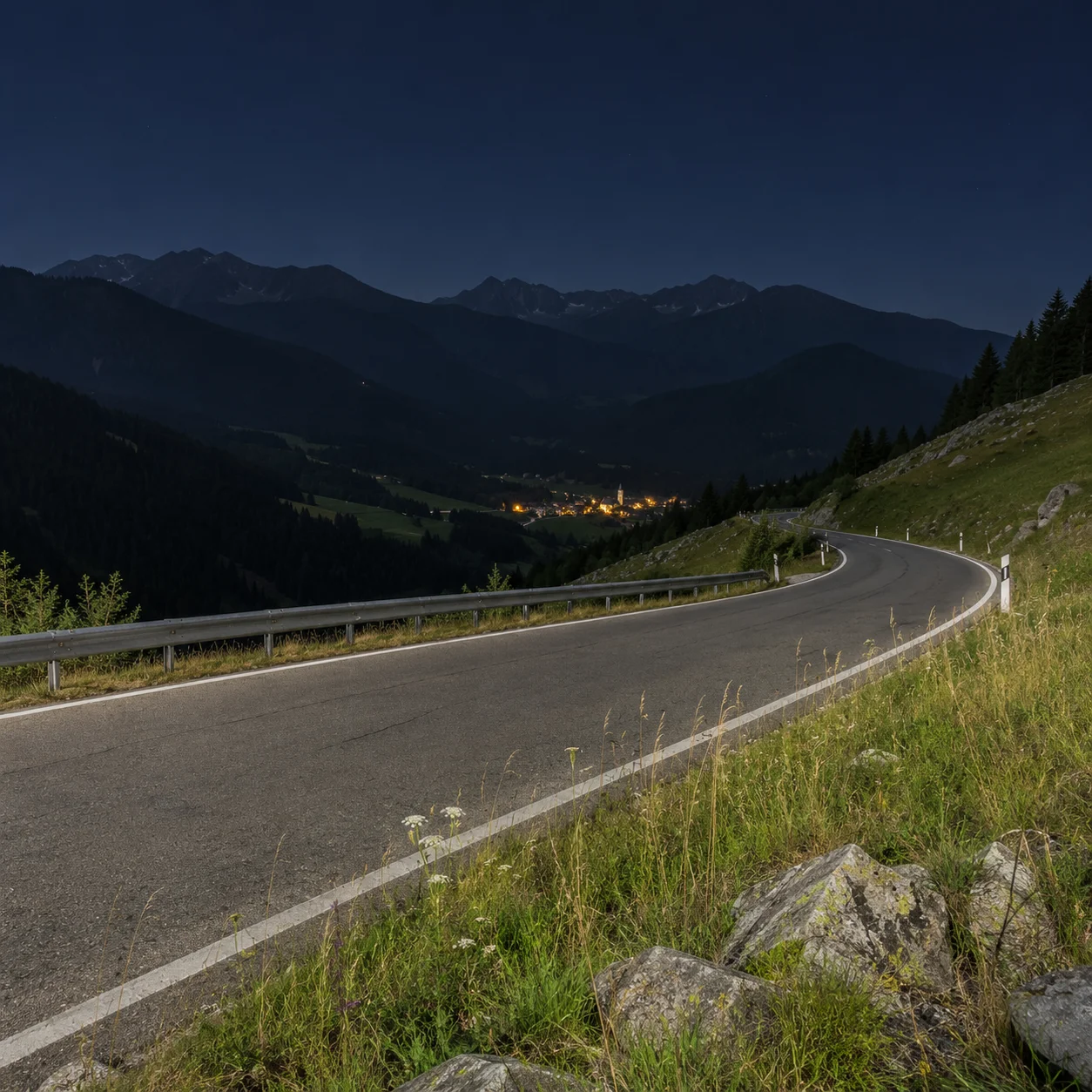
Reveal Detail in a Night Travel Photo
Travel photos taken after dark may lose foreground detail even when the sky and distant lights look right. A night photo enhancer preview can help you compare the road, landscape, and sky before choosing a version to keep or share.
What Can a Night Photo Enhancer Improve?
A night photo enhancer makes a very dark image easier to see by lifting selected shadows and improving local contrast. It can help reveal a face in a dim street, building detail in a night skyline, or context in an evening travel photo. A night photo enhancer works from the detail captured in the original scene. It is designed for photos captured after dark, not scanned prints or daylight images.
Lift Shadows in Dark Night Photos
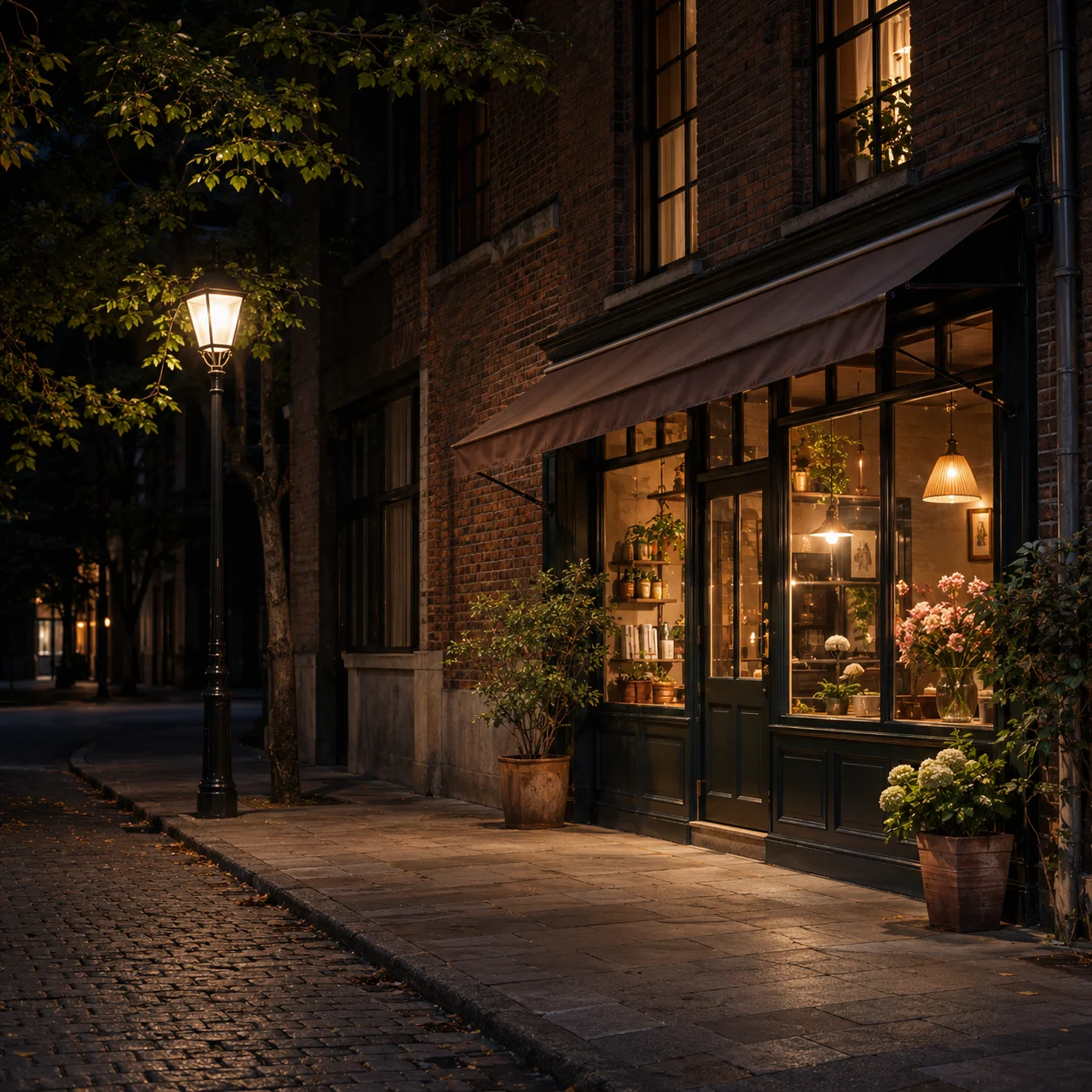
Brighten a dark night photo by lifting shadow areas where useful detail was captured. The night photo enhancer aims to make a person, street, or landscape easier to distinguish without turning the whole scene unnaturally bright.
Reveal Captured Scene Detail
A night photo enhancer can improve local contrast in dim scenes so building edges, clothing, and background shapes are easier to read. Results vary when deep shadows contain very little original information.
Made for Evening Photo Scenarios
Use a night photo enhancer on evening portraits, city streets, travel scenes, and outdoor gatherings. These examples show how low-light image enhancement can help when the subject appears too dark against the night background.
Keep the Nighttime Mood
Keep the night atmosphere in view. A balanced night photo enhancer should make important details clearer while retaining dark skies, warm window light, and the contrast between lit and unlit areas. Judge the night photo enhancer preview at normal size before saving.
Why Use a Night Photo Enhancer?
A night photo enhancer is useful when a photo looks darker than the scene felt in person. Review a brighter preview, compare it with the original, and decide whether the change suits the moment. Keep expectations realistic: enhancement can work with recorded pixels, but it cannot reliably recreate details that were never captured.
How to Use a Night Photo Enhancer
Use this night photo enhancer in four simple steps: upload an underexposed evening image, review the enhanced preview, compare it with the original, and save the version you prefer.
Upload a Night Photo
Choose a dark photo taken after sunset, such as a night street, city view, evening portrait, or travel scene. Images with some visible subject detail give a night photo enhancer more to work with.
Create an Enhanced Preview
Start the enhancement and let the night photo enhancer prepare a brighter preview. Processing can improve the visibility of captured information, but results vary with exposure, focus, and motion. The night photo enhancer uses the image you upload as its starting point.
Compare Light and Detail
Compare the original and enhanced night photo side by side in the night photo enhancer preview. Check the main subject, shadow areas, color, image grain, and whether streetlights or signs still look controlled.
Save the Version You Prefer
Save the version that looks right for your use. Keep the original too, especially if you want to compare edits later or preserve the darker atmosphere of the scene. The night photo enhancer leaves that choice to you.
A Night Photo Enhancer for Dark, Underexposed Shots
Use a night photo enhancer to work with underexposed evening images. Compare a preview for shadow detail, subject visibility, color balance, and bright highlights before saving a copy.
AI Night Photo Enhancement
A night photo enhancer can lift shadows and improve the visibility of details already present in a dark image. Results depend on exposure, focus, motion, and how much light reached the camera sensor.
Check Grain in Dark Areas
Raising shadow brightness can also make image grain more noticeable. When using a night photo enhancer, inspect dark walls, skies, and pavement in the preview to see whether noise reduction and detail remain balanced.
Review Color Under Mixed Light
Low-light photos can pick up color casts from street lamps, signs, and mixed lighting. A night photo enhancer preview makes it easier to review skin tones, painted surfaces, and warm or cool lights together.
Keep Night Detail Natural
When you enhance a night photo, check the subject's edges and background textures at normal viewing size. Avoid expecting the night photo enhancer to recover detail hidden by motion blur or complete darkness. A night photo enhancer works best when the original captures some scene information.
Preview Before You Save
A night photo enhancer preview lets you assess a dark image before deciding whether to save or continue. Review the available preview and credit options in the tool before using the night photo enhancer.
Enhance Night Photos Online
Open the night photo enhancer in a modern browser on your phone, tablet, or desktop. Upload a night shot, review the preview, and compare it with the original without installing photo editing software. The night photo enhancer keeps this review workflow available across your devices.
Night Photo Enhancer FAQs
Learn what a night photo enhancer can improve, how to compare a preview, and what to expect from a low-light image.
Make Your Night Photos Easier to See
Upload a dark evening image and use the night photo enhancer to review shadow visibility, subject detail, and bright lights in one preview. Compare it with the original and save the version that best fits the scene. The night photo enhancer is ready for your next low-light image.