
AI Document Enhancer
Need a clearer scan? This AI document enhancer improves the legibility, sharpness, and contrast of a document image while keeping its full page, visible text, numbers, and layout in view. Upload a JPG, PNG, or WebP, then review the enhanced result before downloading.
Drag your image here, or
Reference Image (Max 50MB)


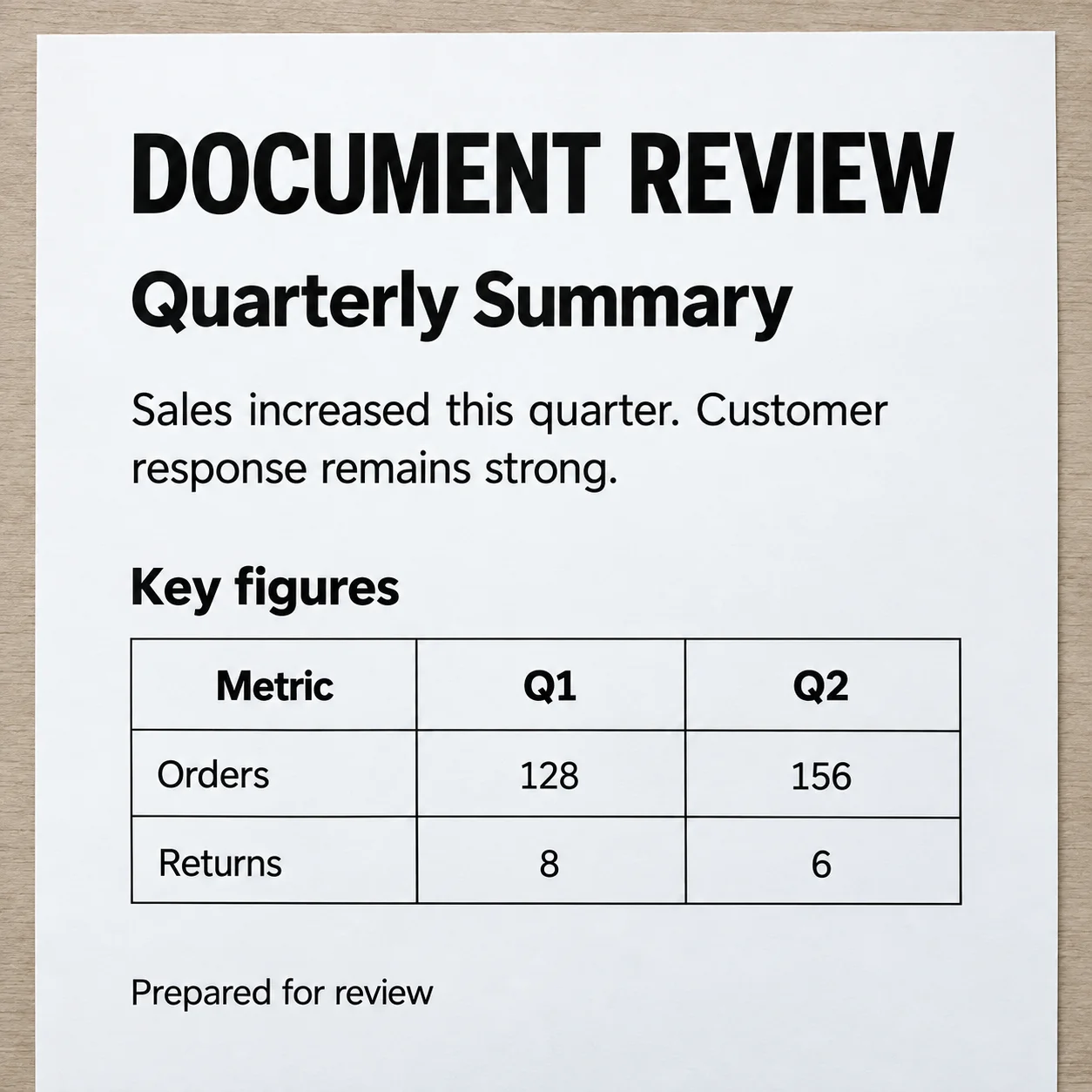
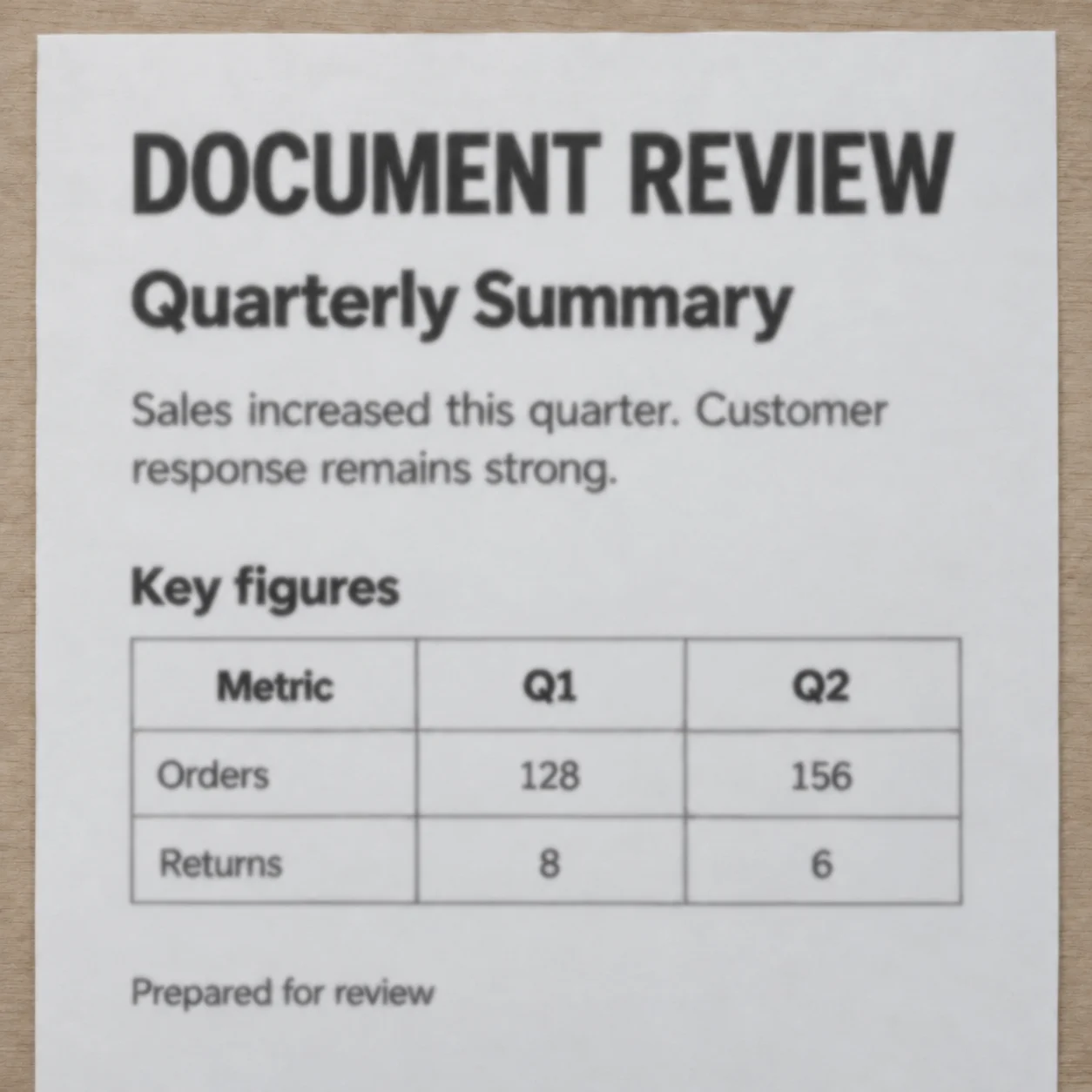
Document Enhancer Examples for Scanned Images
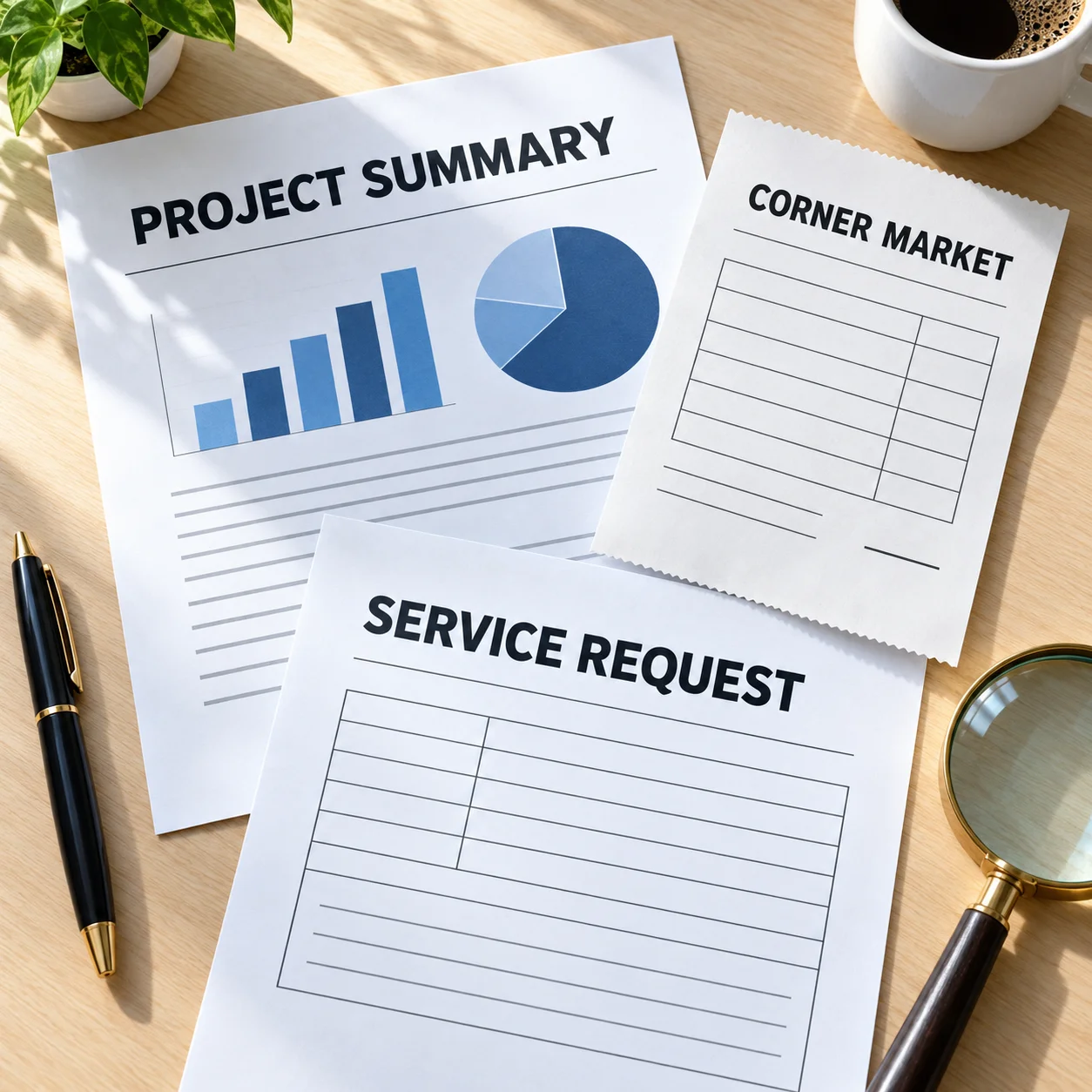
These illustrative document enhancer examples show the kinds of text-heavy images people may want to make clearer, including printed pages, receipts, and forms. Compare the whole image and inspect small details before saving a result.
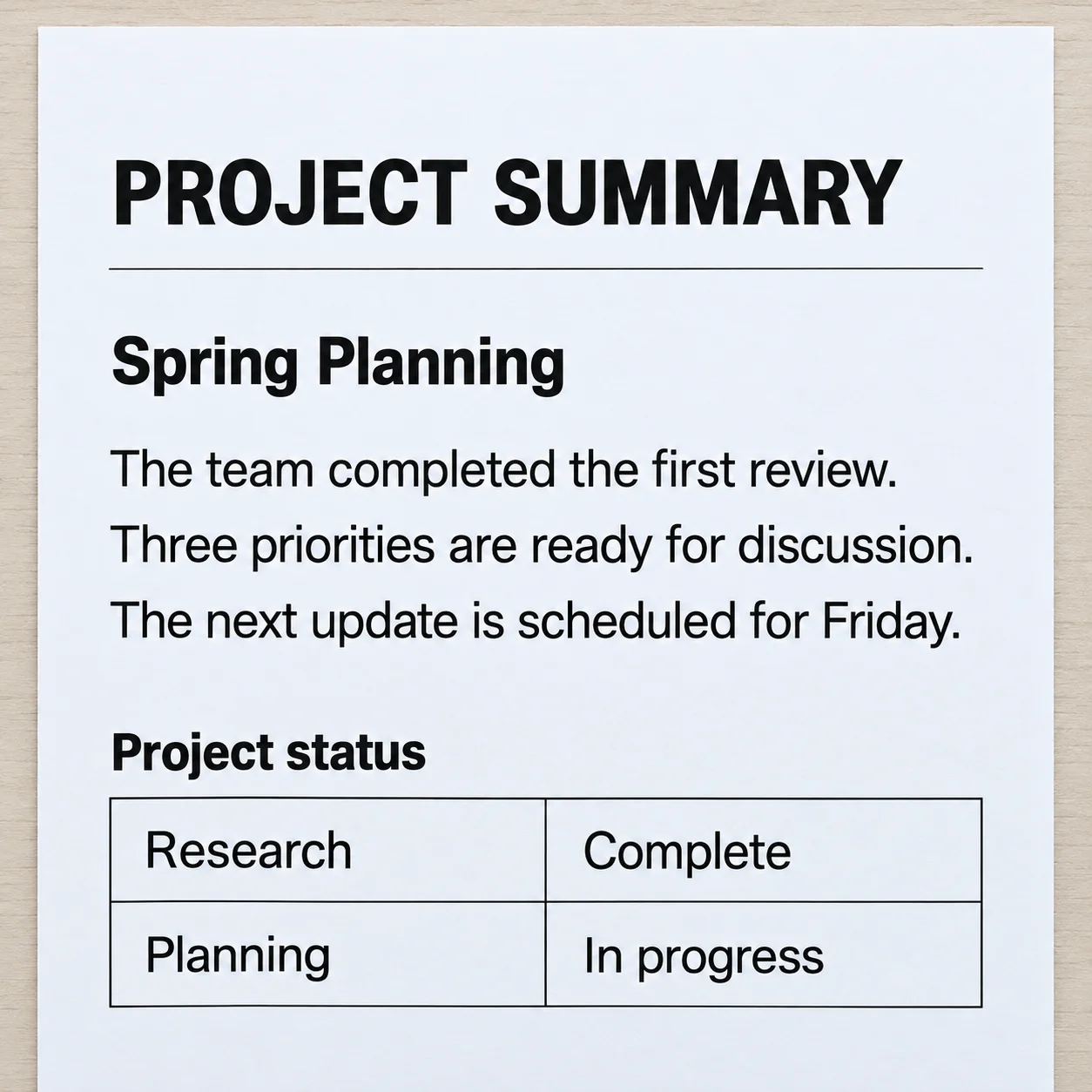
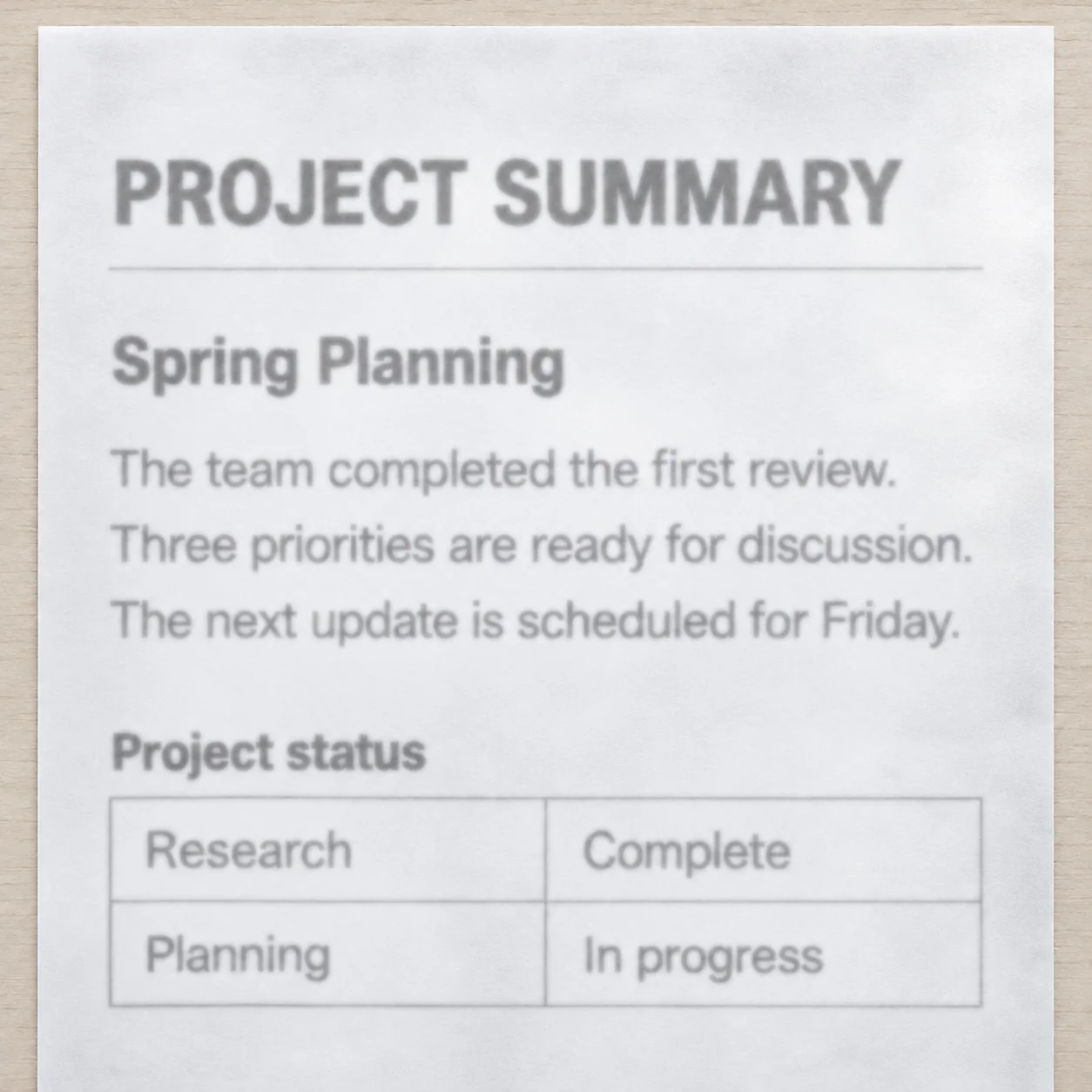
Improve a Faint Printed Page
A document enhancer can improve the appearance of a low-contrast printed page by strengthening visible text and page details. Use the preview to compare headings and lines with the source scan.
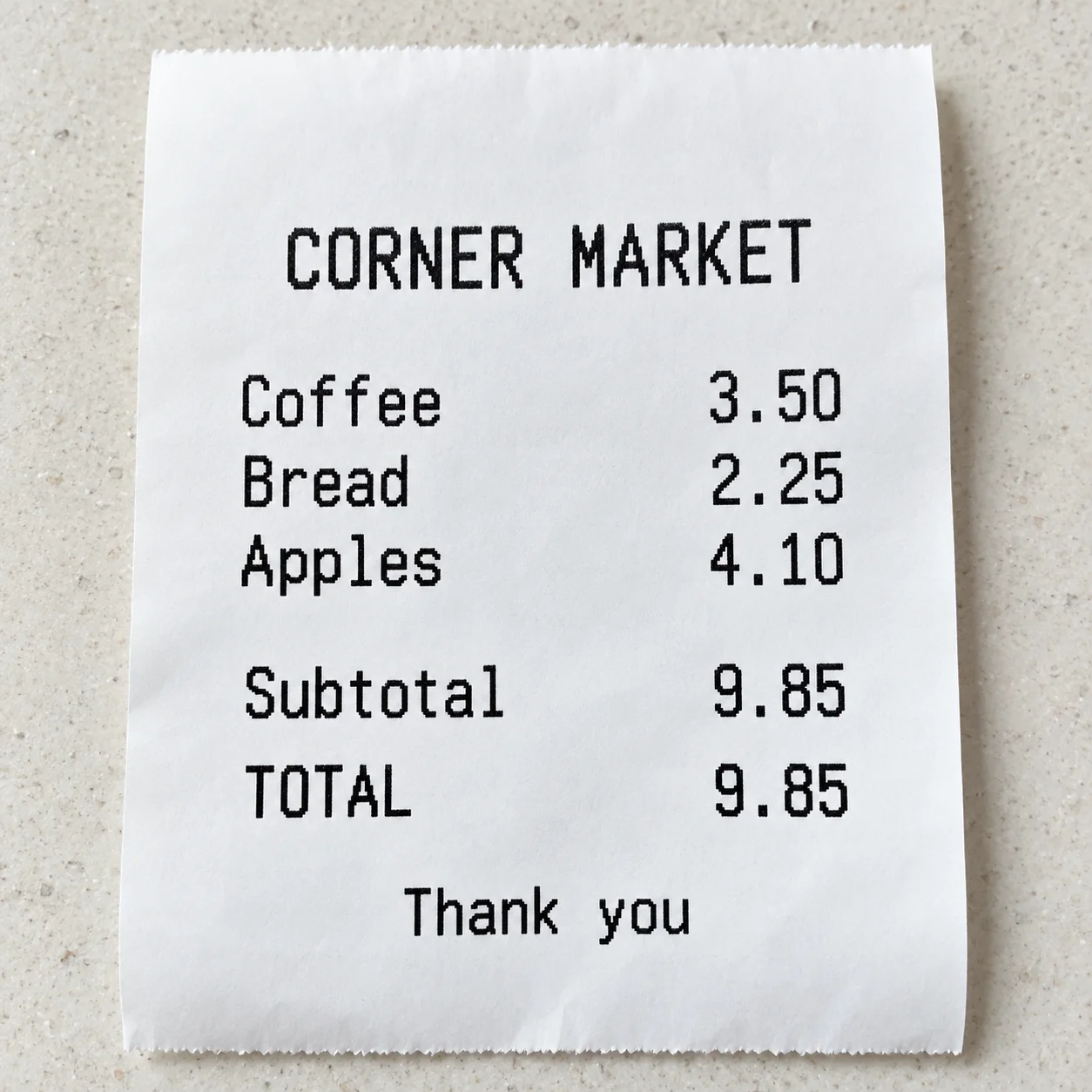
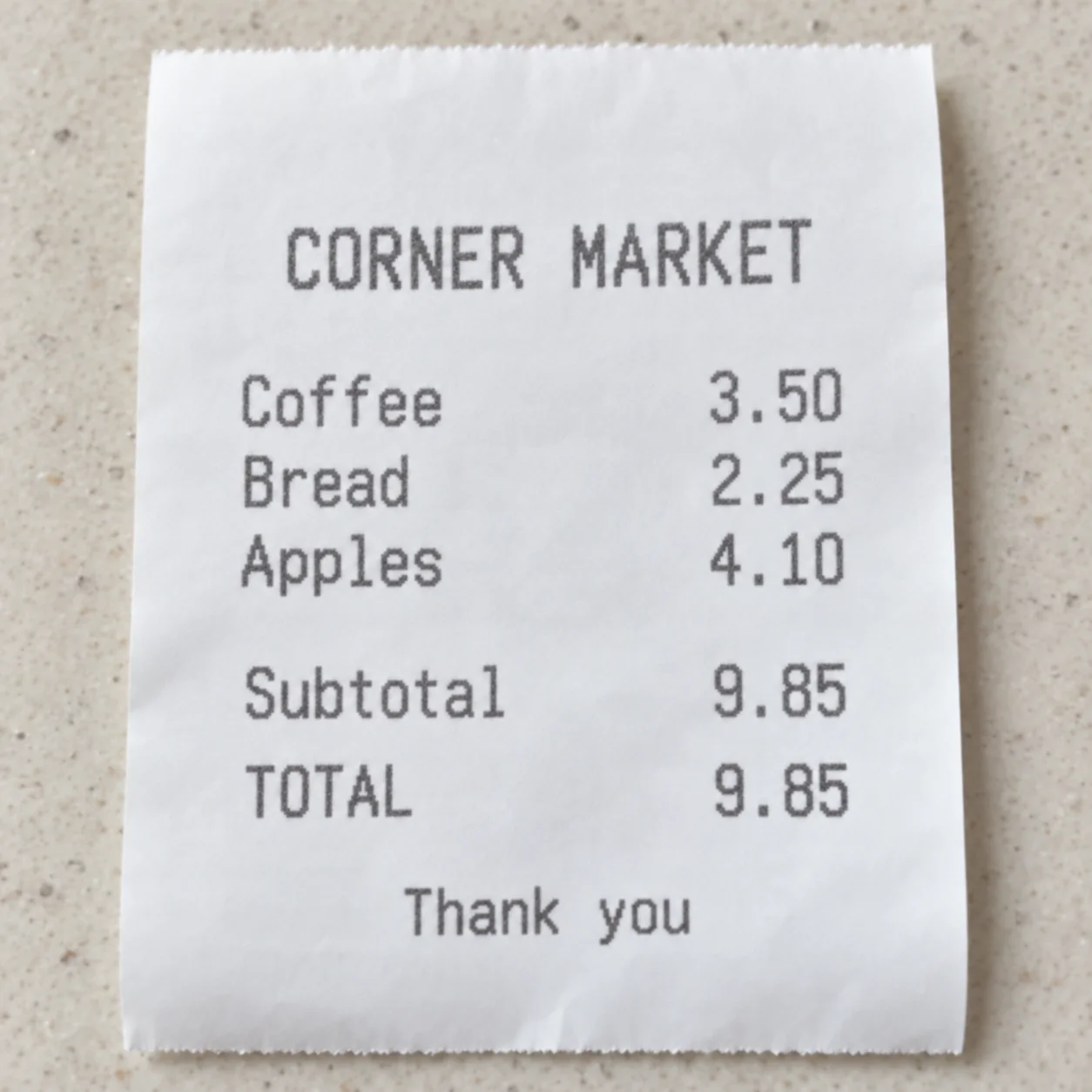
Clarify Small Receipt Text
Small amounts and item lines can be difficult to inspect in a soft receipt photo. This document enhancer example focuses on image clarity; verify every amount and label against the original receipt.
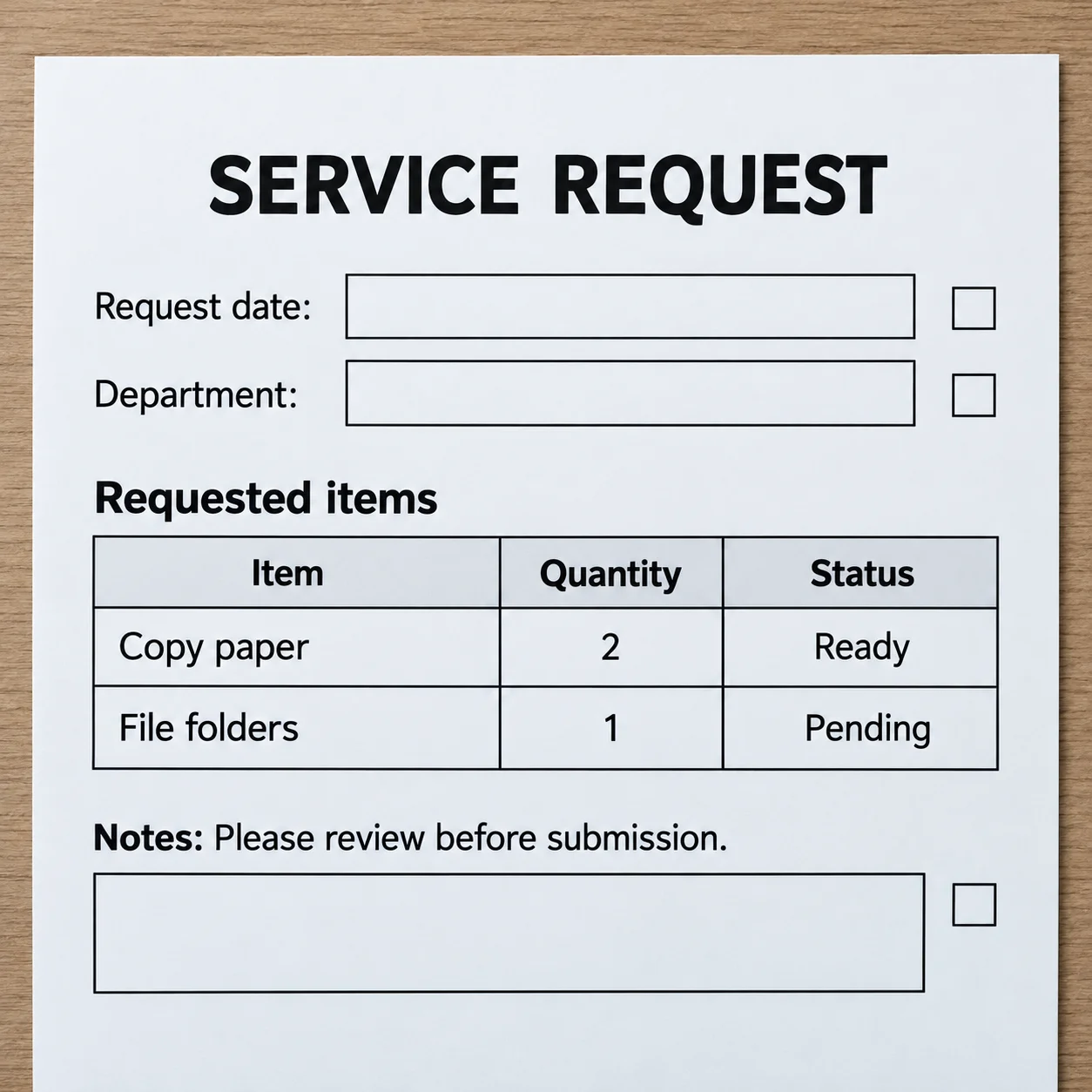
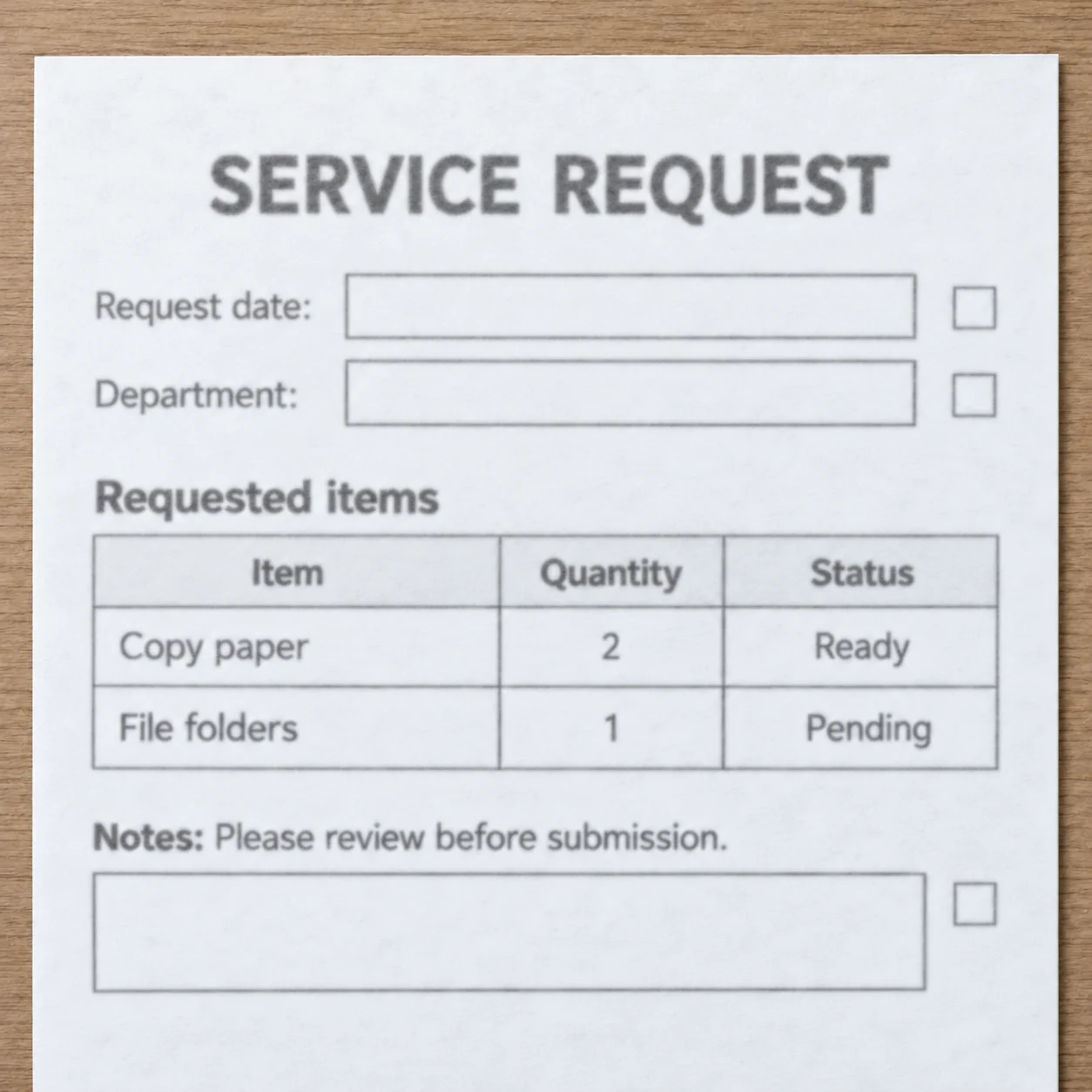
Make Forms and Tables Easier to Read
A scanned form or table contains both text and structure. The document enhancer is intended to make labels and rules easier to see while keeping the full page together, so you can review the result in context.
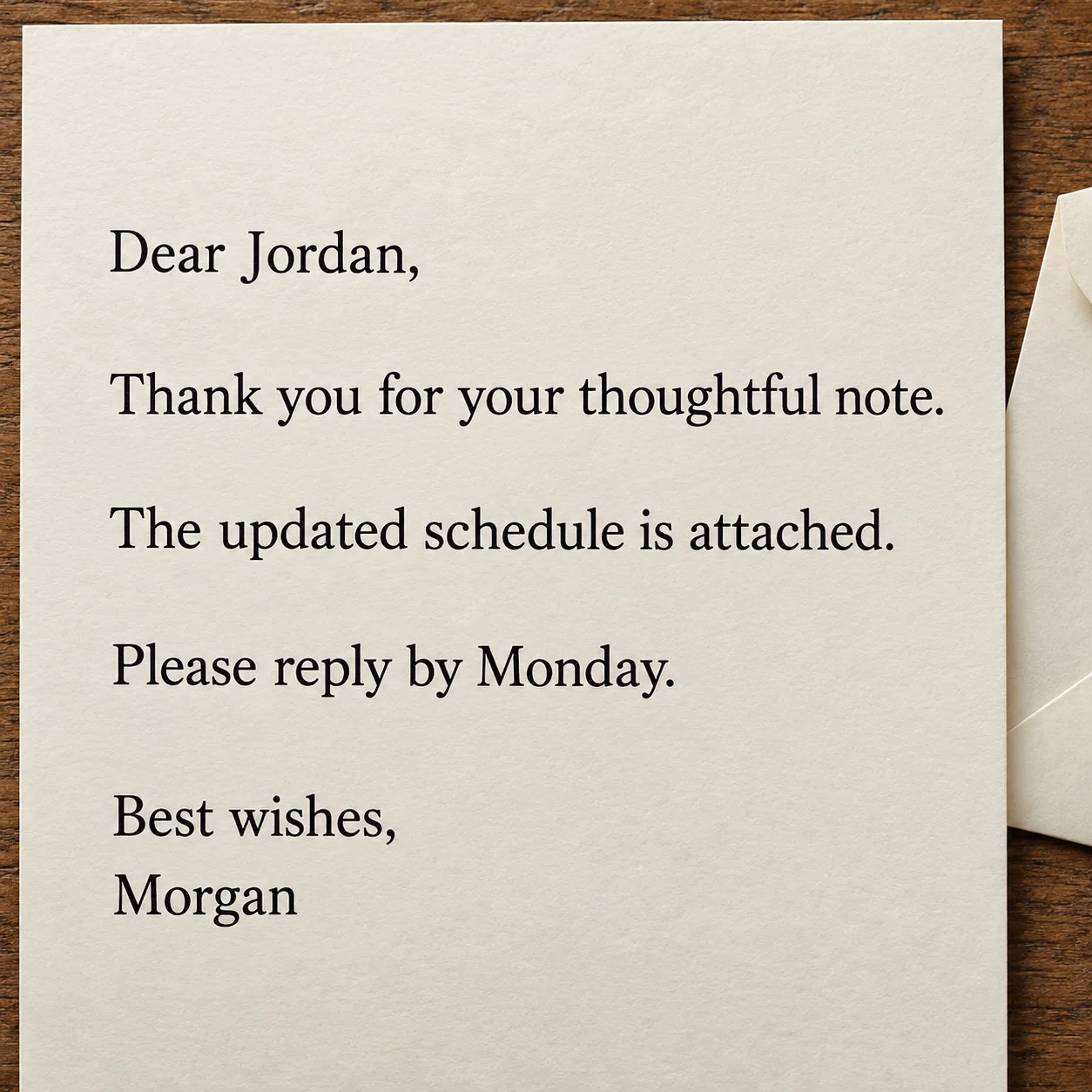
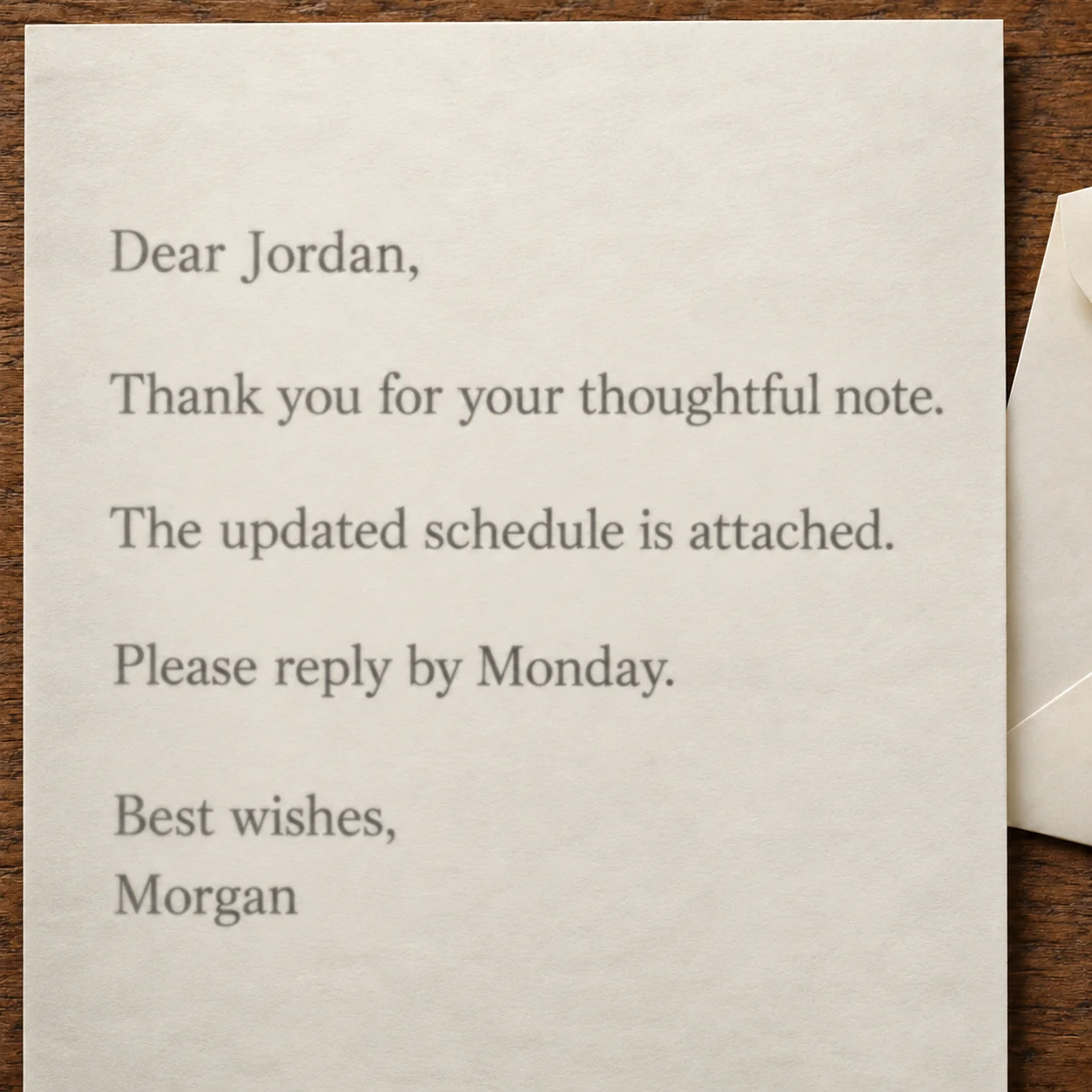
Review a Scanned Letter Before Saving
When preparing a scanned letter or record for reading, sharing, or archiving, preview the enhanced image first. A document enhancer can improve visible clarity, but the source remains the authority for exact wording.
What Can a Document Enhancer Improve?
A document enhancer is useful when a scan or document photo is difficult to read because of soft focus, weak contrast, uneven lighting, or small text. It can improve the image presentation while keeping the page as a complete visual reference.
Make Low-Contrast Text Easier to Read
A page can be recognizable yet still hard to read. Use the document enhancer to improve contrast and make faint printed words, rules, and labels more visible. Check important characters against the original before relying on them.
Improve Scanned Page Clarity
Scanned pages and phone captures can look soft, gray, or unevenly lit. The document enhancer can improve perceived sharpness and contrast across the image, helping letters, reports, and reference pages look clearer on screen.
Keep Tables and Page Layout in View
Invoices, forms, and tables combine words, numbers, lines, and blank fields. This document enhancer is designed to improve image clarity while retaining the full frame, spacing, and alignment rather than treating each word as a separate text object.
Review Important Details Before Use
No document enhancer can guarantee that unreadable source text becomes accurate. Preview the result carefully, especially for names, dates, totals, or other details where one character matters.
Why Use an AI Document Enhancer?
A document enhancer gives you a focused way to improve a document image when the scan is visible but its text or fine details are difficult to inspect.
How to Use the Document Enhancer
Use this online document enhancer in four simple steps: upload a document image, let AI improve its visual clarity, inspect the preview, and download the version you want to keep.
Upload a Document Image
Choose a JPG, PNG, or WebP image of a printed page, receipt, invoice, form, or other text-heavy document. The current uploader accepts image files up to 30 MB.
Enhance the Image with AI
The AI document enhancer analyzes the uploaded image and prepares a clearer version, focusing on visible legibility, sharpness, and contrast while keeping the page composition in view.
Review the Before-and-After Preview
Compare the original and enhanced document image. Check small print, table lines, dates, names, and amounts closely; use the original as the reference for exact wording.
Download the Image
When the preview looks right for your needs, choose the available output options and download the enhanced image to read, share, or keep with your records.
A Practical Document Enhancer for Scanned Pages
Use an AI document enhancer for scanned pages and text-heavy images that need clearer visual detail. Improve legibility, sharpness, and contrast, then compare the result with the source before using it.
Full-Page Document Image Enhancement
This AI document enhancer improves the visual presentation of a full-page image. It is designed for documents, forms, receipts, and other pages where the surrounding layout matters as much as the text.
Sharpen Text and Fine Lines
Make soft lettering, thin rules, and small printed details easier to distinguish. Enhancement changes the appearance of the image; it does not verify or correct the underlying information.
Keep the Page in Context
The document enhancer works with the image you upload and is not a text editor. Review the output to make sure original colors, marks, and page details still suit your needs.
Improve Legibility and Contrast
Adjust the visual clarity and contrast of a scanned document image while keeping the page composition visible. Results depend on the quality and detail present in the source image.
Review Before Downloading
After the document enhancer processes a scan, preview the image before deciding whether it suits your task. Inspect small text and important figures against the original scan before saving or sharing a copy.
Use It in Your Browser
Open this document enhancer in a modern browser on a phone, tablet, or computer. Upload a supported image, review the preview, and download the result without installing desktop editing software.
Document Enhancer FAQs
Learn what this document enhancer can do, which files it accepts, and how to review an enhanced document image.
Make Your Scanned Document Easier to Read
Upload a document image to improve its visible clarity, inspect the full-page preview, and decide whether the enhanced version is ready to download. Check critical details against your original file.