
Restore Old Photos Online
Restore old photos with AI — repair fading, scratches, stains, and tears on scanned family prints in seconds. Try your first restore free, no editing skills needed.
Drop an old photo here
JPG, PNG, WebP up to 50MB


See What AI Old Photo Restoration Can Do
Compare before and after examples to see how AI old photo restoration reduces fading, scratches, stains, and worn detail so important memory pictures look more complete and easier to preserve.


See How AI Can Restore Old Photos
See how AI can restore old photos by reducing fading, scratches, stains, and worn detail so important memory pictures look more complete, easier to preserve, and more useful for digital archiving or sharing.


Restore Old Photos from Family Albums
Restore old photos from scanned family albums and faded portraits when you want faces, clothing, and small scene details to look more complete again without losing the original feeling of the image.


Restore Old Photos with Scratches and Creases
Use AI to restore old photos with scratches, crease marks, stains, paper wear, and other age-related damage that often appears in stored prints, keepsake photos, and older paper copies.


Restore Old Photos for Archiving and Sharing
Restore old photos before saving, reprinting, or sharing them so family memories, scanned keepsakes, and damaged portraits look more complete and easier to preserve for future generations.
What Does It Mean to Restore Old Photos?
Use AI to restore old photos online: repair visible damage, reduce fading, clean up scratches and stains, and make aged family pictures look more complete and easier to preserve over time.
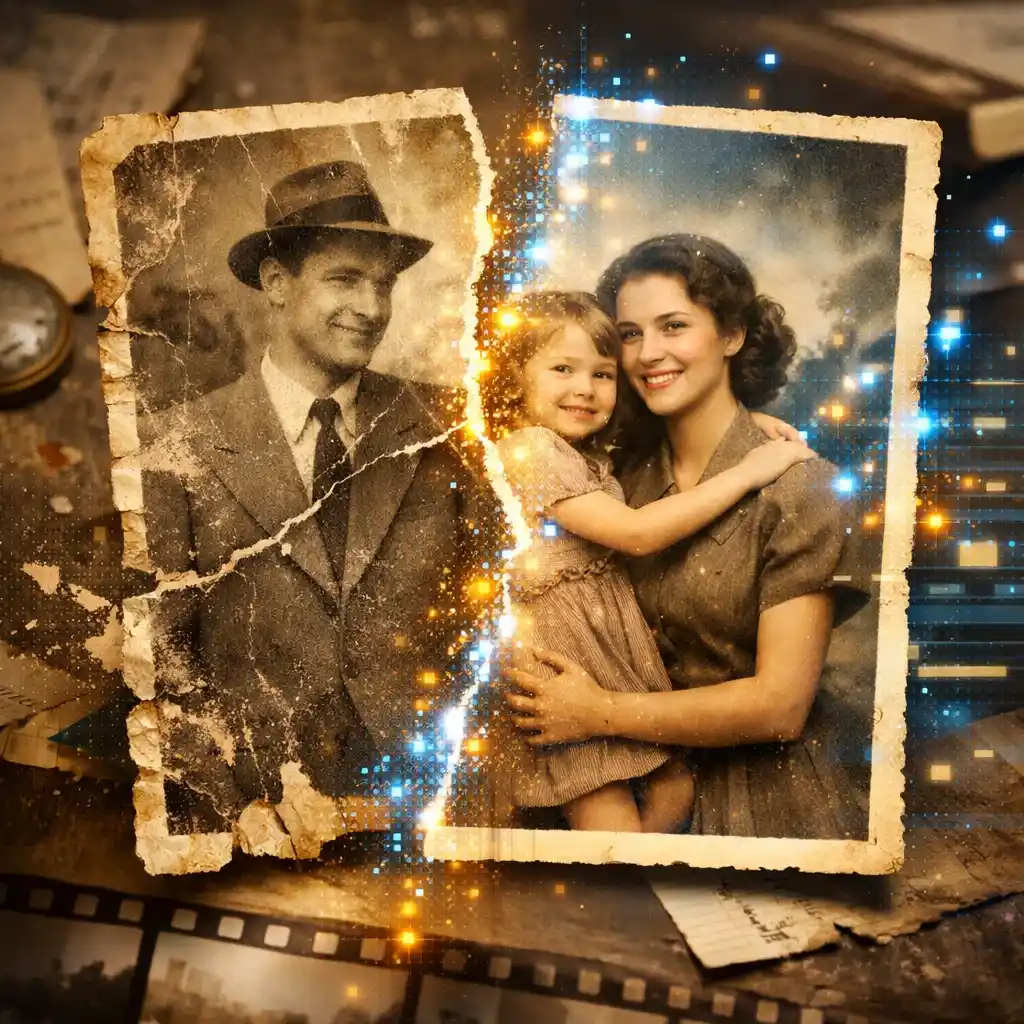
What It Means to Restore Old Photos
Restore old photos by improving aged or damaged pictures so they look cleaner, more complete, and easier to preserve. AI handles fading, scratches, stains, and crease lines automatically.
Repair Common Signs of Age
AI can restore old photos affected by fading, scratches, stains, crease lines, weak contrast, and other signs of age that build up over time in prints, scanned family images, and keepsake photos.
Built for Real Family Photo Scans
Restore old photos from family albums, scanned prints, portraits, and memory pictures that no longer look complete because of time, storage conditions, paper wear, or repeated handling over the years.
Keep Faces and Details Natural
When you restore old photos, the goal is to keep faces, textures, clothing, and historical details looking natural instead of over-smoothed, over-sharpened, or artificially rebuilt by the restoration process.
Why Use AI to Restore Old Photos
Use a simple online workflow to restore old photos when you want to repair family memories without spending time on complicated manual editing or advanced restoration software.
How to Restore Old Photos in 4 Steps
Use a simple 4-step workflow to restore old photos online with AI — no complicated editing software or manual restoration skills needed.
Upload the Old Photo
Start with an old, faded, scratched, stained, or worn picture that you want to restore. Upload a scan that still keeps usable detail for the best restoration results.
Let AI Analyze the Damage
The AI checks the image for fading, scratches, stains, crease marks, paper wear, weak contrast, and low visible detail before it begins to restore old photos more carefully.
Preview the Restored Result
Compare the before-and-after view to see how the image looks more complete, cleaner, and better preserved before you save it or continue your restore old photos workflow.
Download the Restored Photo
Save the improved image once the restore old photos result looks ready to keep, archive, reprint, or share with family members and the next generation.
Everything You Need to Restore Old Photos
Use one AI restoration workflow to repair fading, scratches, stains, crease marks, and age-related wear across old family photos, scanned prints, and keepsake pictures.
AI Old Photo Restoration
Restore old photos with AI in seconds. Automatically repairs fading, scratches, stains, crease marks, and physical damage while preserving natural detail.
Scratch, Stain & Tear Repair
Remove scratches, crease marks, stains, and tears from scanned old photos. AI fills in damaged areas by analyzing surrounding textures for seamless repair.
Photo Colorization
Bring old black-and-white photos to life with AI colorization that preserves natural skin tones, clothing colors, and period-appropriate hues.
Clarity & Detail Recovery
Restore visible detail in blurry or degraded old photos. AI improves clarity and recovers fine textures without making faces or backgrounds look artificial.
Try Free Before You Commit
Try restoring old photos online free — preview your results before committing. No account or credit card required to get started with the restoration workflow.
Works on Any Device
Restore old photos from your phone, tablet, or desktop browser. No app download or software installation needed — works in any modern browser.
FAQ About How to Restore Old Photos
Answers to common questions about using AI to restore old photos online.
Restore Old Photos Online
Use AI old photo restoration to restore old photos, repair visible damage, improve faded family pictures, and make meaningful memories easier to keep, archive, and share with the next generation.