
Image Color Correction Online
Improve photo colors online with AI. Correct unwanted color casts, revive faded tones, and balance colors in portraits, travel photos, and everyday images without manual editing sliders.
Drag your photo here, or
Reference Image (Max 50MB)


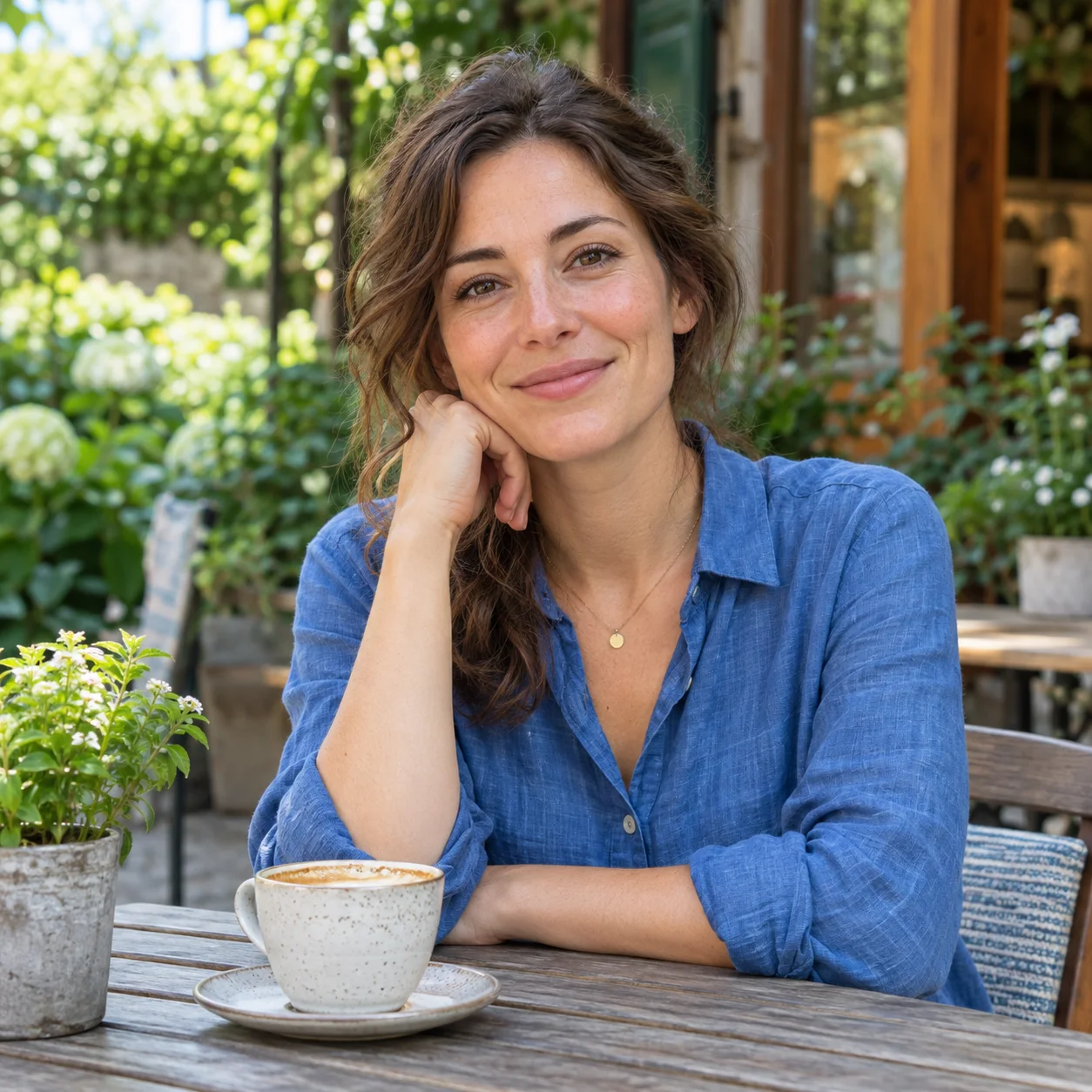

Image Color Correction Examples
Explore image color correction examples for color casts, faded tones, and uneven color balance. Compare each before-and-after pair to review the AI-adjusted result.


Correct a Yellow Color Cast
See how AI photo color correction can reduce a yellow cast in a portrait and create a more balanced look for skin tones and neutral colors.
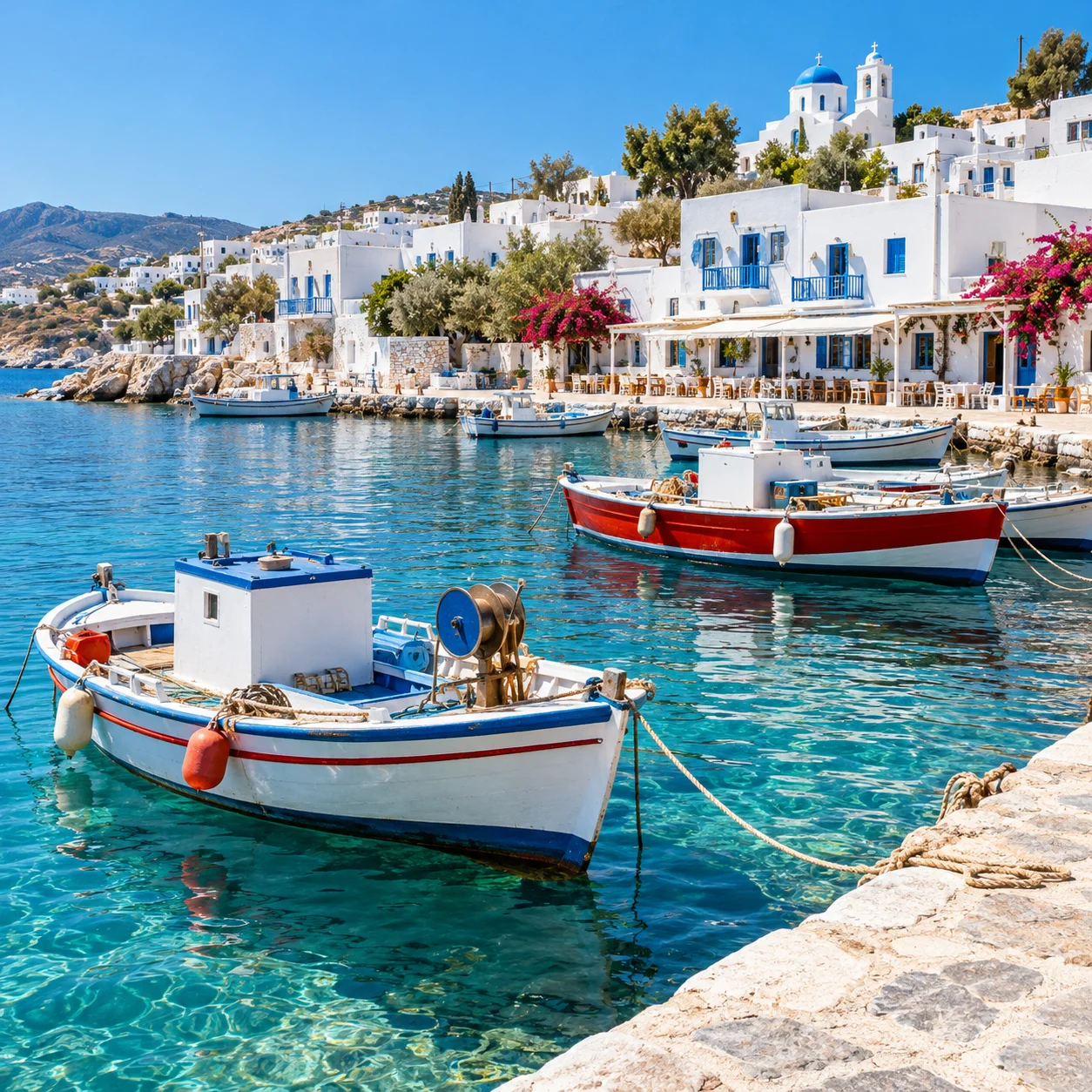
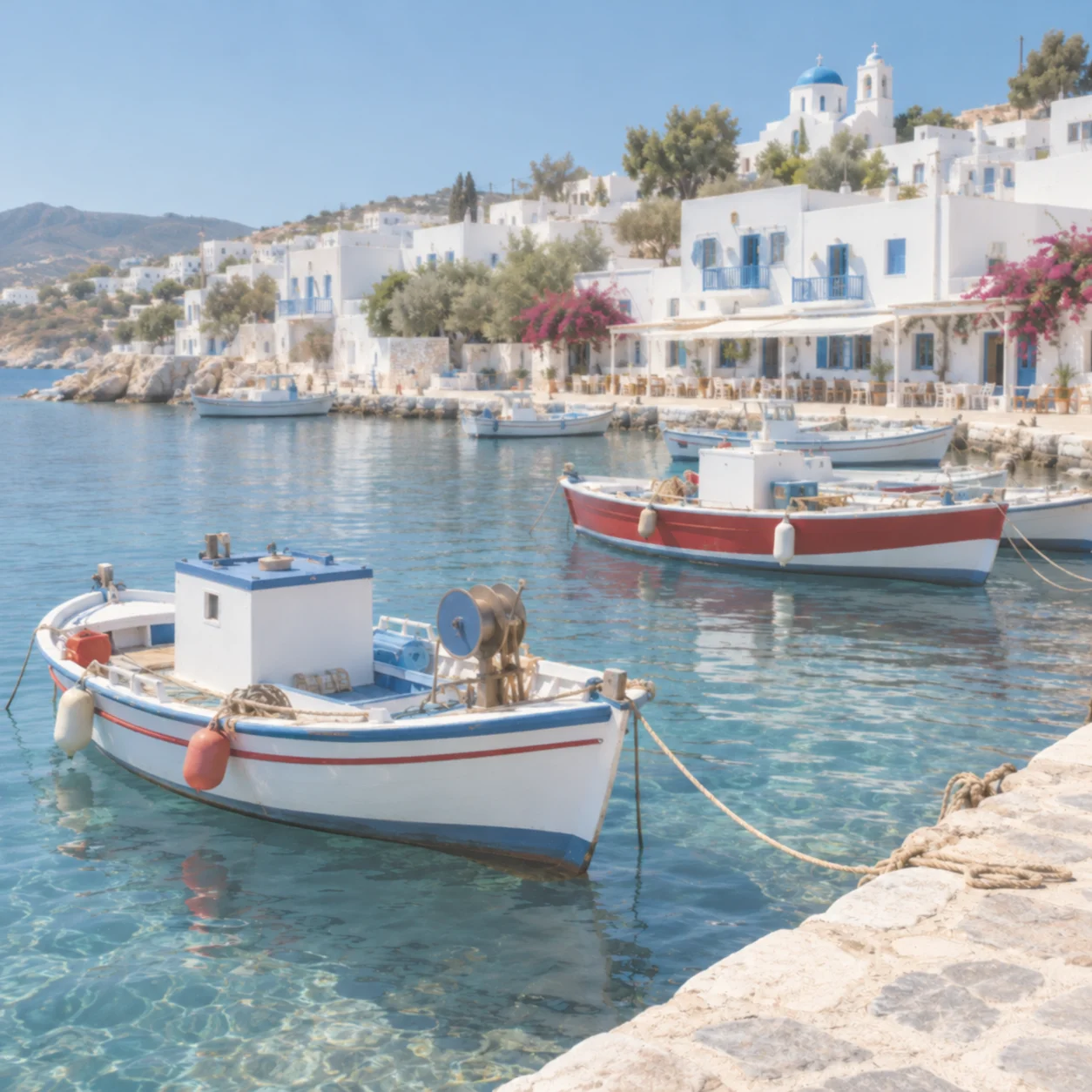
Improve Faded Photo Colors
Image color correction can improve a washed-out outdoor photo by balancing faded colors while keeping the original scene recognizable.


Balance a Cool Blue Tint
A cool blue tint can affect the entire image. AI color correction can bring the overall tones closer to neutral without requiring manual color adjustments.
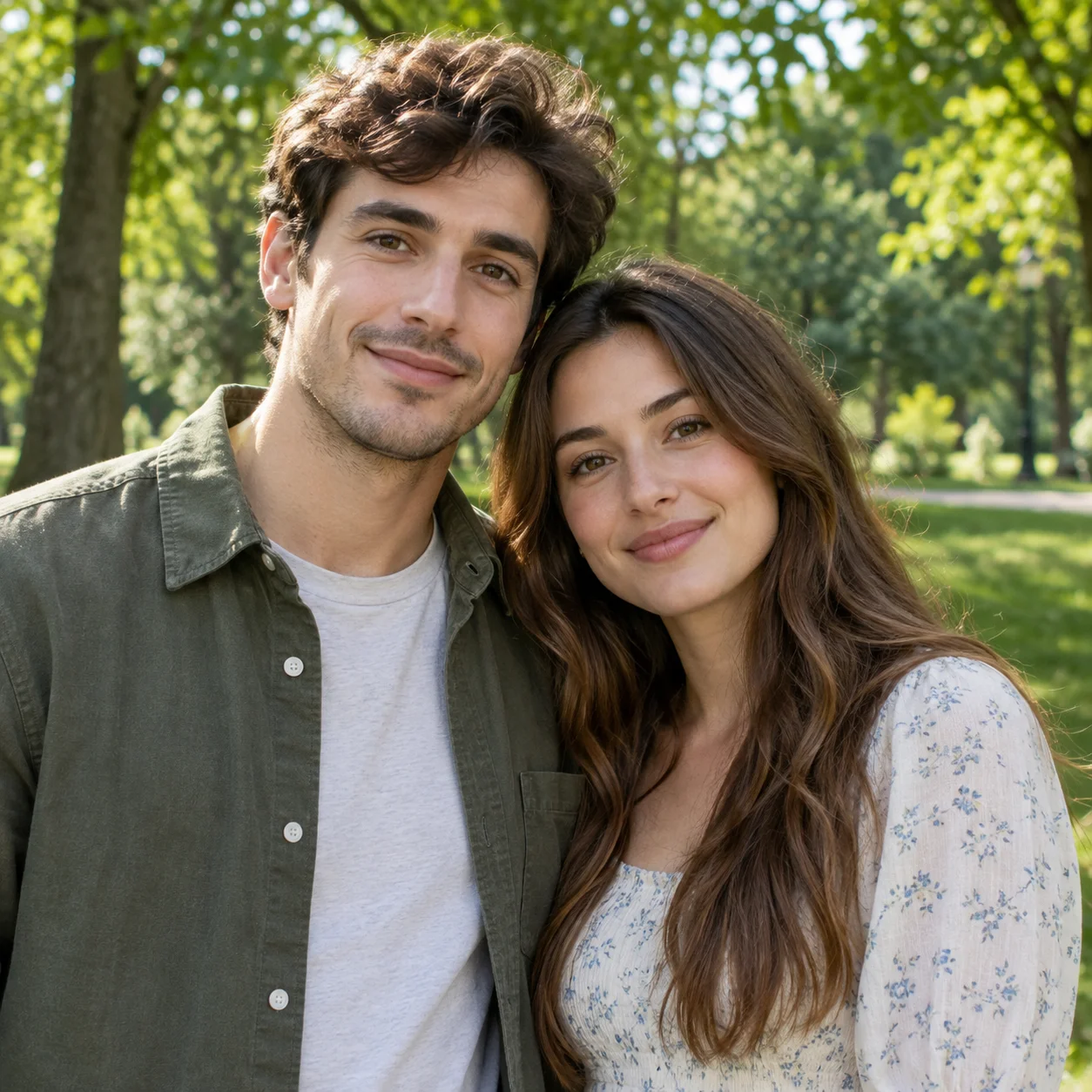
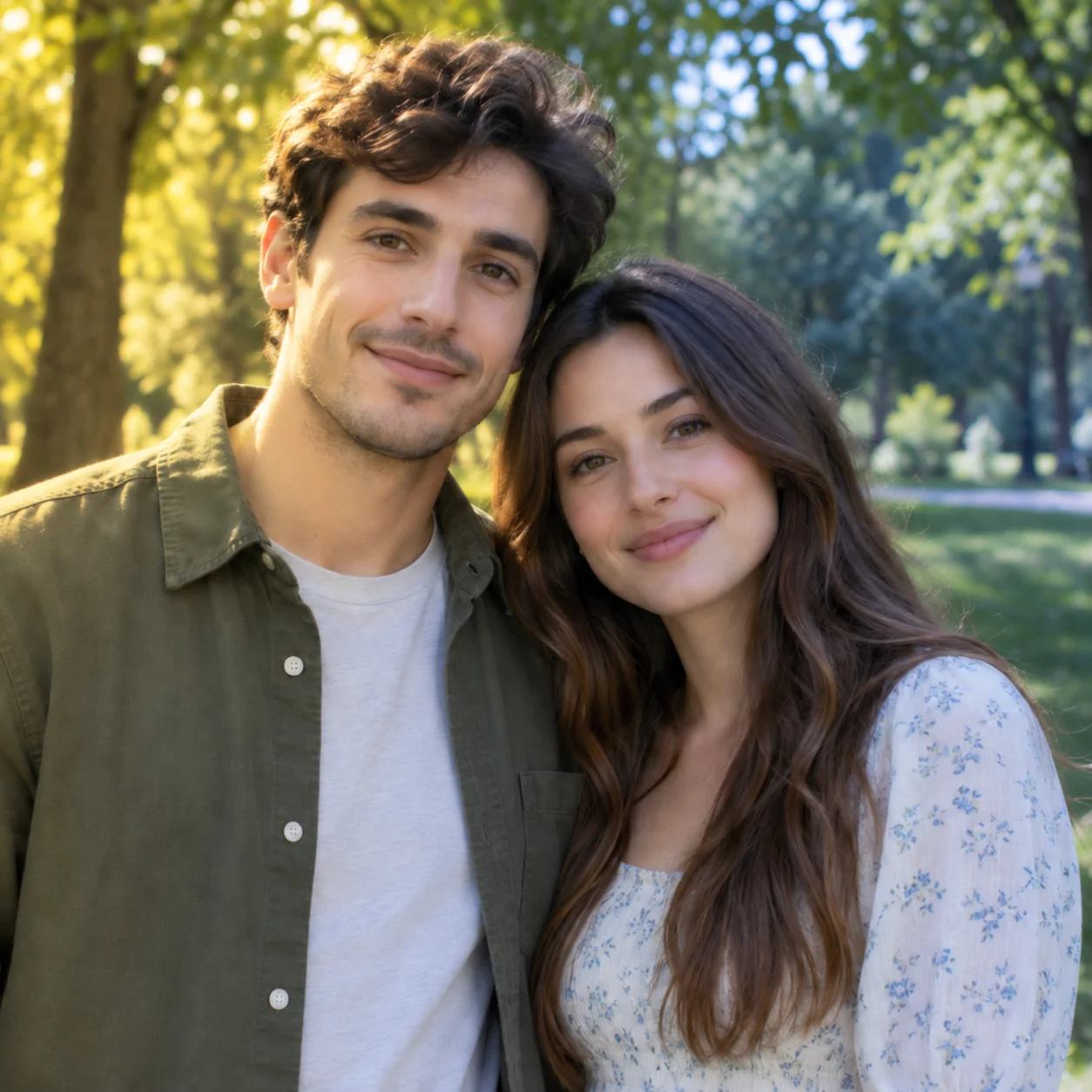
Improve Uneven Color Balance
When lighting creates uneven color across a portrait, image color correction can help make the overall photo look more consistent.
What Can Image Color Correction Improve?
AI image color correction can improve common color problems such as yellow or blue casts, faded tones, and uneven color balance in portraits and everyday photos.
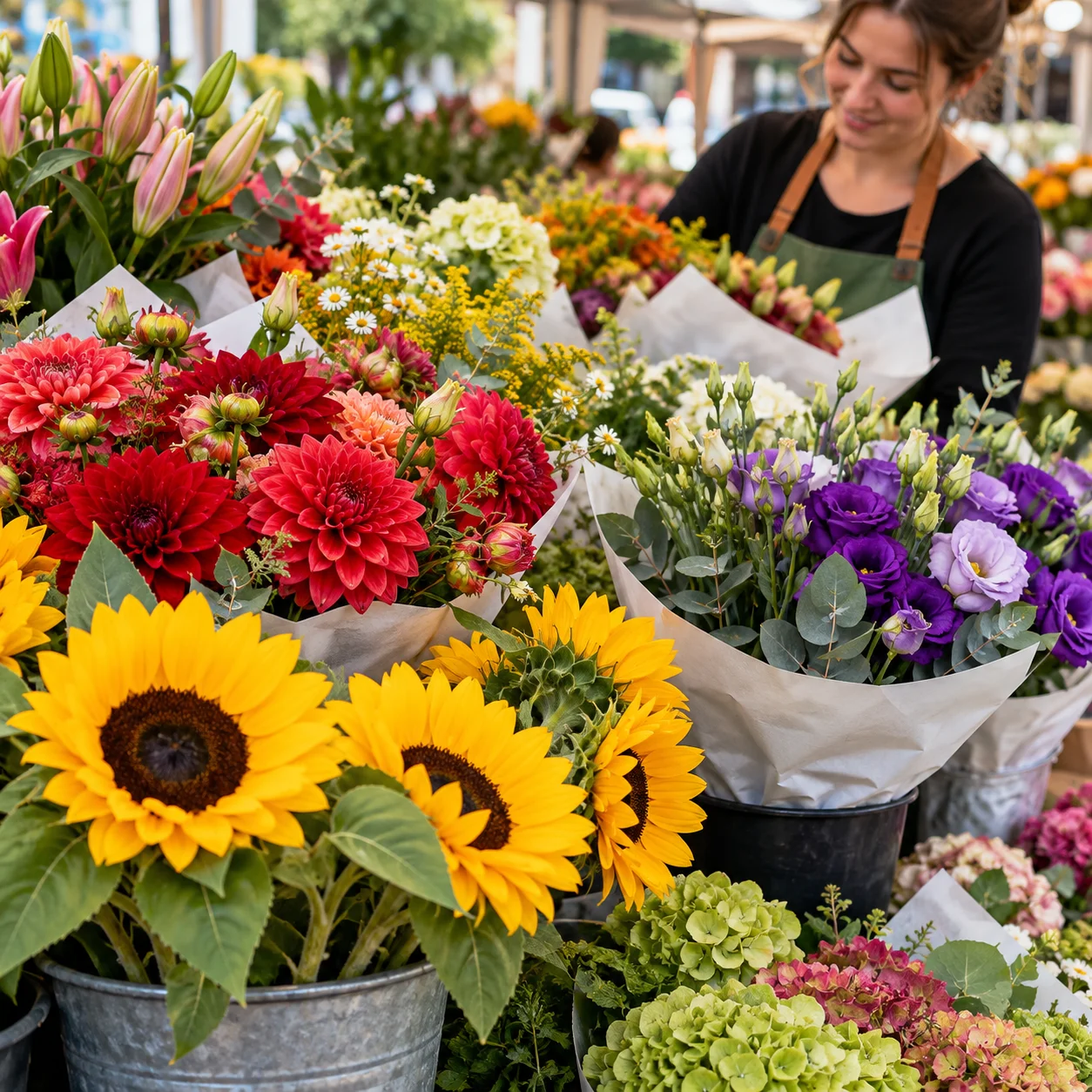
Correct Yellow or Blue Color Casts
A warm yellow or orange tint can make skin and neutral surfaces look unnatural. AI photo color correction can reduce the cast and move the overall image toward a more balanced appearance.
Improve Faded Photo Colors
Photos with washed-out or weak color can look flat. Image color correction can improve faded tones and bring more balance back to the colors already present in the photo.
Balance Uneven Color and Lighting
Mixed or uneven lighting can leave parts of a photo looking too warm, cool, or muted. AI color correction analyzes the image as a whole to create a more consistent result.
Keep Portrait Colors Natural
For portraits, natural-looking skin color matters. Review the corrected image to make sure faces, clothing, and the surrounding scene still look true to your photo.
When to Use AI Photo Color Correction
Image color correction is useful when a photo looks too warm, too cool, faded, or inconsistent. AI offers a quick starting point when you do not want to adjust every color manually.
How to Correct Photo Colors Online
Use the online image color correction tool to upload a photo, review the AI-adjusted colors, and decide whether to download the result.
Upload a Photo
Choose a photo with a visible yellow or blue tint, faded colors, or uneven color balance. Upload the image you want to correct.
Apply AI Color Correction
The AI analyzes the image and generates a color-adjusted version. The result may change more than color, so inspect details before using it.
Review the Before and After
Compare the original and adjusted image. Check color balance, skin tones, and important details to decide whether the correction suits your photo.
Download Your Corrected Image
Download the adjusted image if you are satisfied with the result. Keep the original file if you need an unchanged reference.
Photo Color Correction for Common Color Issues
Use AI image color correction to improve color casts, faded tones, and uneven balance in existing photos. Preview the result and check that important details still look right.
AI Image Color Correction
AI color correction analyzes the uploaded image and generates an adjusted version intended to look more balanced. Results can vary with the original photo.
Improve Faded Colors
Faded or low-saturation photos can look washed out. Improve the colors already present in the image without treating this page as a scratch-repair tool.
Correct Unwanted Color Tints
Correct an unwanted warm, cool, or uneven tint in a color photo. This tool adjusts existing colors; it is not a dedicated black-and-white photo colorizer.
Review Natural Color Balance
Color correction focuses on color balance, not creative color grading. Review the output for natural-looking skin tones, neutral areas, and scene colors.
Preview Before Downloading
Review the available preview and download options in the tool before starting. Pricing and account requirements depend on the selected workflow.
Works on Any Device
Open the online photo color correction tool in a modern browser on your phone, tablet, or desktop. Upload a photo to begin.
Image Color Correction FAQ
Learn what AI image color correction can improve, how to review the result, and how color correction differs from photo colorization.
Correct Photo Colors Online
Upload a photo with an unwanted color cast, faded tones, or uneven balance. Preview the AI-adjusted image and download it if it meets your needs.