
Colorize Photo Online with AI
Use Colorize Photo to preview a black-and-white or sepia picture in color. This online AI photo colorizer estimates hues from the scene, then lets you compare the preview with your original before choosing whether to download it. The tool keeps the focus on your source image; the result is an interpretation, not a verified record of its original colors.
Drag your image here, or
Reference Image (Max 50MB)


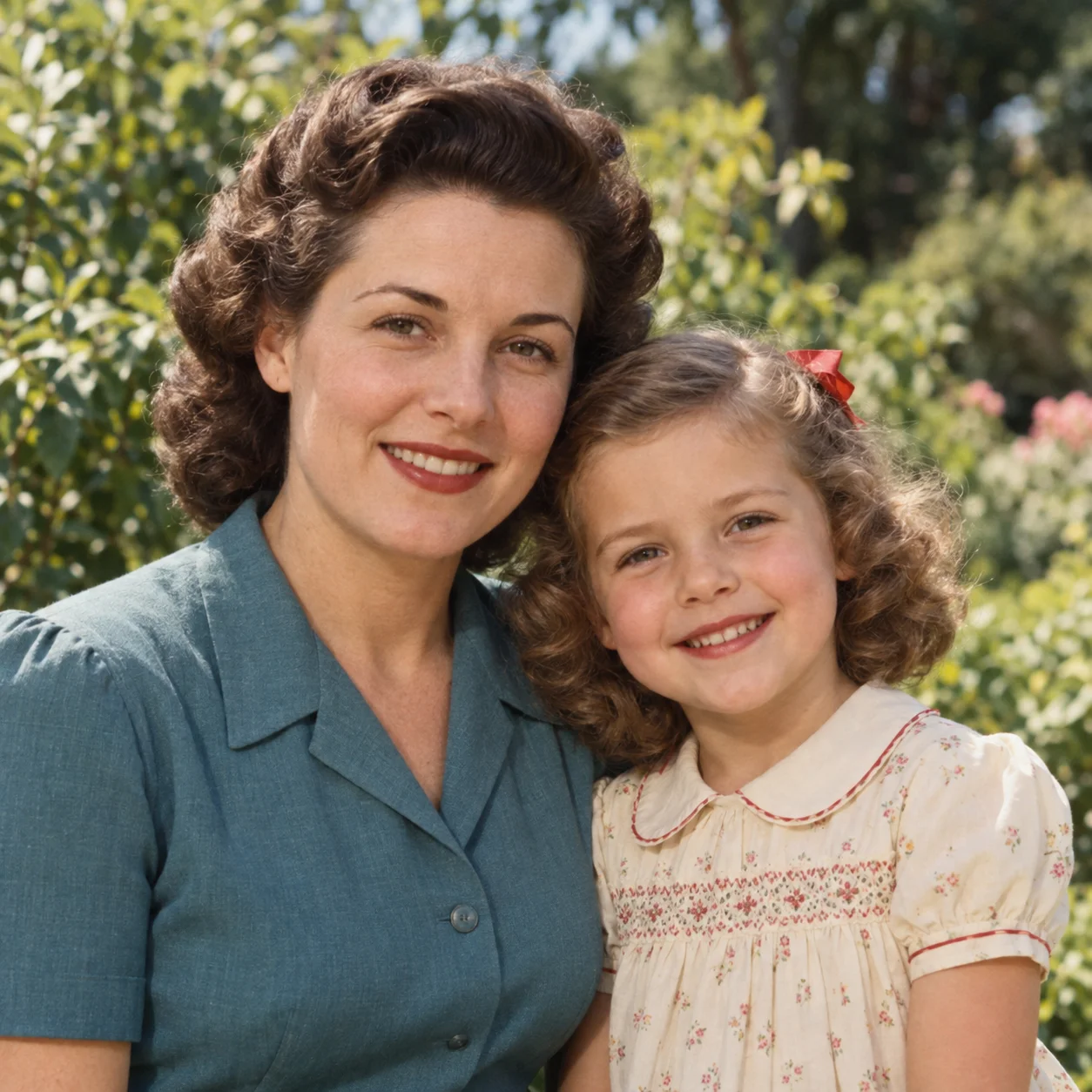
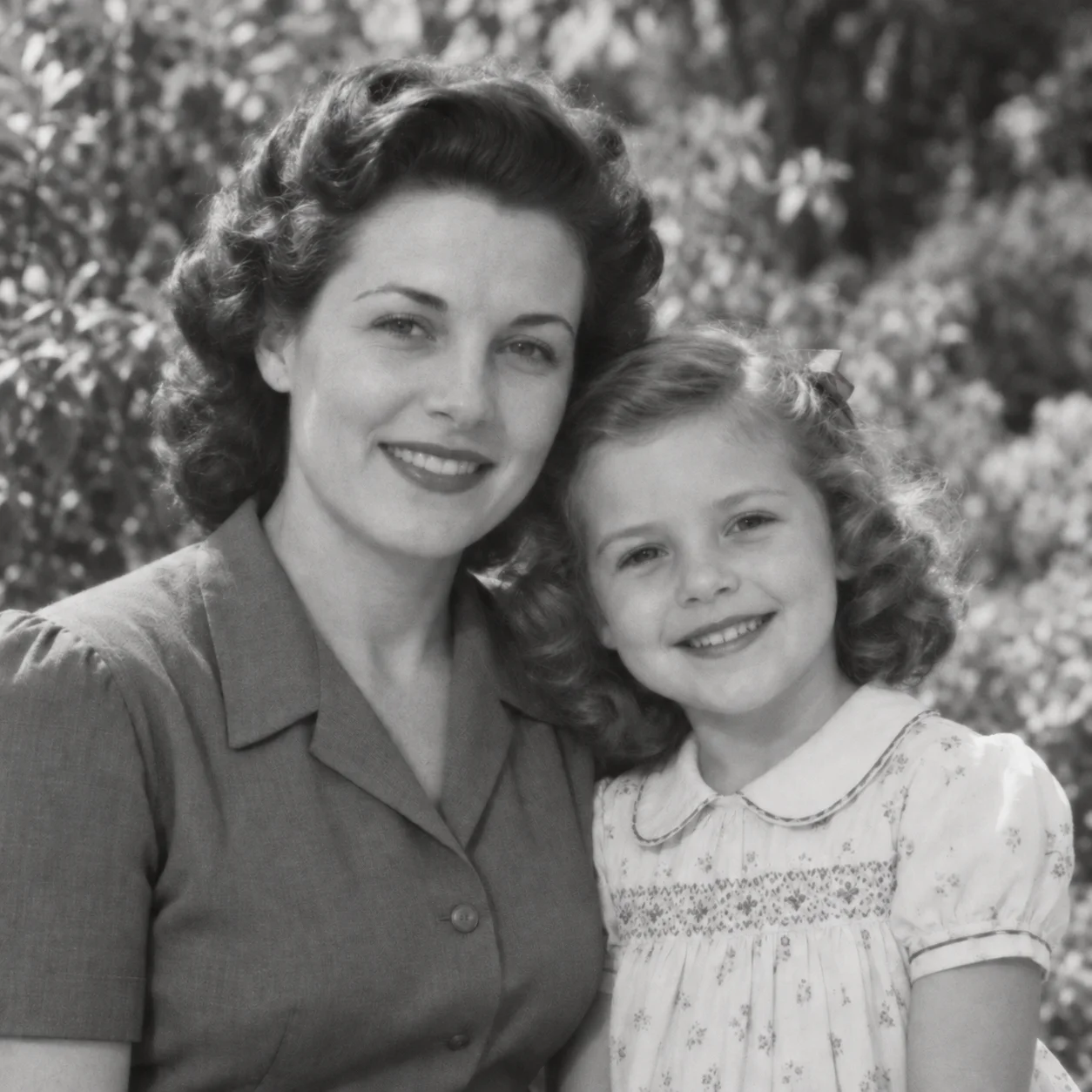
Colorize Photo Examples: Portraits, Families, and Historic Images
Explore Colorize Photo examples for black-and-white portraits, family photographs, historic scenes, and sepia prints. Each planned comparison pairs the source image with an AI color preview so you can inspect the same composition before and after. The output adds a visual interpretation; it cannot verify what the original colors were.

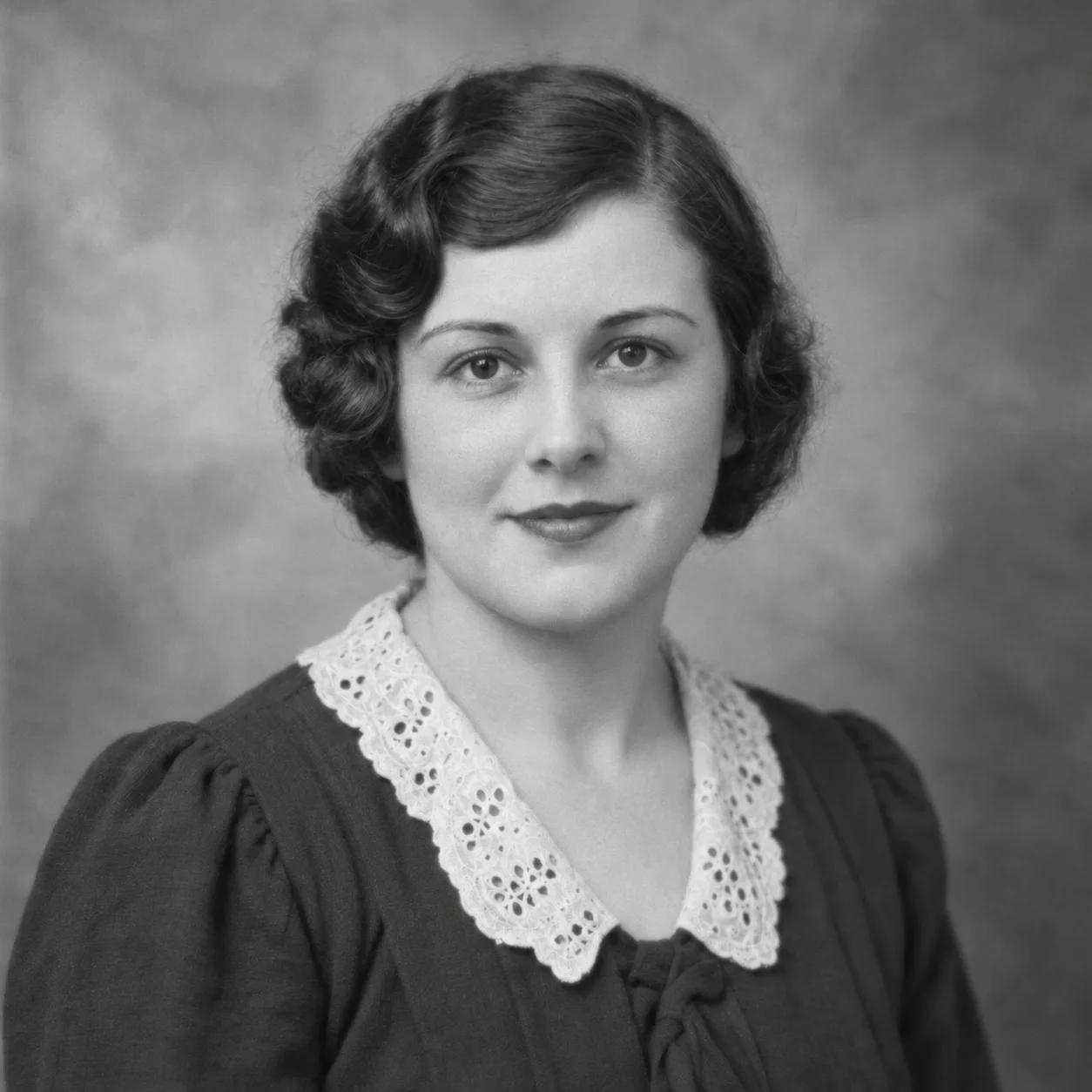
Colorize Photo: Black-and-White Portrait
Use Colorize Photo to compare a black-and-white portrait with an AI-colorized version. Notice how estimated color can change the impression of skin, hair, clothing, and background while the source remains available for reference. It makes an illustrative preview, not a claim that every chosen shade matches the subject's real appearance.

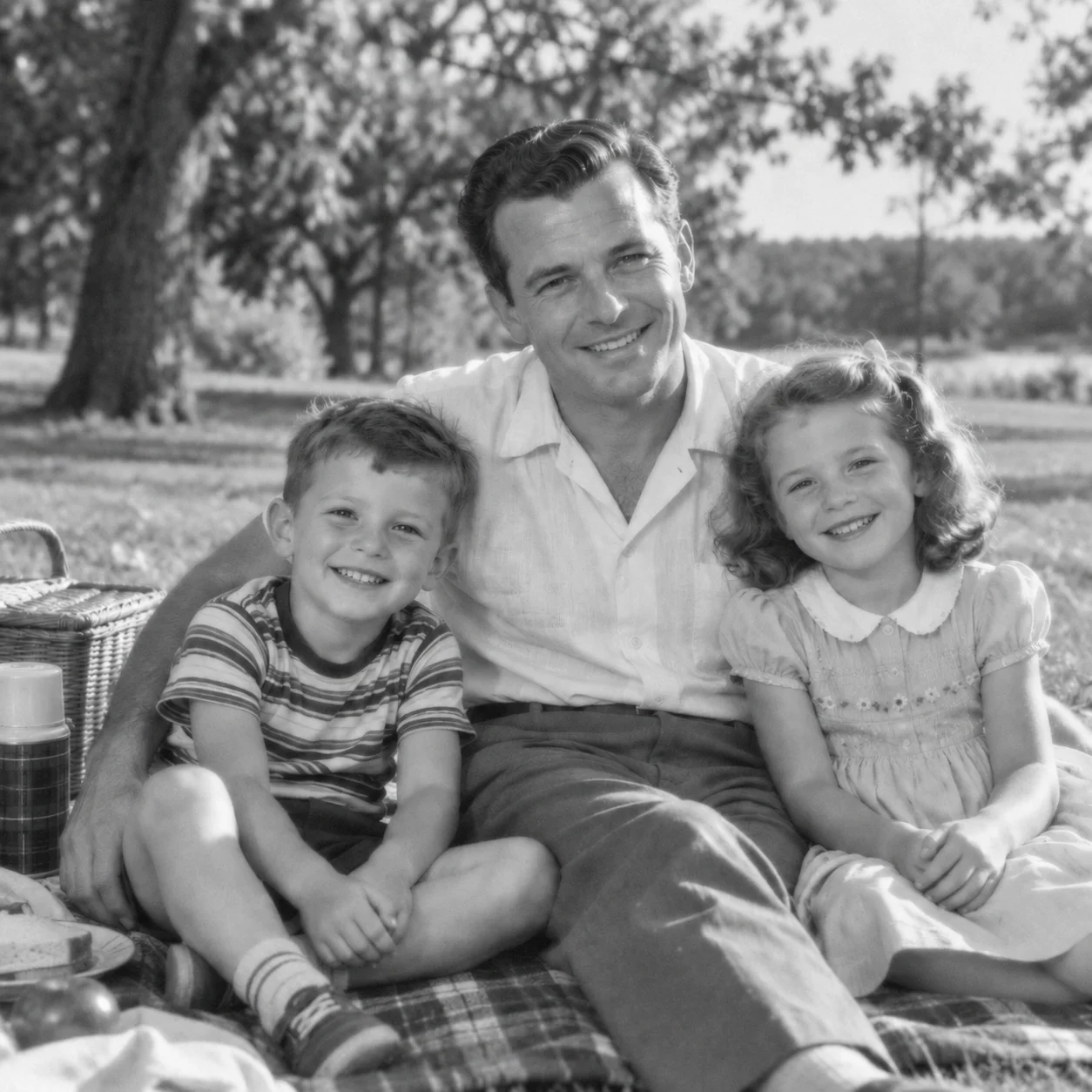
Colorize Photo: Family Photograph
Colorize Photo can make a scanned family snapshot easier to imagine in color by estimating hues for clothing, skin, and the setting. Use the preview to revisit the photograph, then compare the result with the original scan or reliable family references. The AI cannot determine a person's exact eye color, garment shade, or the date a picture was taken.
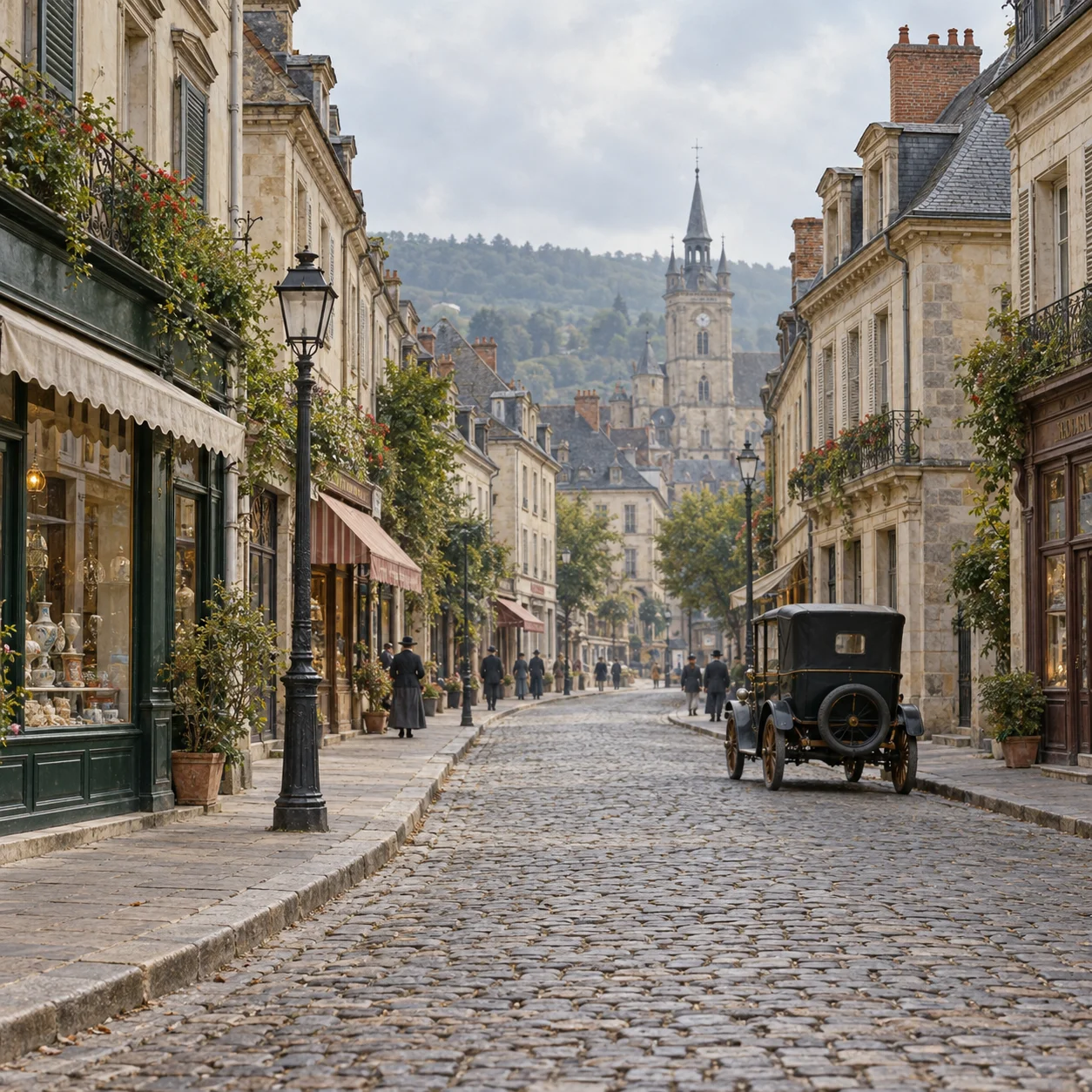
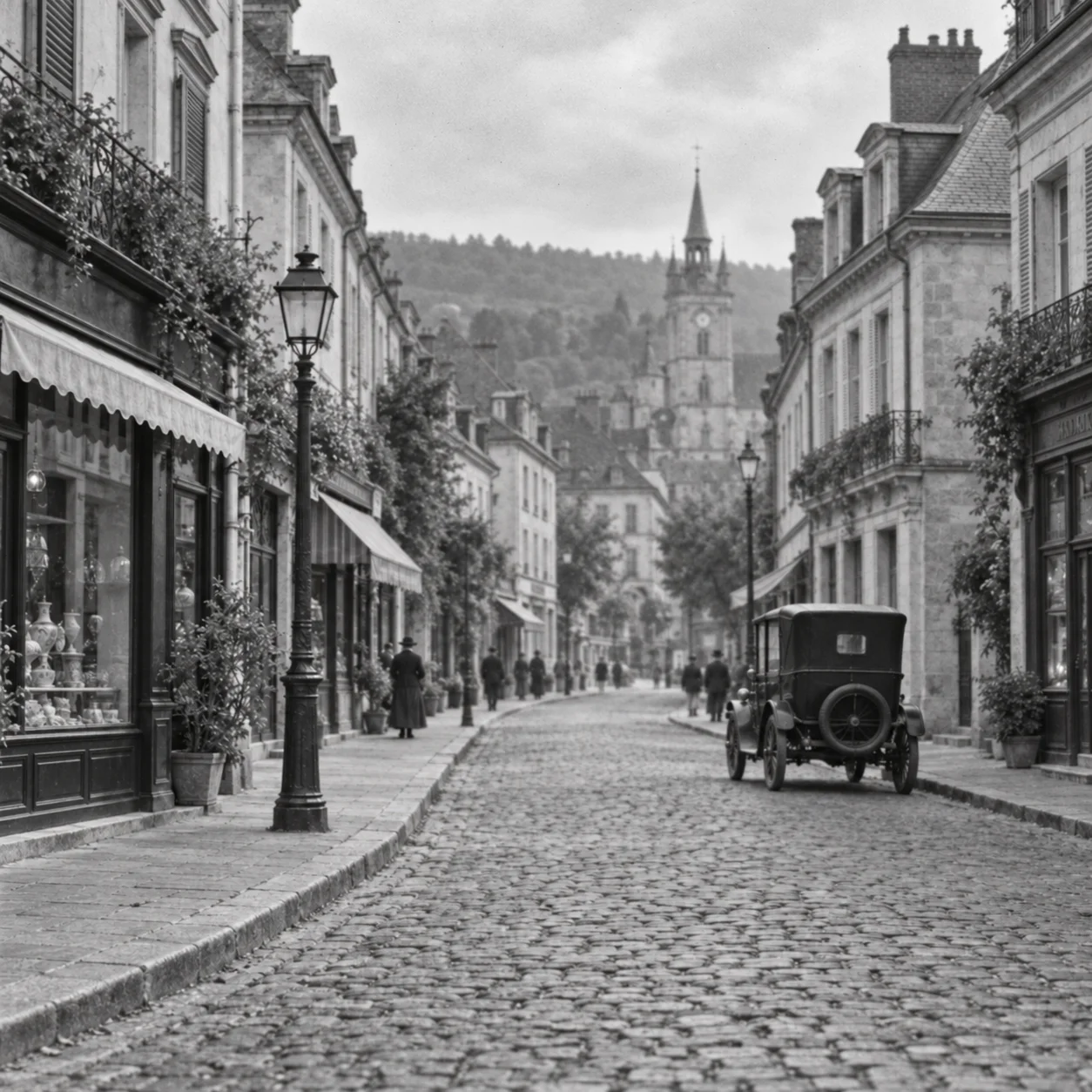
Colorize Photo: Historic Street Scene
For a historic street scene, Colorize Photo estimates color from visible buildings, signs, vehicles, plants, and light. Compare each AI-generated area with the grayscale source and treat uncertain details cautiously. It can offer a fresh way to view a historic photograph, but its hues should not be used as archival evidence without independent confirmation.
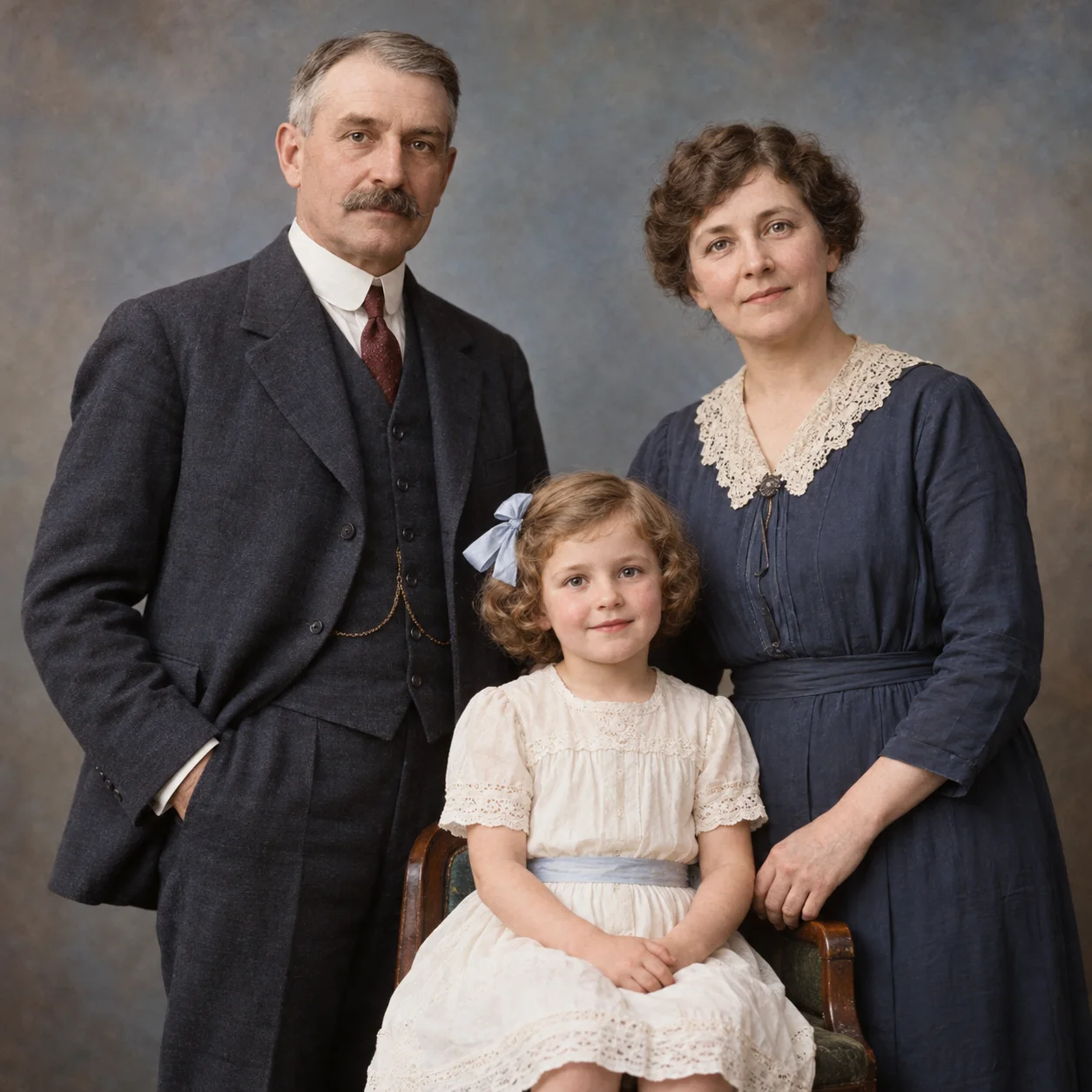
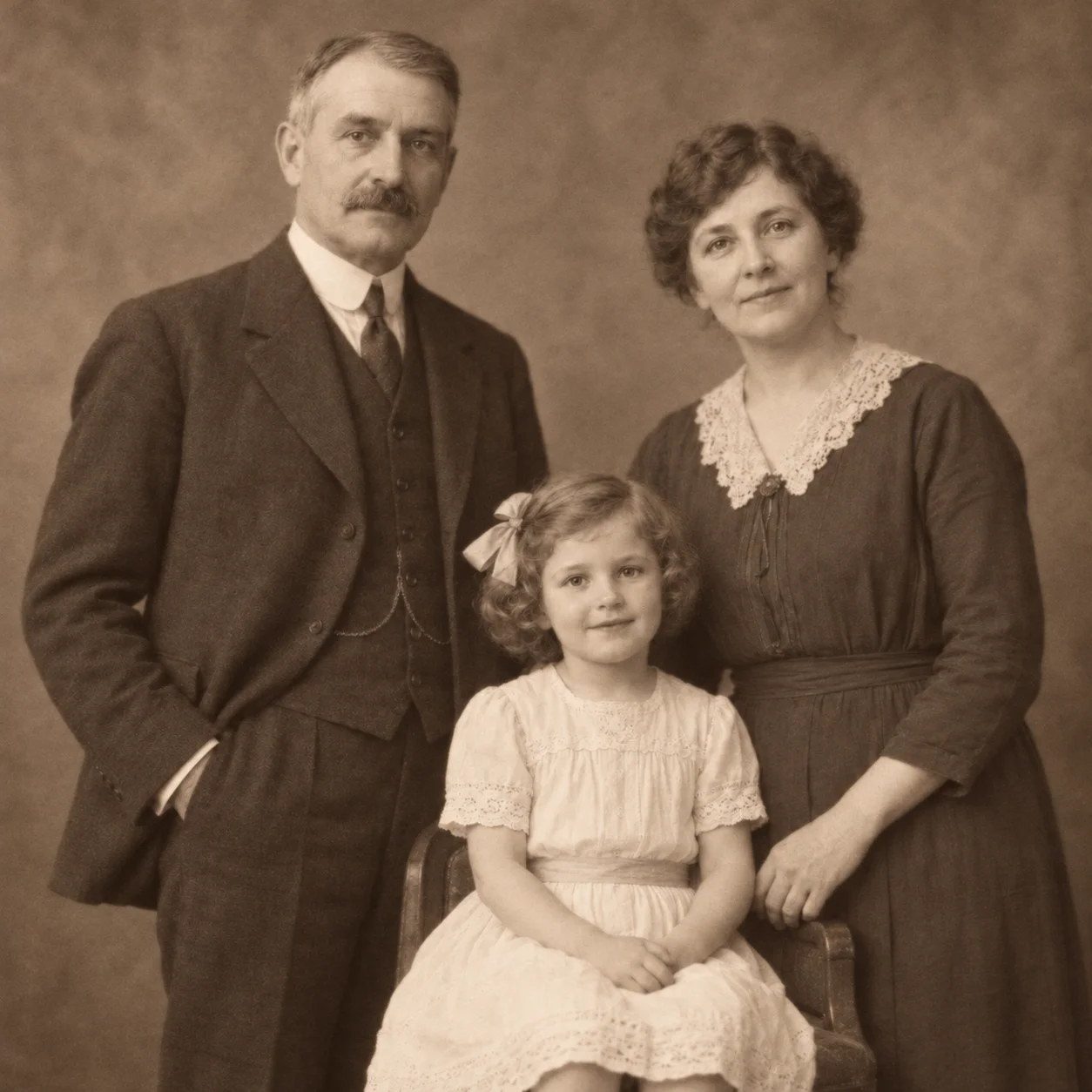
Colorize a Sepia Photo
The tool can also create a color preview from a sepia-toned print. Compare the generated version with the warm brown source and decide which presentation suits a personal archive or a shareable copy. Colorize Photo does not remove scratches, repair tears, or recover details missing from a damaged scan, so preserve the original file separately.
Colorize Photo: What Pictures Can AI Colorize?
Colorize Photo applies AI-predicted color to a black-and-white image by interpreting visible people, clothing, objects, and scenery. It can make an old scan easier to imagine in color, but the result remains a new interpretation rather than evidence of the exact original hues.
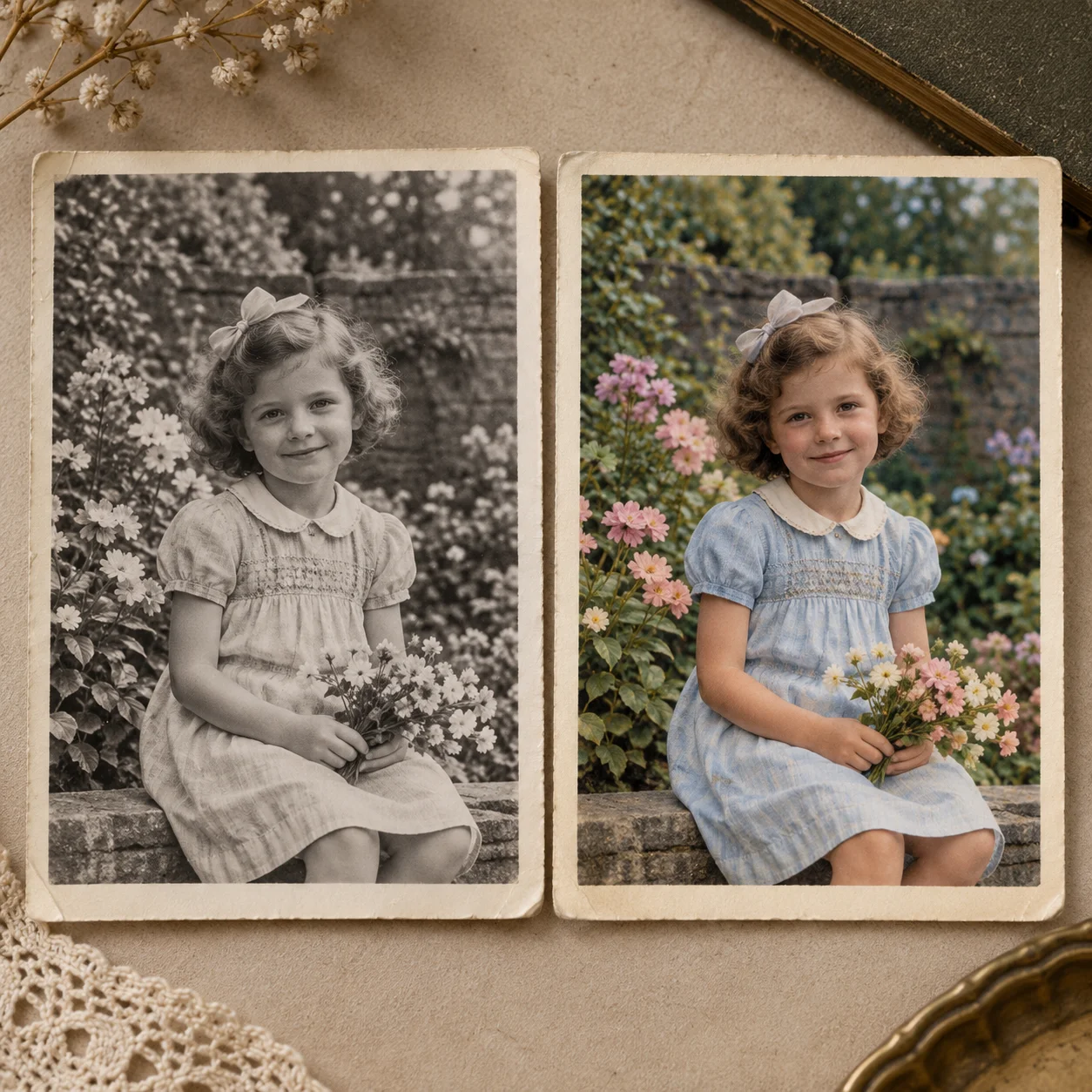
How to Colorize Portraits and Scenes
With Colorize Photo, add an estimated color layer to a grayscale portrait or scene while keeping the source available for reference. Review composition, lighting, and visible detail side by side; colorization changes appearance, not the underlying facts captured in the original.
Colorize Family Portraits with AI
The online colorizer works with scanned portraits, family snapshots, historical photographs, and other grayscale pictures. A clear scan with distinct subjects gives it more visible context; crowded, faded, or low-contrast areas may remain uncertain.
Review AI Color Estimates
Colorize Photo estimates colors for skin, clothing, buildings, plants, and backgrounds from visual context. Review each area at full size and compare it with family records or other references when a particular color matters. Plausible color is not proof of historical accuracy.
Keep the Original Photo
The colorized copy offers another way to view or share an old photo while leaving the original scan as a useful reference. Save both files separately, especially when preserving family history or documenting a historic image.
Why Choose Colorize Photo for an AI Color Preview?
Colorize Photo provides an online way to preview a black-and-white image in color without manually painting each region. The AI colorizer interprets context to create a starting point; you review the result, compare it with your source, and decide whether it works for your purpose. Its output is most useful when treated as an editable visual interpretation rather than recovered fact.
How to Colorize a Photo Online in 4 Steps
Colorize Photo in four clear steps: select a source image, upload it, review the AI-generated color preview, and compare that version with the original. Take a moment to check uncertain colors before deciding whether to save or share the result.
Choose a Photo to Colorize
For Colorize Photo, start with a black-and-white, grayscale, or sepia image you have the right to use. A sharp, evenly scanned picture can make faces, clothing, and scene details easier for the AI to interpret.
Upload Your Source Image
Upload the source to Colorize Photo in a supported image format. Keep an untouched copy of the original scan so you can compare the generated color with the image you started with.
Preview the AI Color Estimate
Colorize Photo analyzes visual context and estimates colors for visible people, clothing, objects, and backgrounds. These are AI predictions: a grayscale image does not contain enough information to confirm every original color.
Compare and Download
Use the comparison to review the Colorize Photo result beside the original. If the preview works for your purpose, download it and store it separately; consult reliable references when color accuracy is important.
Colorize Photo Online: A Simple AI Colorizer
Use Colorize Photo as an online photo colorizer for black-and-white, grayscale, and sepia photographs. Preview the AI color estimate beside the original, assess which areas look plausible, and keep your source scan as a separate reference.
Colorize Photo Online
Colorize Photo turns a black-and-white picture into a colorized version with AI-estimated hues for people, clothing, objects, and scenery. It adds a color interpretation; it does not reconstruct details that were never visible in the source.
Designed for Black-and-White Photos
Colorize Photo adds predicted color to grayscale areas; it is different from scratch removal or physical-damage repair. If an original has tears, stains, or missing sections, colorization alone will not mend those areas or restore lost image details.
Colorize Photo with AI
Colorize Photo creates an AI color preview for old black-and-white, grayscale, or sepia photographs. Check the result against your source rather than assuming that estimated skin tones, clothing, or period colors are historically exact.
Compare Before and After
Use the before-and-after comparison to review the colorized image beside its source. Inspect small details, check that the estimated color suits your purpose, and decide for yourself whether to download the result.
Check Preview and Download Options
Check the available preview and download options in the tool before starting. Any free use or account requirement depends on the current plan shown on the page.
Works on Any Device
Open Colorize Photo in a modern browser on a phone, tablet, or computer. The online workflow lets you upload a picture and review its colorized preview without installing desktop photo-editing software; available account and download options are shown in the tool.
Colorize Photo FAQs
Find out how Colorize Photo handles black-and-white and sepia images, how to prepare a scan, what the AI color preview represents, and which image-restoration tasks require a different tool.
Ready to Colorize Photo Prints and Scans?
Upload a black-and-white or sepia photo to Colorize Photo, inspect the AI-generated color beside your original, and decide whether the preview is right for your collection. Keep the source scan, and remember that generated hues are estimates rather than verified historical colors.