
Denoise Image Online — Free AI Image Denoiser for Noise-Free Photos
Denoise image online with our free AI image denoiser — remove grain from photos and reduce digital noise in seconds. Upload a grainy photo, let the AI denoise image automatically, and download a clean, polished result. No editing skills or software install needed.
Drop an old photo here
JPG, PNG, WebP up to 50MB


Denoise Image — Before & After AI Noise Reduction Results
Compare before and after examples to see how our tool denoise image results remove grain, reduce noise, and clean up photos while keeping fine details natural and sharp.


Remove Grain from Photos — Before & After
See how you can denoise image files with visible grain — the AI removes noise while preserving face details, fabric textures, and edge clarity so the image looks cleaner but not artificial.


Denoise High-ISO Digital Photos
When you denoise image files from digital cameras and smartphones shot at high ISO, the AI removes color speckling and luminance noise while keeping skin tones and backgrounds intact.


Clean Up Low-Light & Night Photos
Denoise image files taken in low light, at night, or in dark indoor settings. AI denoising cleans up sensor noise and color banding without brightening the image or losing shadow detail.


Denoise Scanned Prints & Film Photos
When you denoise image scans from film prints and old digitized photos, the AI smooths grain and dust artifacts while keeping the original character and detail of the print.
Denoise Image — Types of Noise Our AI Tool Removes
When you denoise image files with our AI tool, it removes grain, color noise, luminance noise, JPEG artifacts, and sensor noise — making photos look cleaner, sharper, and more professional in seconds.
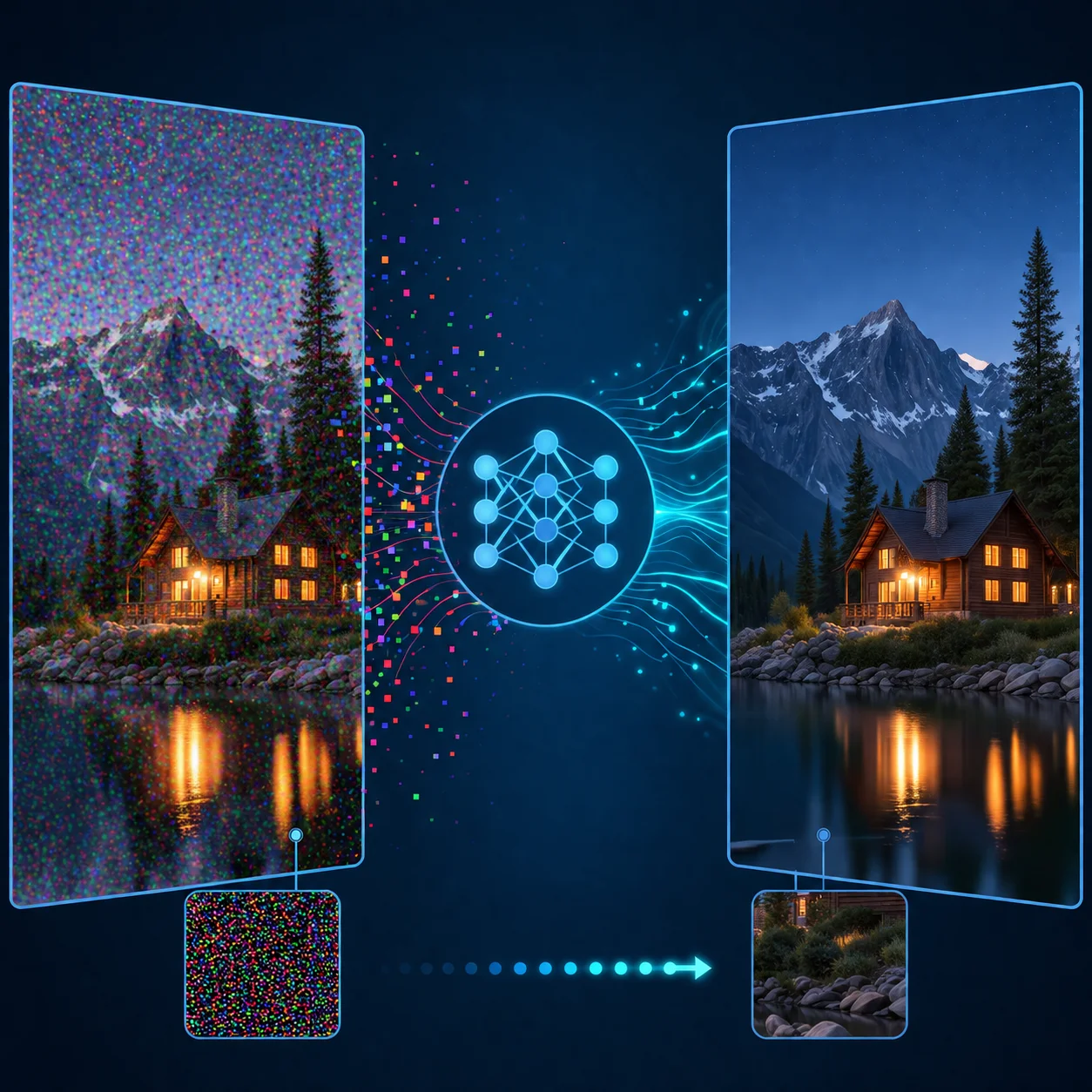
Color Noise — Remove RGB Speckling
Color noise appears as random red, green, and blue speckles in shadows and mid-tones. When you denoise image files with our AI, it targets chroma noise specifically while preserving the natural color balance of your photo.
Luminance Noise — Reduce Grain & Grittiness
Luminance noise looks like film grain — random brightness variations that make photos appear grainy. Our AI denoise image tool smooths luminance noise while keeping edges and textures sharp.
JPEG Artifacts — Clean Up Compression Noise
Low-quality JPEGs and over-compressed files develop blocky artifacts, ringing, and mosquito noise. AI-powered denoise image processing restores smooth gradients and clean edges without artificial sharpening.
Low-Light & High-ISO Noise — Fix Sensor Grain
Photos taken in dim light with high ISO or small sensors show heavy sensor noise. When you denoise image files with these issues, the AI reduces grain without flattening faces, textures, or backgrounds.
Why Denoise Image with AI Instead of Manual Tools?
When you denoise image files with AI instead of manual tools, you get faster, smarter noise reduction — no sliders, no guesswork, just clean results in seconds.
How to Denoise Image Online — 4 Simple Steps
Denoise image online in 4 simple steps — no software install, no editing skills needed. Just upload, let the AI denoise image automatically, preview the result, and download.
Upload Your Noisy Photo
Upload a grainy, noisy, or artifact-heavy photo you want to denoise image quality from. Supports JPG, PNG, and WebP files up to 30MB — the AI works best when the image has visible grain or noise but still holds usable detail.
AI Analyzes & Detects the Noise
Our AI denoise image engine automatically detects noise patterns — grain, color speckling, compression artifacts, and sensor noise — and identifies which areas need noise reduction while protecting edges, textures, and facial features.
Preview the Denoised Result
Compare the before-and-after view to see how the denoise image result looks. The AI removes noise while keeping fine detail — hair strands, fabric texture, and skin tones look natural instead of plastic or over-processed.
Download the Clean Photo
Download your denoised image once the denoise image result looks clean and natural. Save it for sharing, printing, archiving, or further editing — no watermark on premium downloads.
Denoise Image Online — Everything You Need to Clean Up Photos
Our online denoise image tool handles grain, color noise, compression artifacts, and sensor noise in one click. Upload any photo and get a cleaner, sharper result in seconds.
AI-Powered Denoise Image Engine
Our AI-powered denoise image engine removes grain, noise, and artifacts automatically in seconds. The neural network distinguishes real texture from noise for natural-looking results every time you denoise image quality.
Grain, Noise & Artifact Removal
Remove grain, speckling, color noise, and JPEG artifacts when you denoise image files — the AI fills cleaned areas with context-aware texture preservation for seamless results.
Color Noise & Chroma Reduction
Remove color noise and chroma artifacts when you denoise image files — accurate skin tones, natural color balance, and smooth gradients with no color banding or desaturation.
Detail-Preserving Noise Reduction
When you denoise image files, fine detail stays crisp — hair, fabric texture, facial features, and background elements. No over-smoothing or plastic-looking skin common with traditional filters.
Free to Try — No Signup Required
Try our free denoise image tool online — preview your noise reduction before downloading. No signup, no credit card, no watermark on your first try.
Works on Any Device, Any Browser
Denoise image files from any device — phone, tablet, laptop, or desktop. Our online tool works in every modern browser with no app download or software installation required.
FAQ — Denoise Image with AI: Common Questions Answered
Answers to common questions about how to denoise image files with AI — remove grain, reduce noise, and clean up photos online.
Denoise Image Online — Start Free Now
Upload a grainy or noisy photo and denoise image quality in seconds with our AI tool. No signup, no credit card — just upload, denoise image automatically, and download a cleaner, sharper result.