
Wildlife Photo Enhancer for Animal and Bird Photos
Use this wildlife photo enhancer to improve an existing image of a wild animal, bird, or other nature subject. Upload a JPG, PNG, or WebP photo, then compare the AI-generated preview with your original. Results depend on the source image; tiny markings and missing details may not be reproduced accurately.
Drag your wildlife photo here, or
Wildlife photo · up to 50 MB


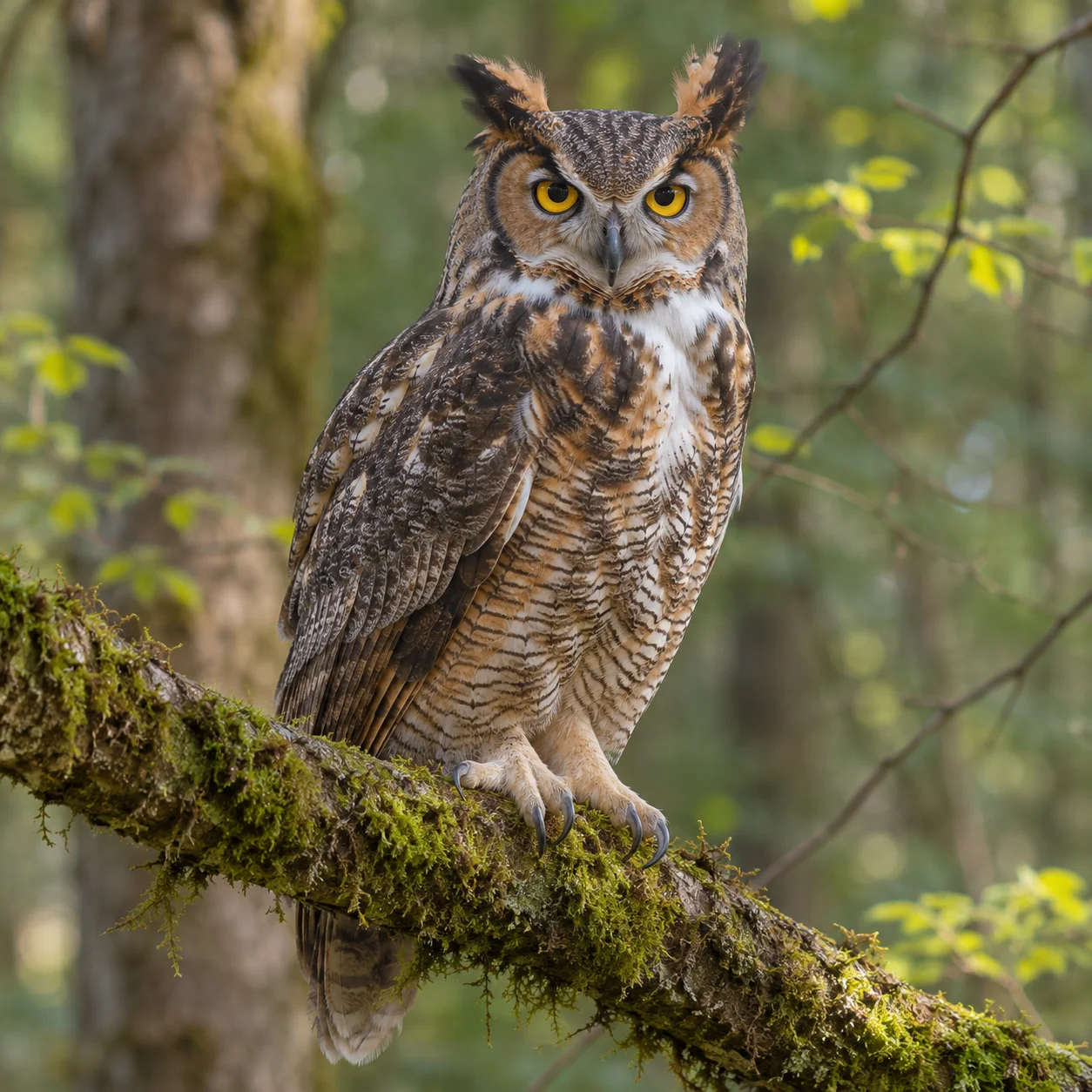
Wildlife Photo Enhancer Examples: Compare Before and After
Explore four wildlife photo enhancer comparisons featuring a fox in autumn woods, a heron at a wetland, a deer near a forest edge, and a hawk on a branch. Compare each before-and-after pair to judge overall clarity, color, subject visibility, and whether the scene still looks natural. A wildlife photo enhancer comparison is most useful when you review the whole frame as well as the animal.
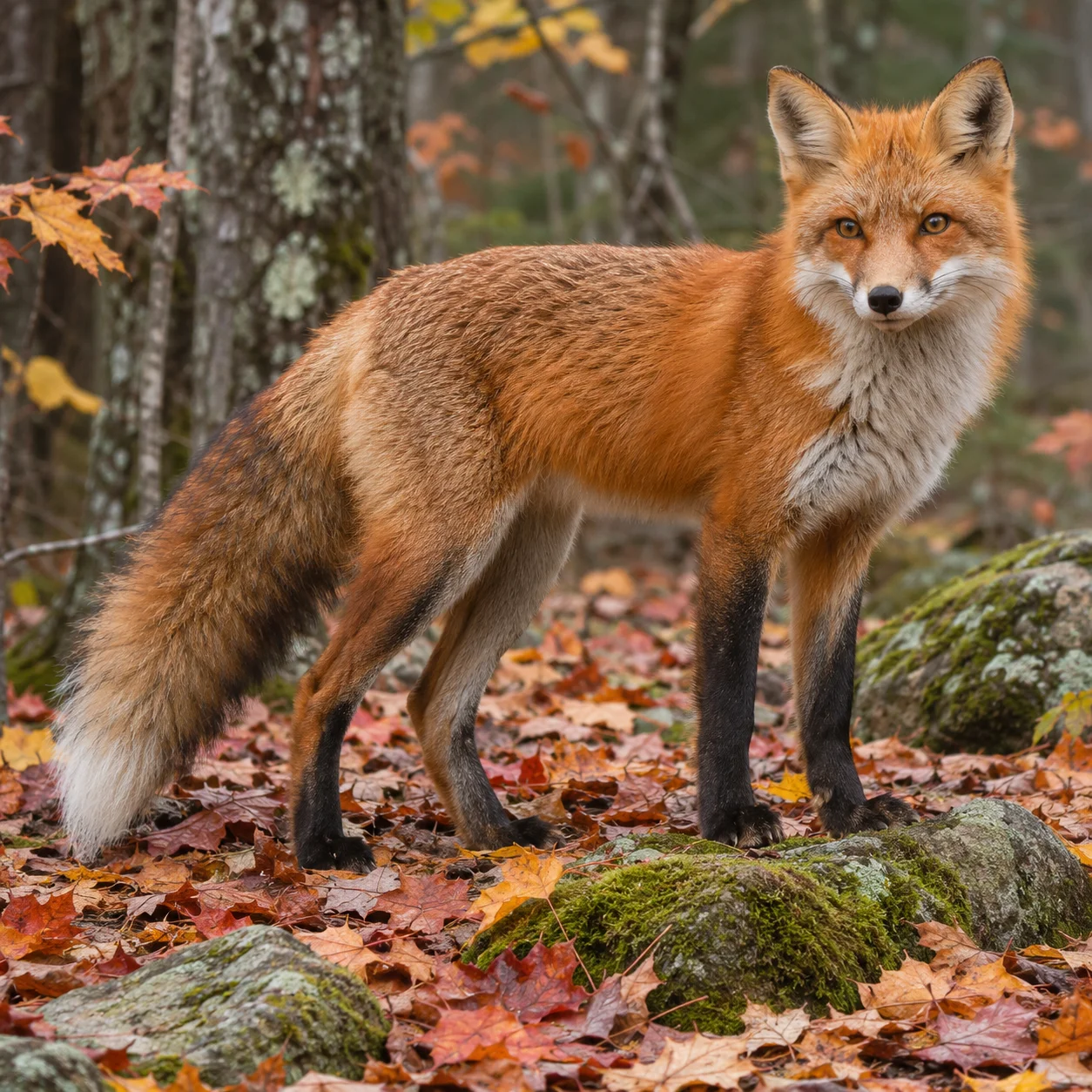
Red Fox in an Autumn Woodland
This wildlife photo enhancer comparison features a red fox standing among fallen autumn leaves. Compare the original and AI preview to assess the animal's outline, orange coat, leaf detail, and separation from the woodland background. A cleaner-looking image should still resemble the source photograph; review the fox's face, fur patterns, and surroundings for changes. Use the wildlife photo enhancer on the same source image to make a fair visual comparison.
Wildlife Photo Enhancer: Great Blue Heron at a Wetland
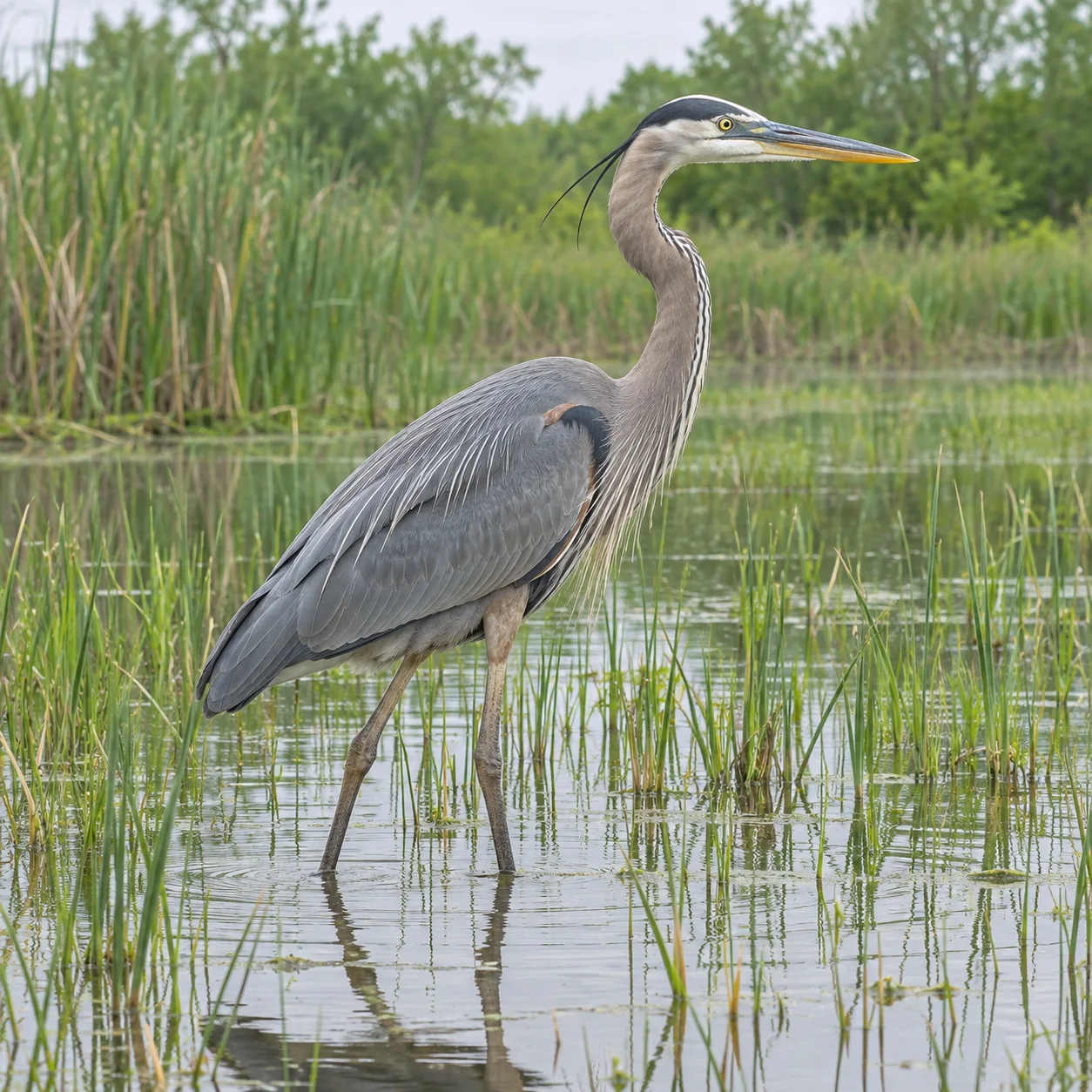
A great blue heron wading beside shallow reeds provides a bird-photo comparison for this wildlife photo enhancer. Look at the heron's beak, feather edges, water, and vegetation in both versions. Haze, distance, and motion blur limit what any photo tool can recover, so use the original as a reference when evaluating changes to fine feather detail. This wildlife photo enhancer can preview an existing bird photograph without promising that every feather is faithfully preserved.
White-Tailed Deer at the Forest Edge
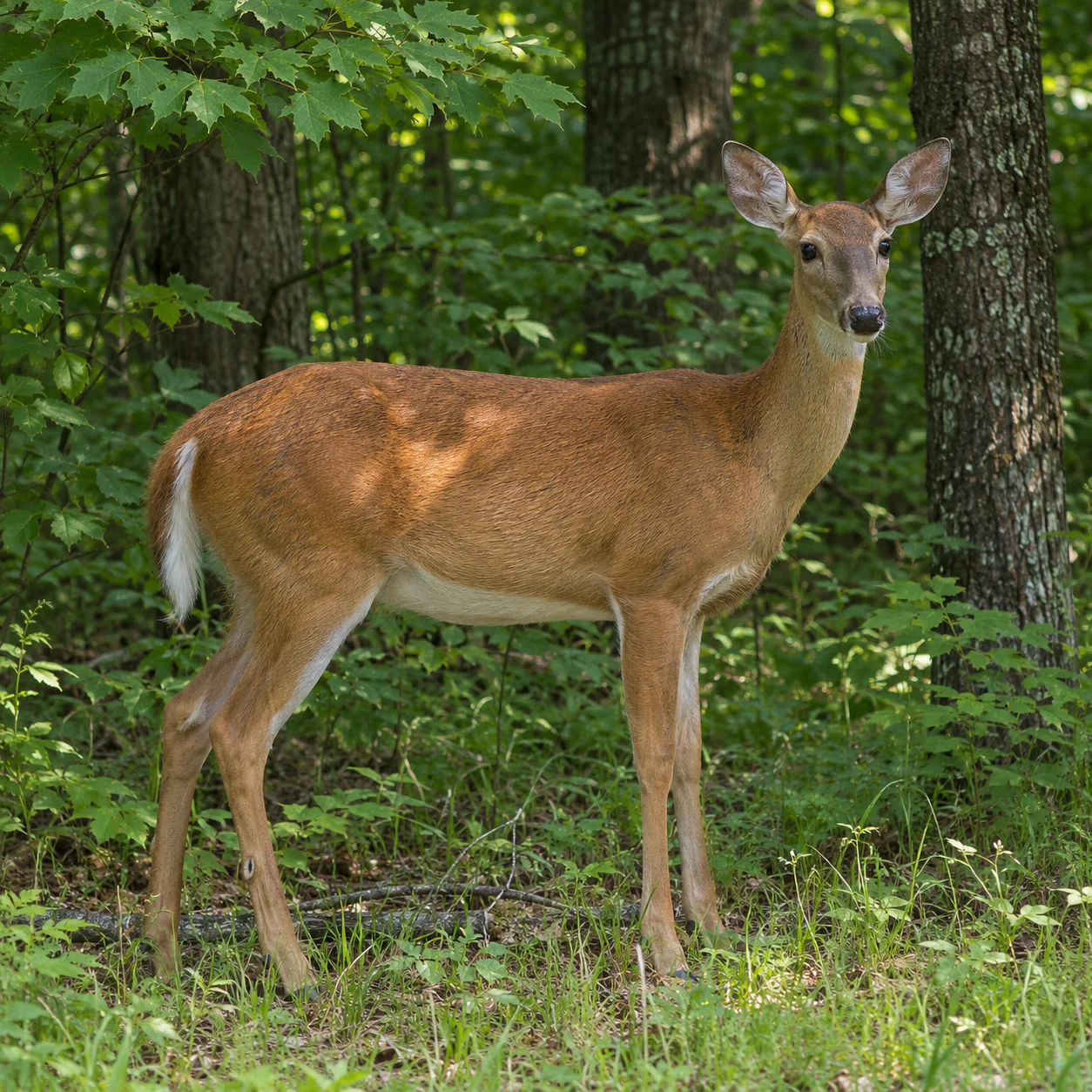
This wildlife photo enhancer scenario shows a white-tailed deer at the edge of a shaded forest. Compare the animal with the tree line and undergrowth to see whether the preview makes the main subject easier to distinguish. Check the ears, coat, legs, and woodland color against the original rather than assuming that an AI-generated change is biologically accurate. When using a wildlife photo enhancer for animal photos, keep the untouched file for reference.
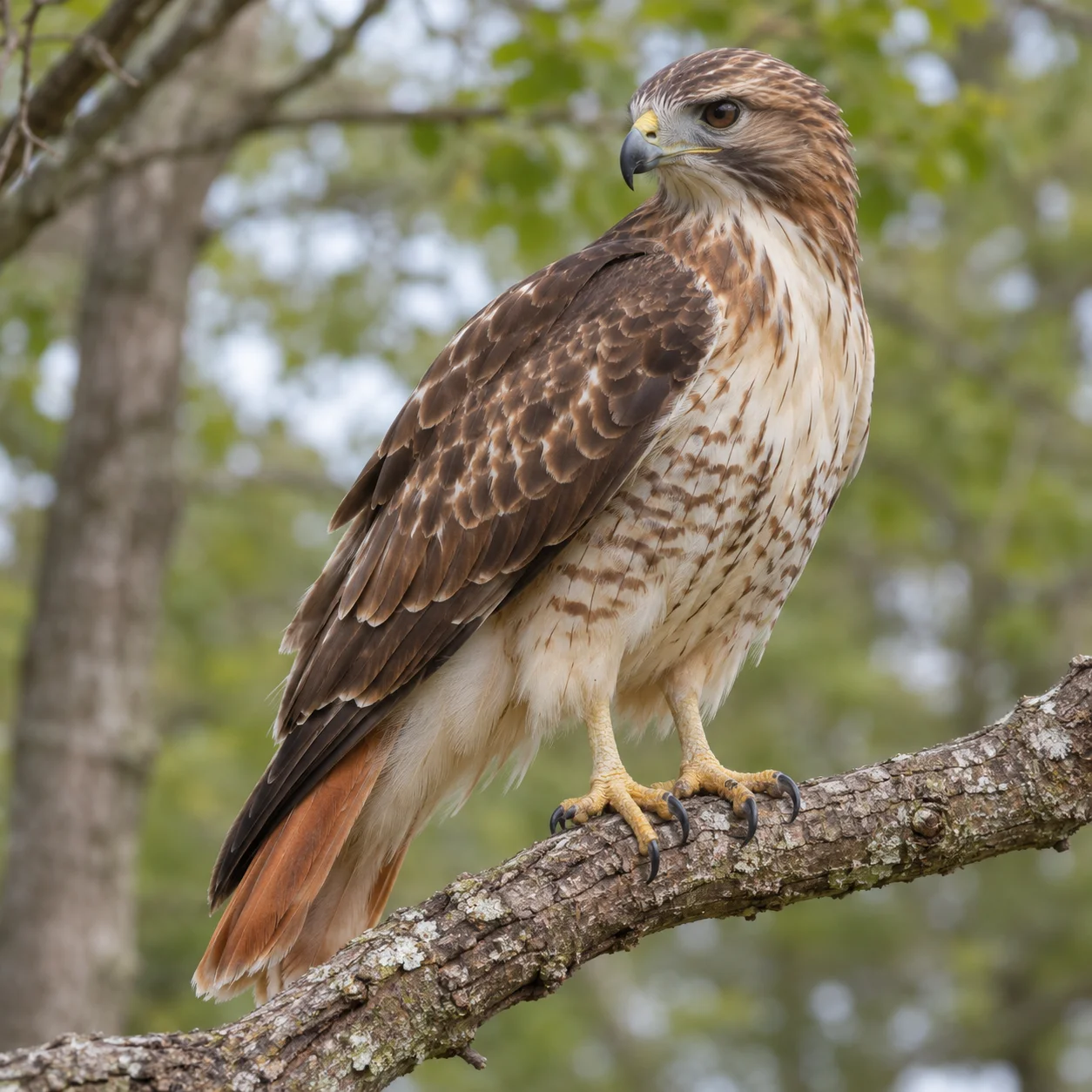
Wildlife Photo Enhancer: Red-Tailed Hawk on a Branch
A red-tailed hawk perched against an open woodland background completes this wildlife photo enhancer example set. Look closely at the bird's profile, tail, branch, and sky to check contrast and the transition between feathers and background. Before keeping or sharing the preview, make sure the composition and recognizable markings remain consistent with your original image. A wildlife photo enhancer can be useful for a visual edit, but the original remains the source for factual detail.
What Can a Wildlife Photo Enhancer Do?
A wildlife photo enhancer works with an existing digital image rather than creating an animal photograph from scratch. Upload a photograph of a wild mammal, bird, reptile, or nature scene, inspect the AI-generated preview beside the original, and decide whether the overall change suits your image.
Enhance an Existing Wildlife Photo
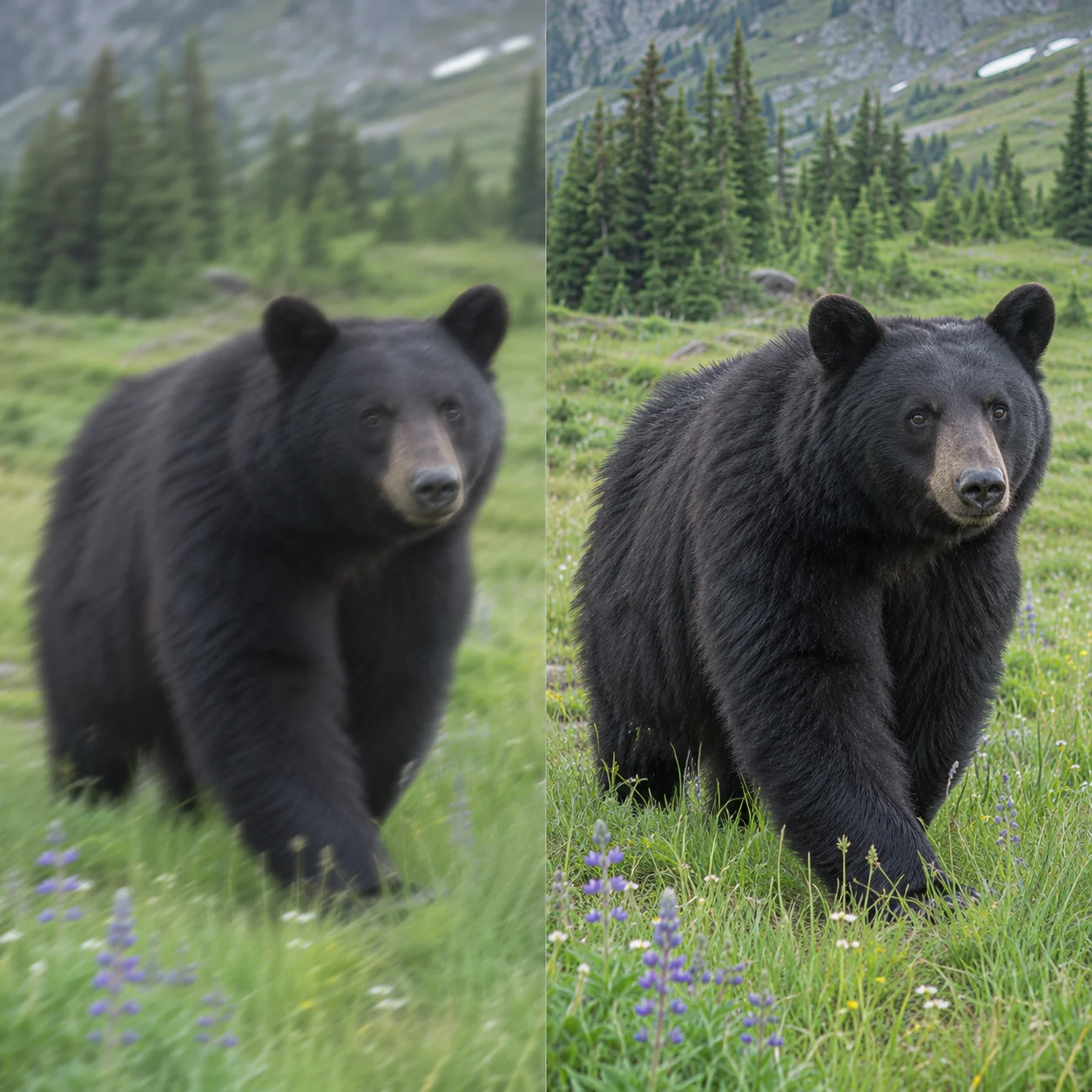
Use a wildlife photo enhancer when a real animal or bird photograph looks soft, small, faded, or difficult to view on screen. The image-to-image tool creates a preview based on your upload; it does not change the subject into a selectable species or guarantee exact reconstruction. Keep the original file so you can compare the result and choose the version that best documents what you saw.
Animal, Bird, and Nature Photographs
This wildlife photo enhancer works with photos such as a fox among autumn leaves, a deer at the forest edge, an owl on a branch, or a seabird above the water. Different subjects and habitats give you a practical way to examine how the preview handles the animal's outline, surrounding leaves, branches, water, and background tones. Review each wildlife photo enhancer preview against its source before sharing the image.
From Wildlife Trips and Backyard Watching
A wildlife photo enhancer can help you review an image captured on a trail walk, birding trip, nature reserve visit, safari, or backyard wildlife watch. Work from a digital photo or a clear scan of a print, with the main animal visible in the frame. An upload cannot recover information that the camera never captured, such as markings hidden by motion blur, distance, shadow, or an obstruction.
Review the Animal Details Carefully
Treat any AI preview from a wildlife photo enhancer as an edited image, not scientific evidence of an animal's identity, markings, behavior, or habitat. Compare it with your original before printing, sharing, or adding it to a field record. If exact feather bars, coat spots, eye shape, antlers, or other identification features matter, retain and reference the unedited photograph.
Why Try a Wildlife Photo Enhancer?
This online wildlife photo enhancer gives you an image-to-image workflow for a photograph you already have. It is useful when you want a quick AI preview of a wildlife image without opening manual editing software, and a side-by-side comparison helps you decide if the edited result fits your purpose. The wildlife photo enhancer does not certify the accuracy of altered animal features.
How to Use a Wildlife Photo Enhancer in Four Steps
Use this four-step wildlife photo enhancer workflow to upload an existing animal photo, create an AI preview, and review the edited image with the original still at hand.
Upload a Wildlife Photo
Choose a clear photo that you already took or a readable scan of an animal or bird image. For a useful wildlife photo enhancer comparison, select a JPG, PNG, or WebP file in which the subject and its habitat are visible. Begin with the original file so you can review any AI-generated changes later.
Create an AI-Enhanced Preview
Start the wildlife photo enhancement and allow the image-to-image tool to process your upload. This wildlife photo enhancer creates an AI-edited version of the photograph for you to review; processing may take a few minutes. Use the source image as a reference rather than assuming that every animal feature has been reconstructed exactly.
Compare Both Versions
Compare the preview with your original wildlife photo. Inspect the subject, outline, eye, coat or feathers, nearby branches or plants, and the light across the scene. A wildlife photo enhancer can produce unwanted changes, especially where the original is small, noisy, distant, or motion-blurred, so keep the original open while you review.
Review and Download
Download the wildlife photo enhancer preview if you are satisfied with it, and save it as an edited copy of your photograph. Keep the unedited wildlife photo separately for identification, research, or archival purposes; enhancements can change fine visual details.
Wildlife Photo Enhancer Features for Uploaded Images
This wildlife photo enhancer creates an AI preview from an existing wildlife photograph. Use the before-and-after comparison to inspect a wider range of subjects, including mammals, birds, reptiles, and outdoor nature scenes. A wildlife photo enhancer gives you an edited image to review alongside the uploaded original.
AI Wildlife Photo Preview
Upload a wildlife image and generate an AI-edited preview that you can compare with the original. Results vary with image quality and subject visibility; the preview may reinterpret small or ambiguous features.
Inspect Subject and Scene Details
A wildlife photo enhancer creates a preview that may make visible areas in an animal photo look different, but this workflow does not promise dedicated wildlife denoising, animal-specific sharpening, or accurate repair of missing scene information. Compare details with the uploaded photograph.
Review Color Changes Carefully
AI may alter colors in an animal or bird image when it creates the wildlife photo enhancer preview. Check fur, plumage, beak, eyes, foliage, and sky against the source because the output is not a verified or biologically accurate color reference.
Before-and-After Comparison
Compare the animal's face, feathers, fur, legs, branches, and habitat with the original to decide whether the wildlife photo enhancer preview suits your image. Treat fine markings or softened details with caution when they matter for identification. Keep the original beside the wildlife photo enhancer result when making that decision.
Review Before You Download
Start with the available upload and preview workflow to see how this wildlife photo enhancer handles your source image. Check the current account, credit, and download prompts shown in the tool before processing.
Use from a Web Browser
Upload a wildlife photo from a phone, tablet, or computer using a modern web browser. Review the image before starting and keep a separate copy of the original file.
Wildlife Photo Enhancer: Frequently Asked Questions
Learn how the wildlife photo enhancer works, which animal and bird photos to upload, and what to check before keeping the AI-generated preview.
Try This Wildlife Photo Enhancer
Use the wildlife photo enhancer to create an AI-edited preview, then compare it with your source image. Check the animal and habitat details before saving or sharing the result.