
Landscape Photo Enhancer for Better Scenery
Use this landscape photo enhancer to refine the color, light, contrast, and visible detail in a mountain, coast, forest, or countryside photo. Upload your image, review an AI-enhanced preview, and decide whether the result suits the scene before you download it.
Drag your image here, or
Reference Image (Max 50MB)


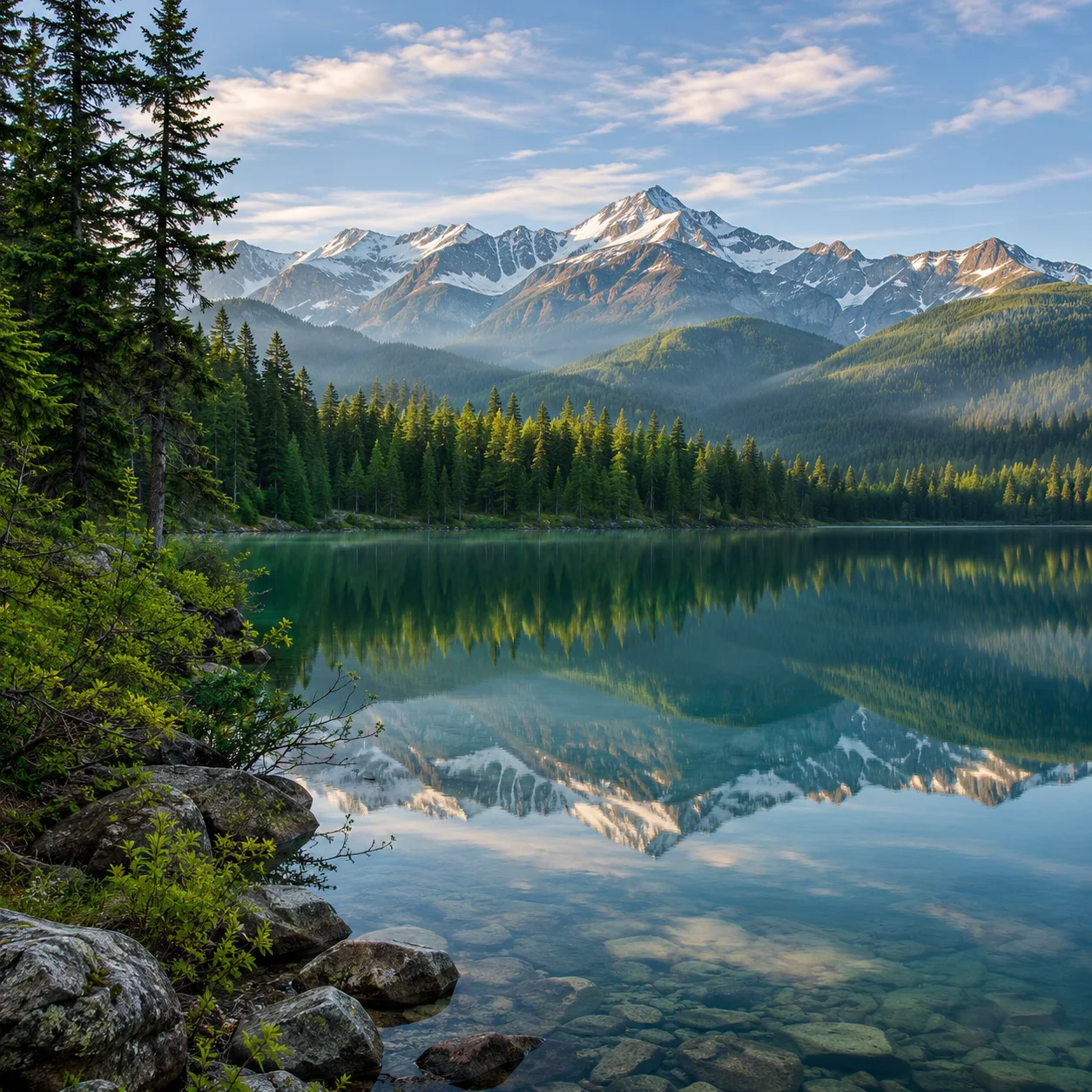
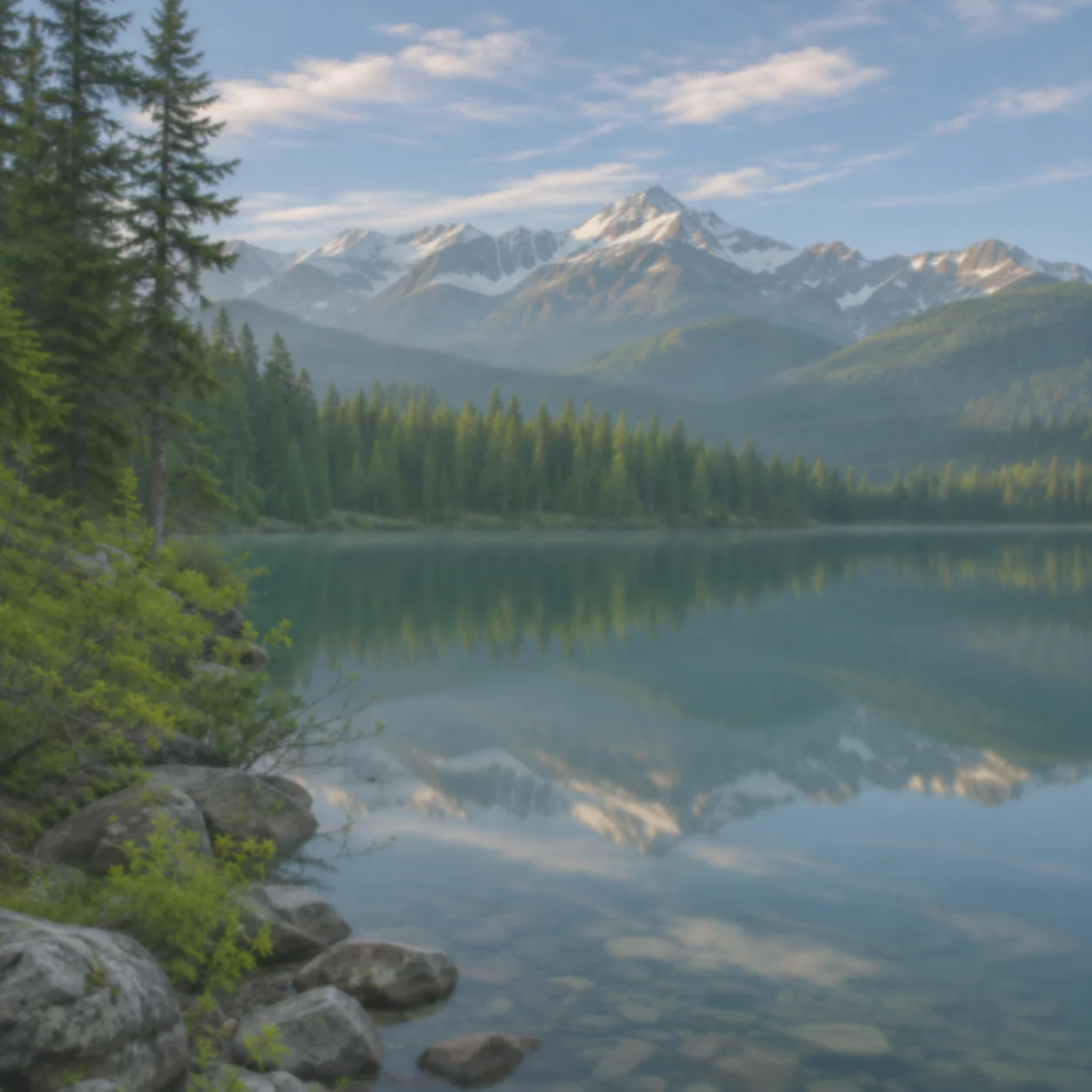
Landscape Photo Enhancer Before and After
Imagine before-and-after examples of real landscape photos: a mountain lake with clearer reflections, a forest trail with more readable shade, a coastal scene with balanced sky and water, and a countryside view with natural color. Each landscape photo enhancer example should show a believable edit while keeping the photographed place and composition recognizable.
Enhance a Mountain Lake Photo
A mountain lake scene with more distinct water reflections, ridge lines, and foreground trees. This landscape photo enhancer example should make visible details easier to read while keeping the original location and framing.
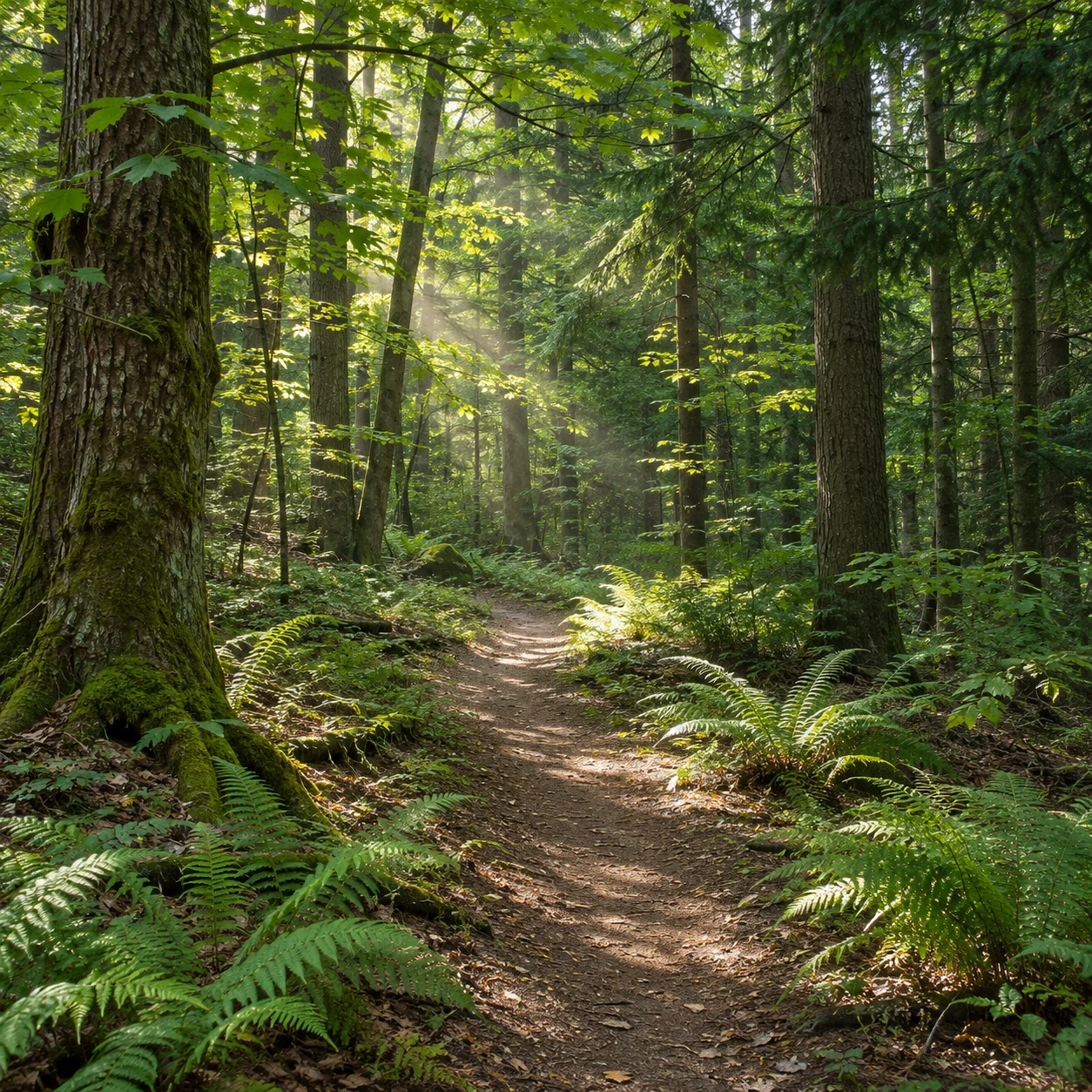
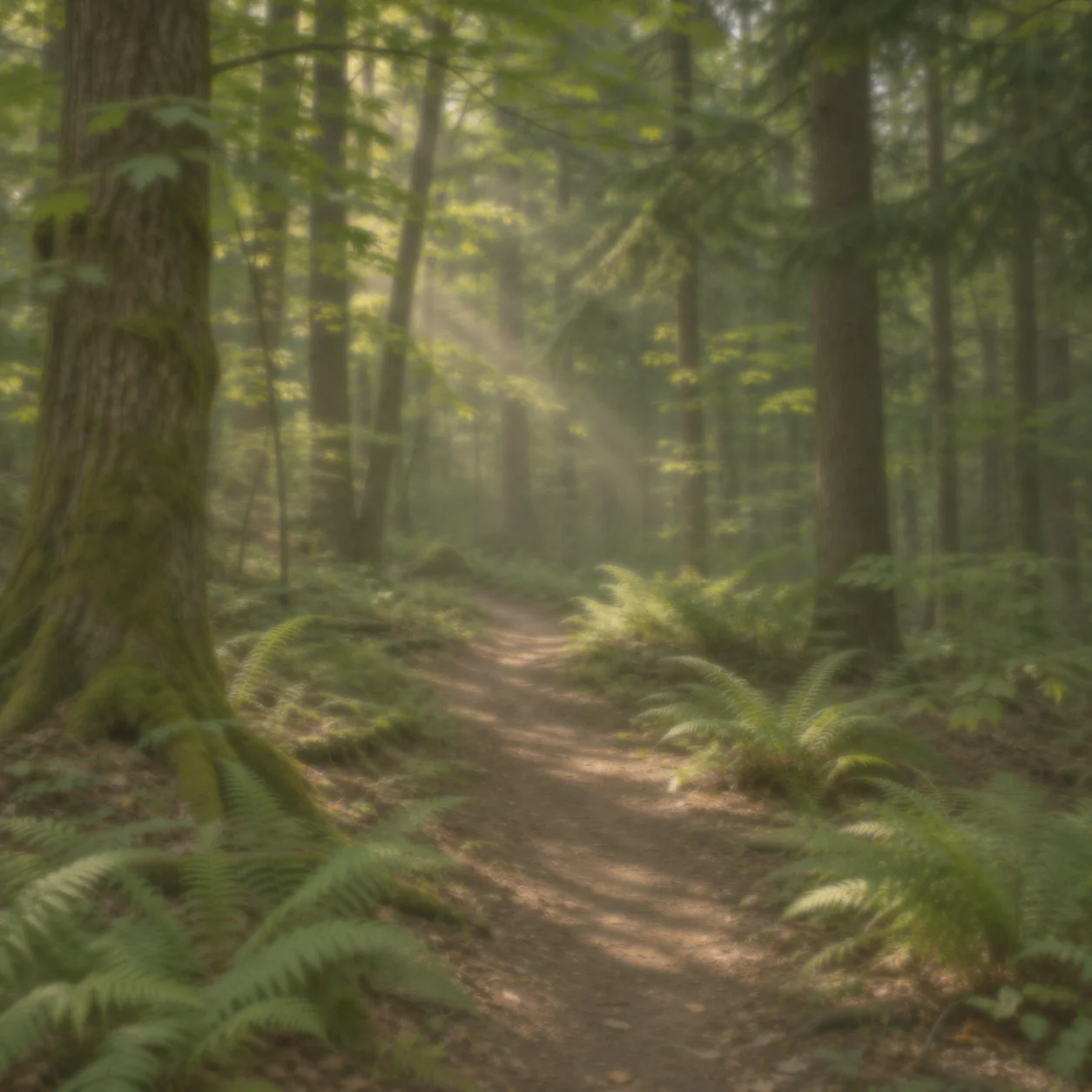
Bring Out Detail in a Forest Scene
A shaded woodland path where trunks, leaves, and the trail remain distinct. Use the landscape photo enhancer preview to judge whether the added clarity and light still suit the quiet forest atmosphere.
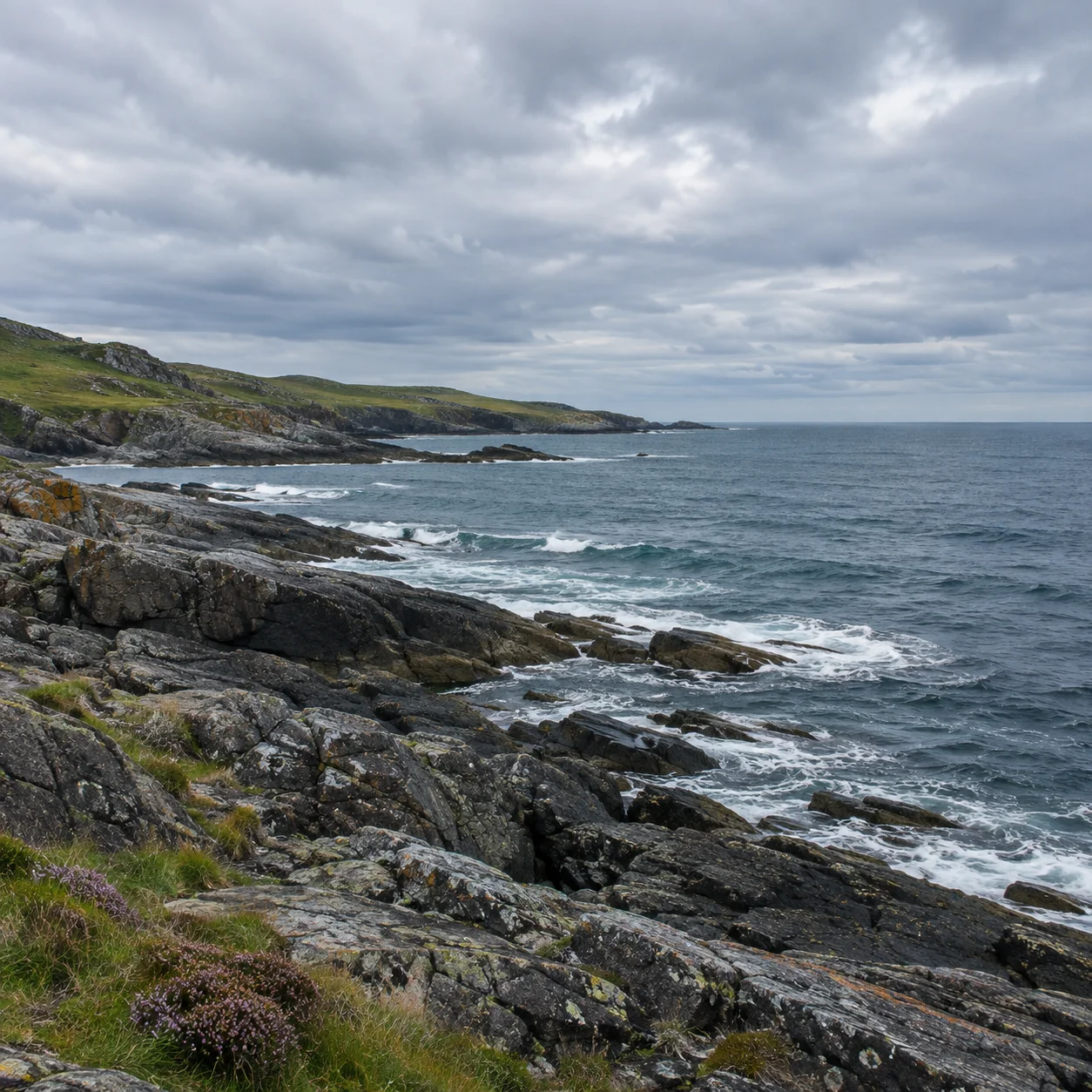
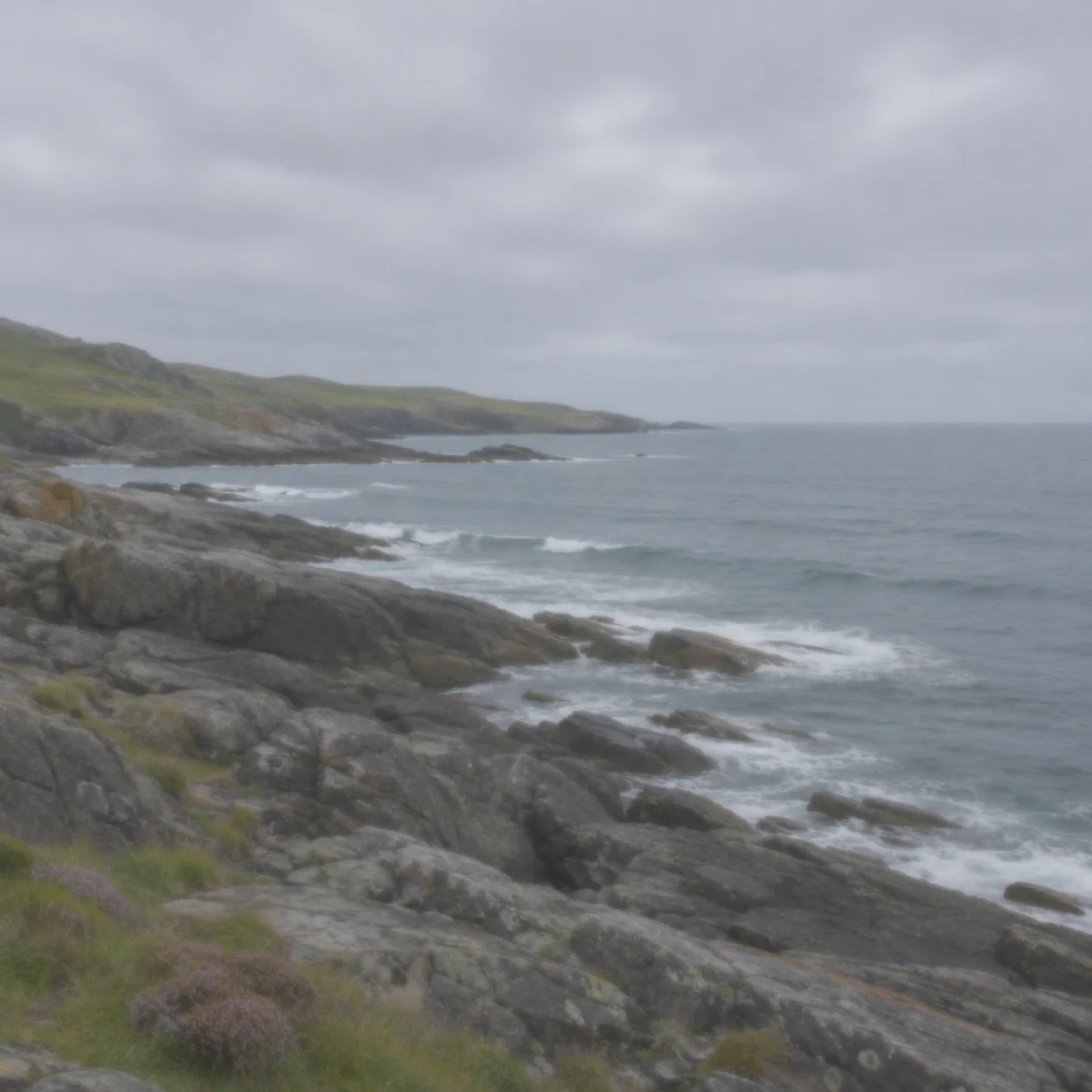
Balance Light in a Coastal Photo
A coastline with cloud detail, textured rocks, and readable water. A landscape photo enhancer can provide a useful comparison for overall contrast and color; check that the sky and sea do not become unnaturally saturated.
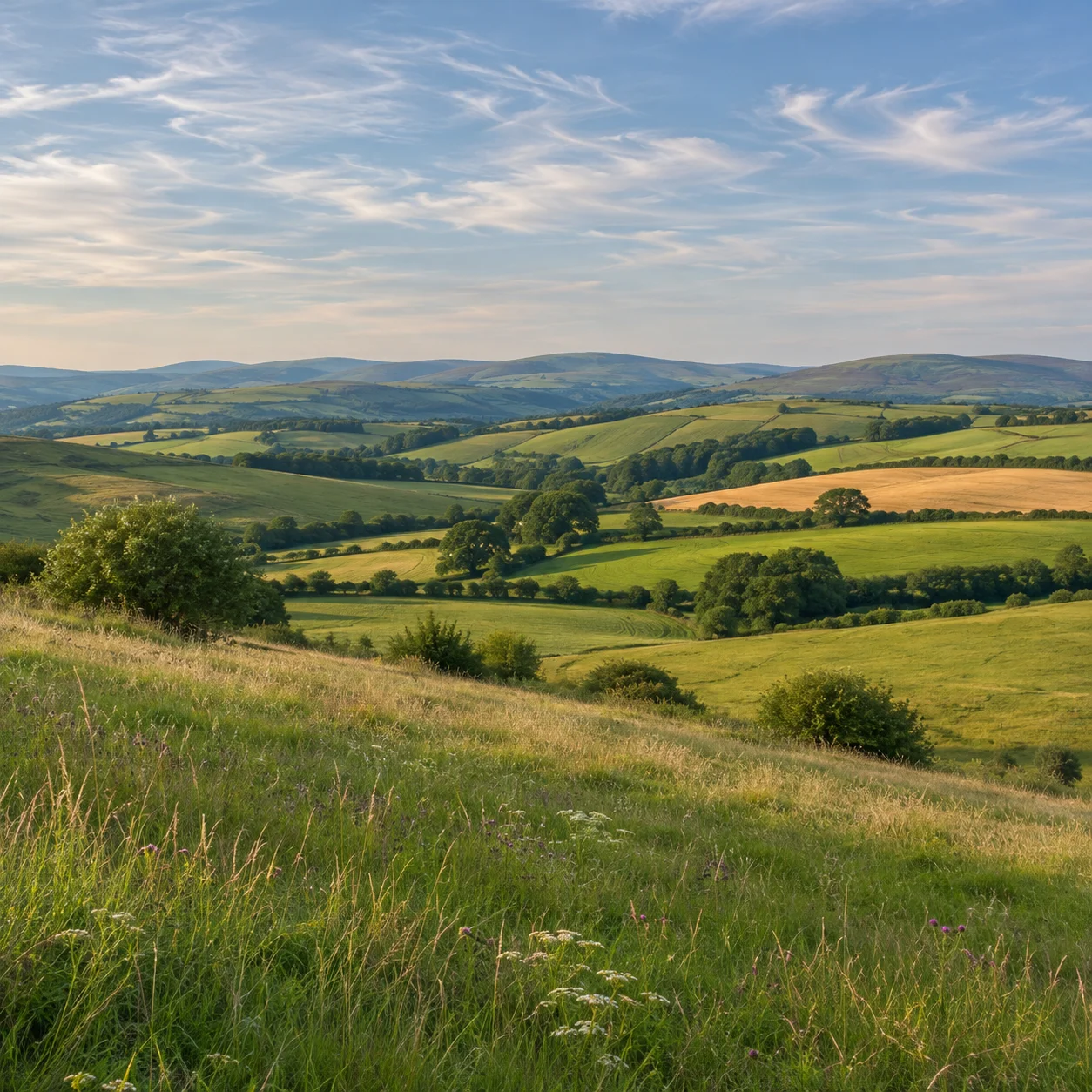
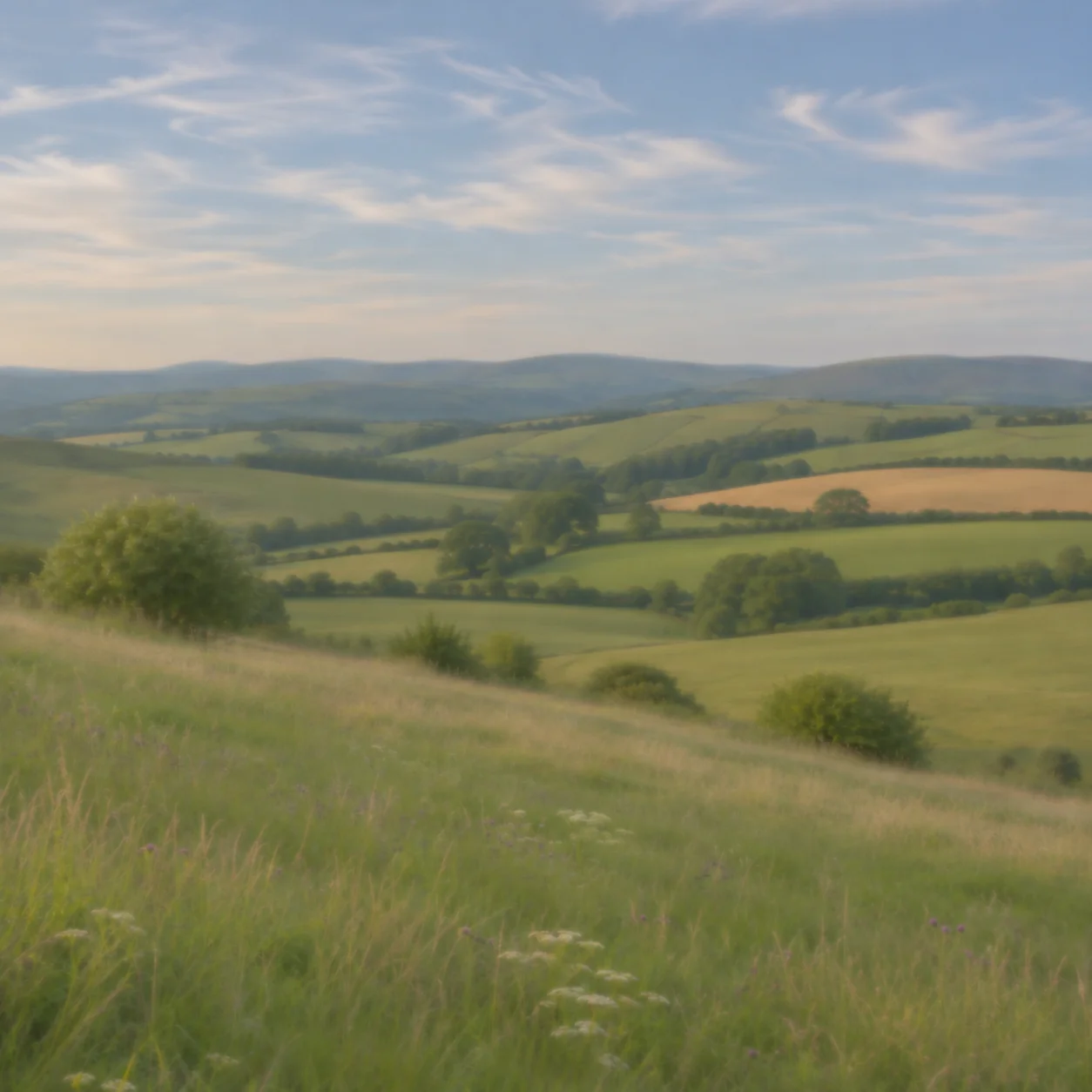
Refine Color in a Countryside View
Rolling hills and open fields can look flat when distant layers blend together. Compare the source and enhanced landscape photo in the landscape photo enhancer to see whether the tones separate more clearly while the scene remains believable.
What Can a Landscape Photo Enhancer Improve?
A landscape photo enhancer can help when a real outdoor scene looks flat, dim, hazy, or less vivid than it felt in person. Upload a mountain, coastline, forest, lake, or countryside image to preview adjustments to visible color, light, contrast, and detail while keeping the original scene as the reference.
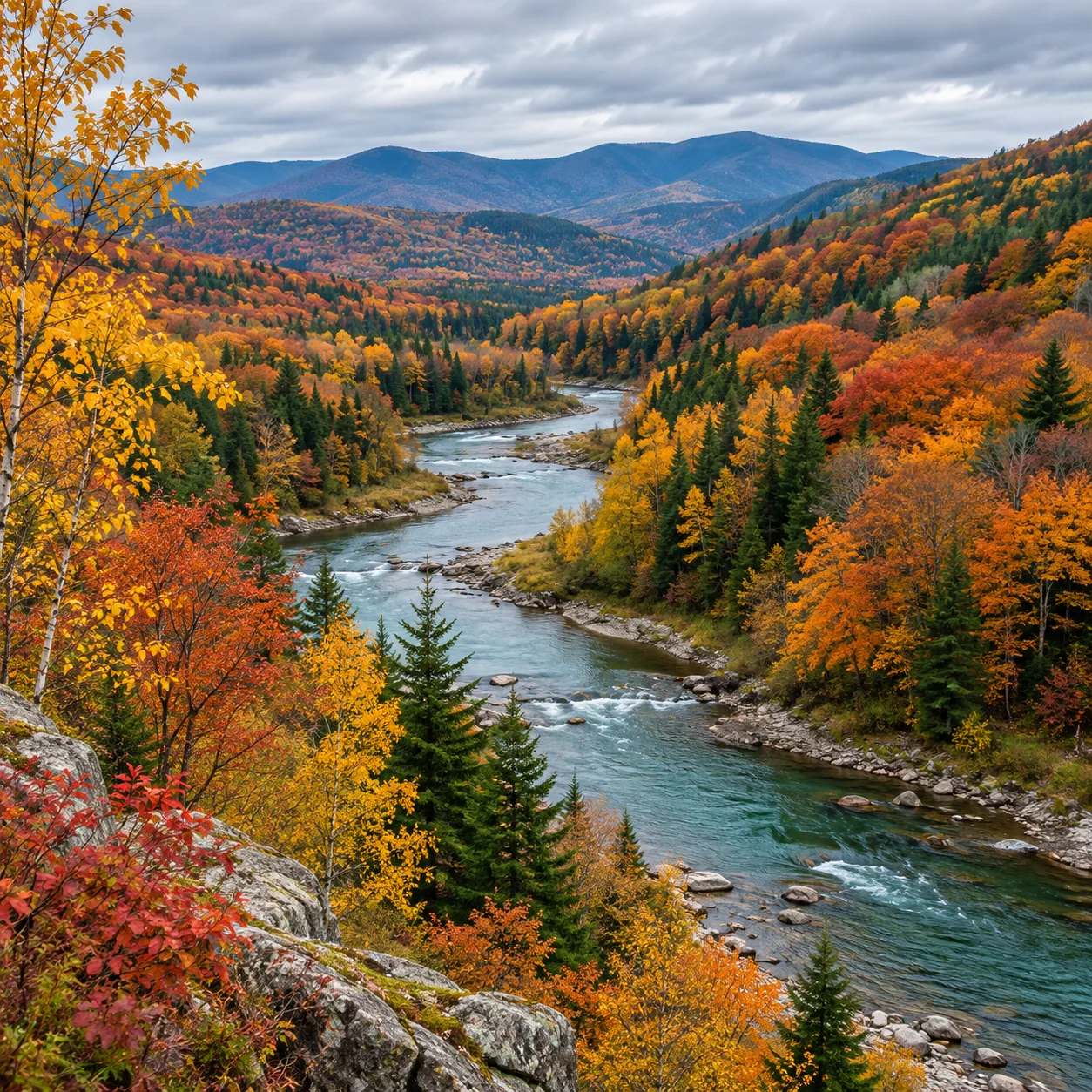
Flat Color and Low Contrast
For a landscape photo that looks dull or washed out, use this landscape photo enhancer to review whether the preview brings back separation between the sky, distant hills, water, and foreground. The aim is clearer visual balance, not a new place or a different composition.
Uneven Light and Deep Shadows
A backlit valley or shaded forest can lose detail in bright skies and dark trees. Use the landscape photo enhancer to compare the preview with your upload and decide whether the light feels more even without losing the atmosphere of the scene.
Soft or Hard-to-See Detail
Soft edges can make mountain ridgelines, leaves, rocks, and distant buildings harder to see. An AI landscape image enhancer can refine visible detail, but results depend on the focus, resolution, and information already present in the original photo.
Color That Looks Too Muted or Strong
A useful landscape photo enhancer should keep the scene believable. Check greens, blues, cloud detail, water, and natural textures in the preview; choose a result that improves readability without making the scenery look oversaturated or artificial.
Why Try an AI Landscape Photo Enhancer?
A landscape photo enhancer is useful when you want to improve an existing outdoor image without starting from a blank canvas. Upload your own scenery, review an AI preview, and decide whether it better matches the light and atmosphere you remember.
How to Use a Landscape Photo Enhancer in 4 Steps
Use this landscape photo enhancer in four clear steps. Start with a landscape image you own or have permission to edit, then compare the preview with the original before saving a copy.
Upload a Landscape Photo
Choose a landscape photo with the mountain, coast, forest, lake, or countryside scene you want to refine. An image with clear source detail gives you more information to assess in the preview.
Create an AI Preview
The landscape photo enhancer processes the uploaded image and prepares an AI-enhanced version. Keep the original composition and scene in mind as you review the result.
Check the Landscape Details
Compare the before-and-after landscape photo at a useful size in the landscape photo enhancer. Look at sky gradients, tree lines, distant ridges, water, shadows, and color balance to decide whether the changes feel natural.
Download Your Preferred Result
When the preview looks right for your needs, download the enhanced image. Keep your original landscape photo so you can revisit or compare edits later.
A Landscape Photo Enhancer for Everyday Editing
A landscape photo enhancer helps you review color, light, contrast, and visible detail in one online workflow. Upload a scenery photo, compare the AI preview with the original, and save a version that fits your intended use.
AI Landscape Photo Enhancement
Use AI to refine the overall appearance of a real landscape photo, including visible contrast, color, light, and scene detail. Compare the output with the source image because results can vary with image quality and the content of each scene.
Keep the Scene in Focus
Keep the original composition in view while you assess the enhanced version. This landscape photo enhancer is intended for refining an uploaded scene, so review the preview for natural-looking mountains, coastlines, trees, and other scenery.
More Balanced Landscape Color
Refine the look of natural colors across blue skies, green foliage, rocky peaks, and reflective water. Use the landscape photo enhancer preview to check that color remains plausible for the light and season in your scene.
Landscape Photo Enhancer for Visible Detail
When your source contains usable detail, an AI landscape photo enhancer can make edges and textures easier to inspect. Preview the result at full size and avoid judging fine detail from a small thumbnail alone.
Preview Before You Save
Start with an image upload and review the available preview before deciding what to do next. The landscape photo enhancer lets you judge the result against your own photo instead of relying on a generic sample.
Enhance Scenery on Any Device
Open the landscape photo enhancer in a modern mobile or desktop browser. Upload a supported image, review the result on a larger screen or phone, and download the enhanced copy without installing desktop editing software.
Landscape Photo Enhancer: Frequently Asked Questions
Learn what an AI landscape photo enhancer can help you review, how to prepare an image, and what to check in the preview before downloading.
Ready to Refine Your Landscape Photo?
Upload a mountain, forest, coastline, or countryside image to try the landscape photo enhancer. Review the AI preview against your original, then download the version that best fits your project.