
Portrait Enhancer Online
Use an AI portrait enhancer to improve the clarity and visible detail in a headshot, selfie, or portrait photo. Upload your image online, review the enhanced result, and save it when it looks right.
Drag your image here, or
Reference Image (Max 50MB)




AI Portrait Enhancer Examples
Explore portrait enhancement examples for headshots, selfies, and personal photos. Compare the original image with an AI-enhanced portrait and review visible changes in clarity and detail.


Enhance a Headshot Online
Compare a softly focused headshot with an AI-enhanced portrait. The example highlights changes in visible facial definition while keeping the same person and composition.
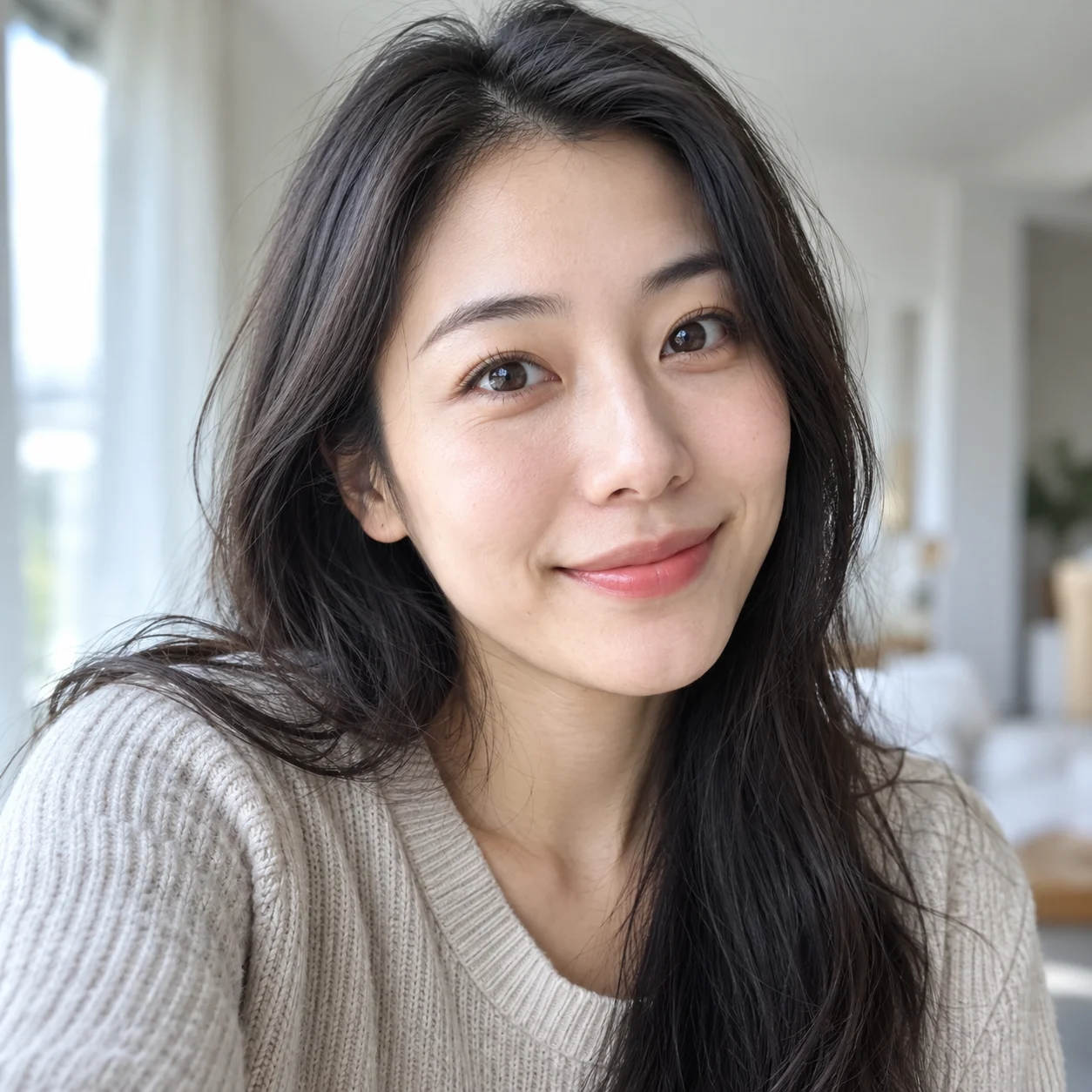
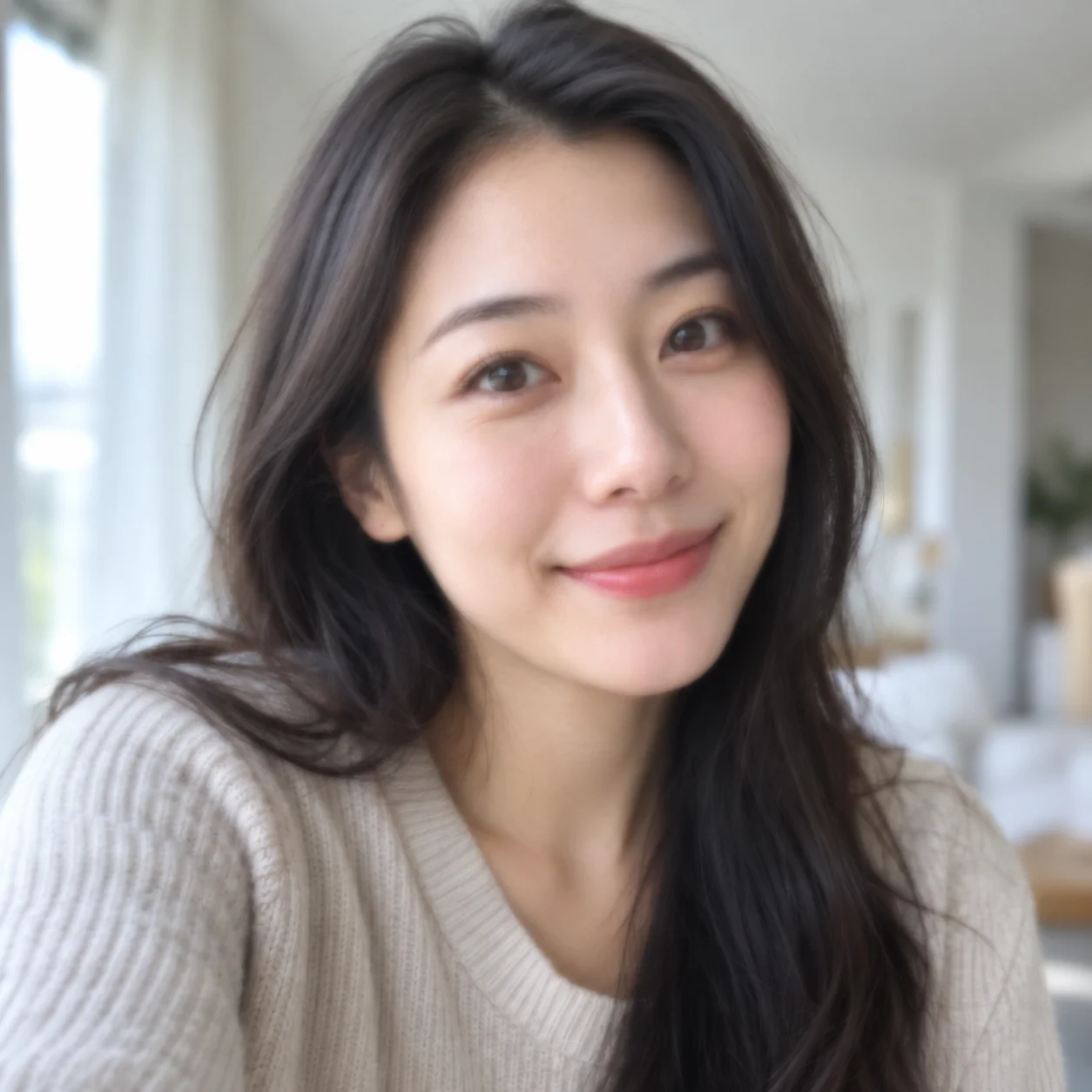
Improve a Selfie Portrait
See how a portrait photo enhancer can improve the apparent clarity of a casual selfie. Review the before-and-after result to decide whether it suits your intended use.
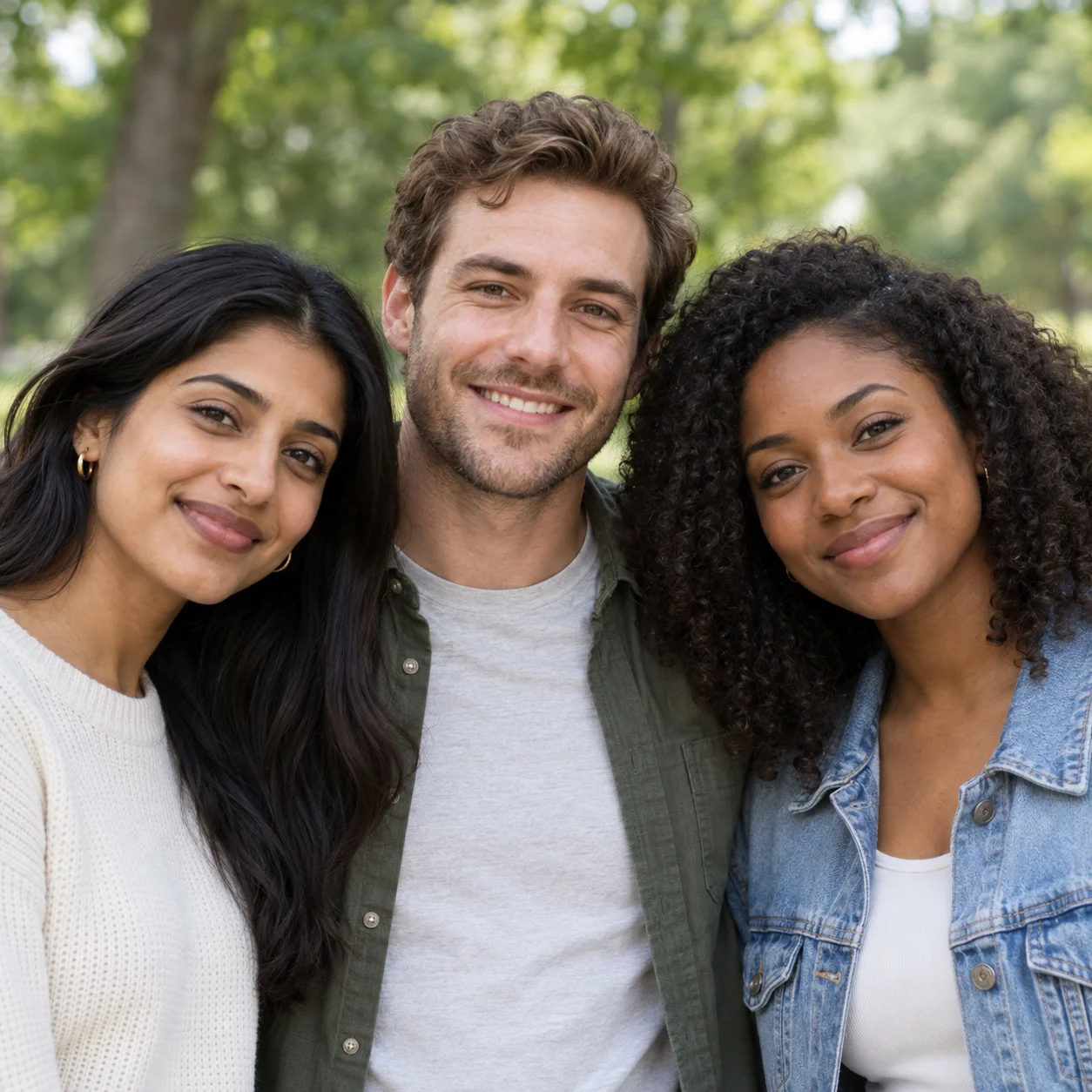
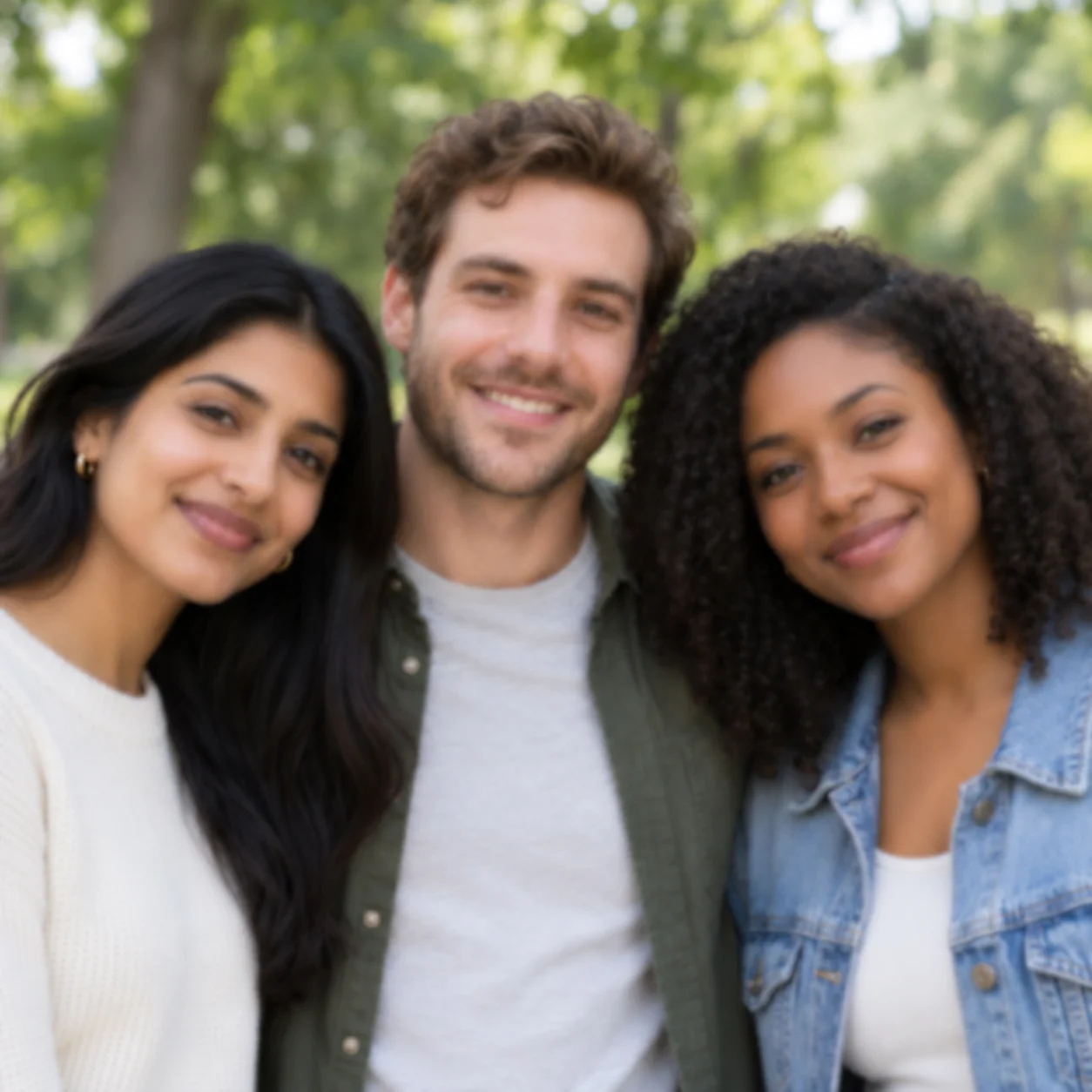
Enhance a Group Portrait
A group portrait example shows how an AI photo enhancer may bring more definition to a shared photo. Results can vary with image quality and face size.


Prepare a Portrait for Sharing
Preview an enhanced portrait before saving or sharing it. Comparing the original and result helps you check that the image still looks appropriate for your profile, portfolio, or personal use.
What Can an AI Portrait Enhancer Improve?
A portrait enhancer is designed to improve the visible clarity and detail of portrait photos. Use the online tool for headshots, selfies, and other images where people are the main subject.
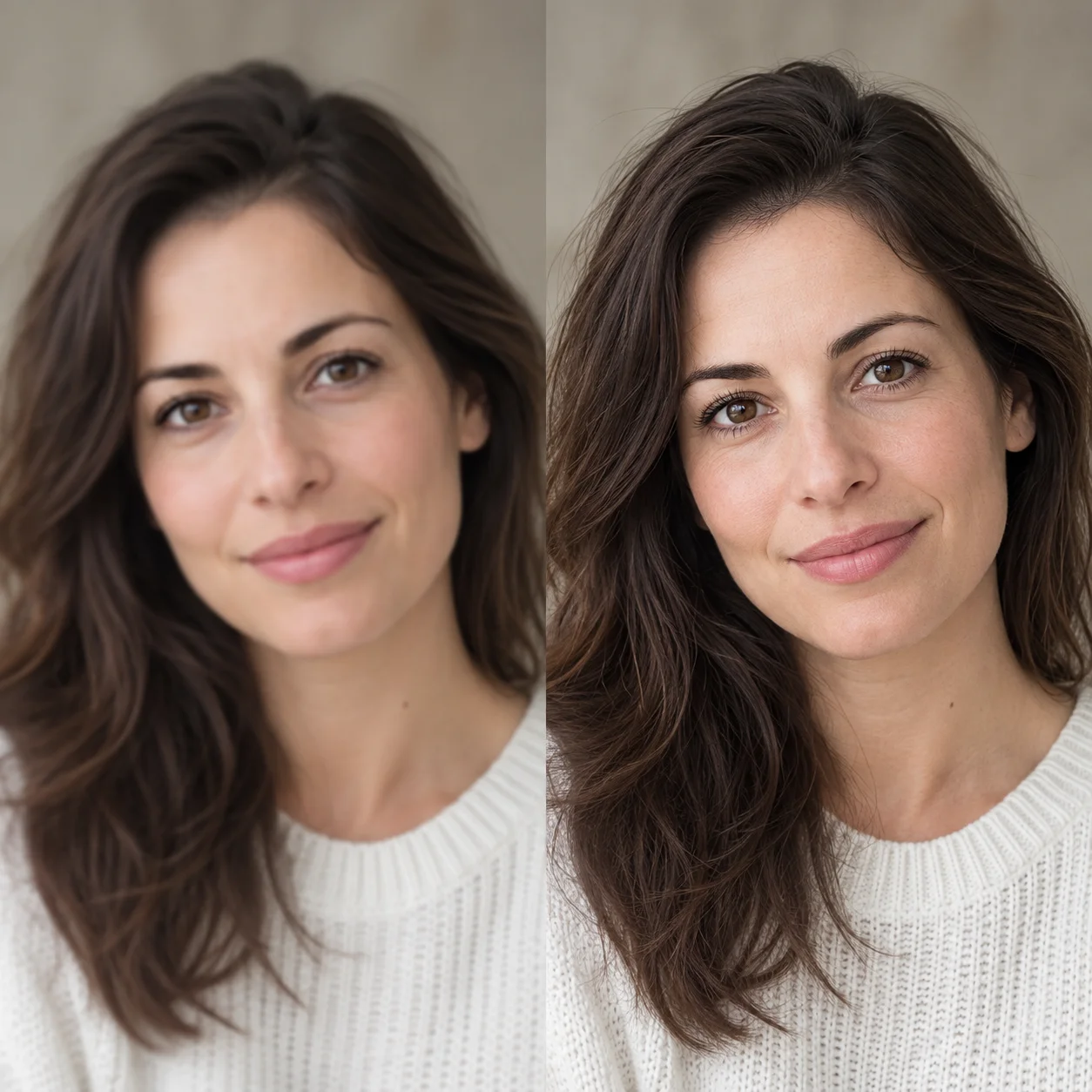
Portrait Photo Clarity
Use an AI portrait enhancer when a headshot or personal photo looks soft and you want to review a clearer version before saving it.
Visible Facial Detail
Enhancement can bring more definition to visible facial features, hair, and clothing. Always compare the result with the original to check that details look right.
Headshots, Selfies, and Portraits
Try the portrait photo enhancer with a selfie, profile picture, professional headshot, or personal portrait. The source image and face size can affect the result.
Review the Result Carefully
AI enhancement may reconstruct or alter fine details. Preview the image carefully and keep the original if an accurate likeness matters.
Why Use an AI Portrait Enhancer?
An online portrait enhancer offers a quick way to review a clearer version of a headshot, selfie, or personal portrait without learning a complex editing workflow.
How to Use the Portrait Enhancer
Enhance a portrait online in a few simple steps. Upload a photo, review the AI result, and save it if it meets your needs.
Upload a Portrait Photo
Choose a headshot, selfie, profile photo, or another portrait you want to enhance. A clear source image gives the AI more visible detail to work with.
Let AI Enhance the Portrait
The AI processes the uploaded image to create an enhanced portrait. The amount of visible improvement depends on the original photo.
Compare the Result
Use the before-and-after preview to compare the original portrait with the enhanced version. Check facial details and likeness before downloading.
Download Your Enhanced Portrait
When the portrait looks right for your purpose, download the enhanced image. Keep the original so you can compare or make another choice later.
A Practical AI Portrait Enhancer
This AI portrait enhancer gives you a straightforward way to upload a portrait, review an enhanced version, and decide whether to save it.
AI Portrait Enhancement
Upload a portrait and let AI generate an enhanced version focused on visible clarity and detail. Results depend on the quality of the original image.
More Defined Portrait Details
Improve the apparent definition of facial features and other visible details in a portrait photo, then inspect the result before saving.
Portraits for Profiles and Sharing
Use an online portrait enhancer for profile photos, headshots, selfies, and other pictures where a person is the focus.
Portrait Clarity and Detail
Use a portrait photo enhancer to make a soft-looking image appear clearer. AI may reconstruct fine detail, so compare the result with the original.
Preview Before Downloading
Preview the result before deciding what to do next. Account, credit, or download requirements may apply to the final output.
Enhance Portraits Online
Open the portrait enhancer in a modern browser on your phone, tablet, or computer. No image-editing software installation is required.
Portrait Enhancer FAQs
Learn what to expect when you enhance a portrait online with AI, from supported use cases to reviewing the result.
Try the Portrait Enhancer Online
Upload a headshot, selfie, or portrait photo to preview an AI-enhanced version. Compare the result with your original and download it if it meets your needs.