
Repair Scratched Photos Online
Use AI to repair scratched photos from scanned prints and older pictures. Upload a photo, preview the repair, and save a cleaner digital copy—no manual editing skills needed.
Drag your image here, or
Reference Image (Max 50MB)



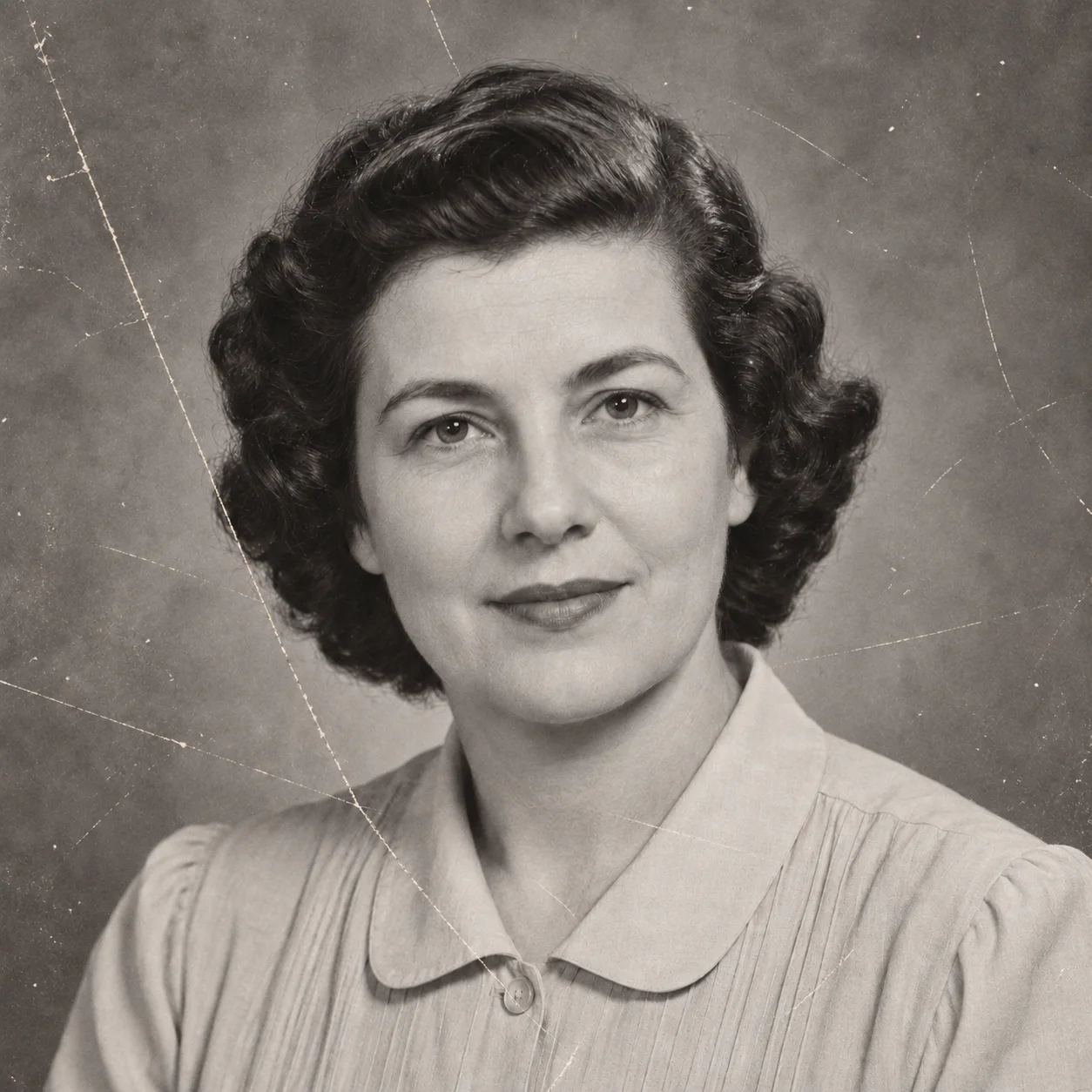
See AI Photo Scratch Repair Examples
See how AI can repair scratched photos in scanned portraits, family snapshots, and printed pictures with visible surface marks. Compare each example with its original scan.
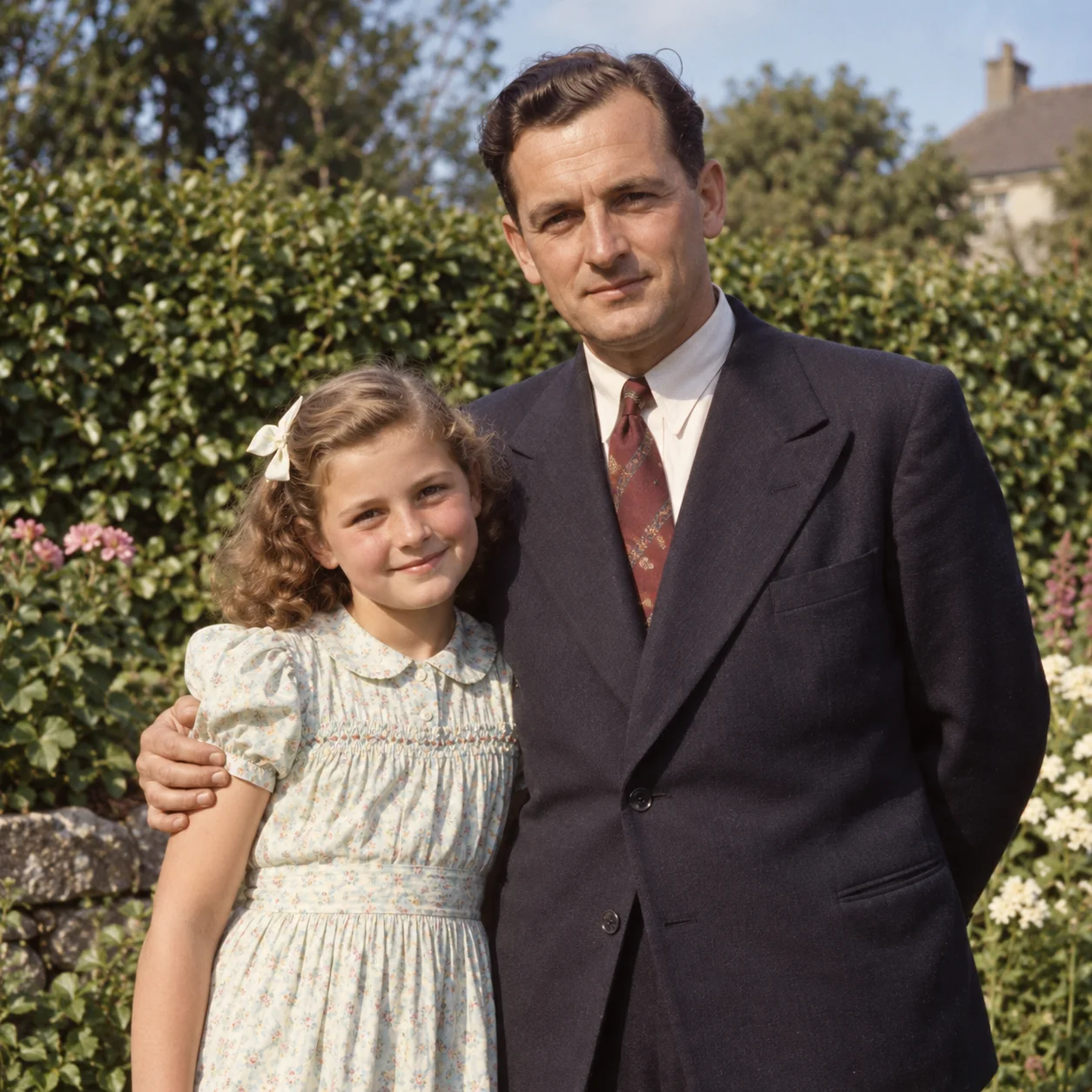
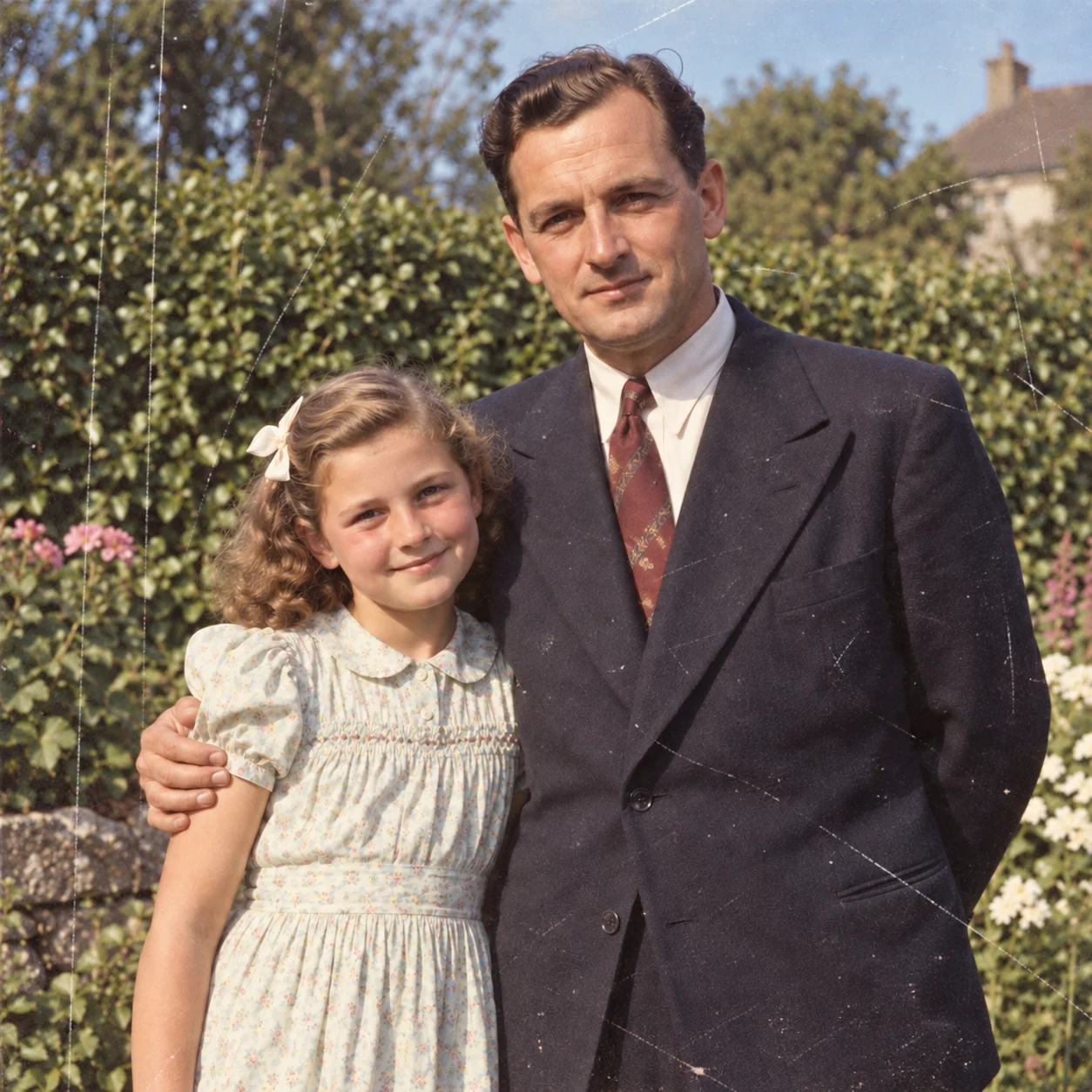
Repair Scratched Photos in a Scanned Portrait
Repair scratched photos such as a scanned portrait with fine surface marks. Compare the AI result with the original scan to inspect changes.

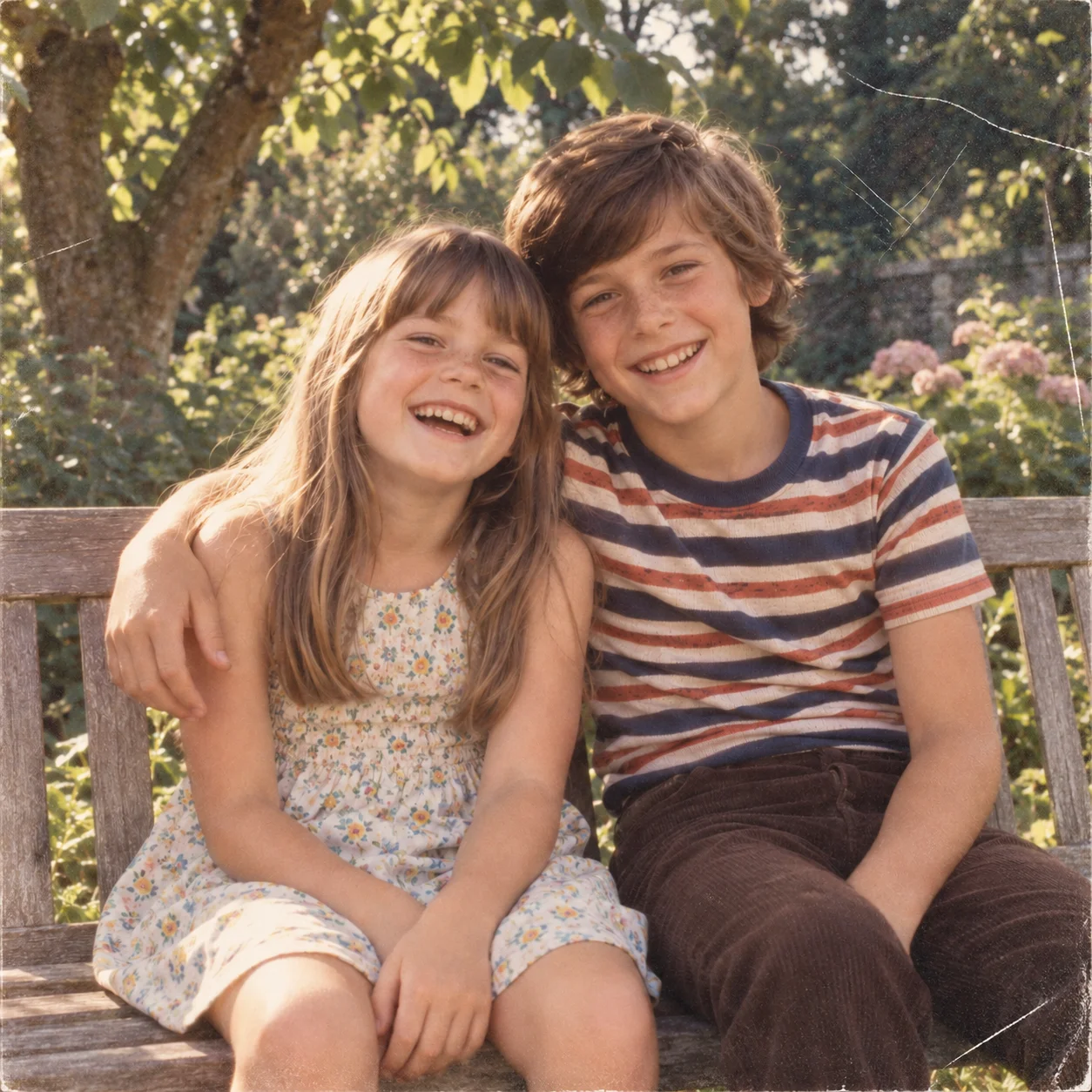
Repair Scratched Photos in a Family Snapshot
Repair scratched photos such as a digitized family snapshot with visible marks. Review the repaired image beside the original scan.

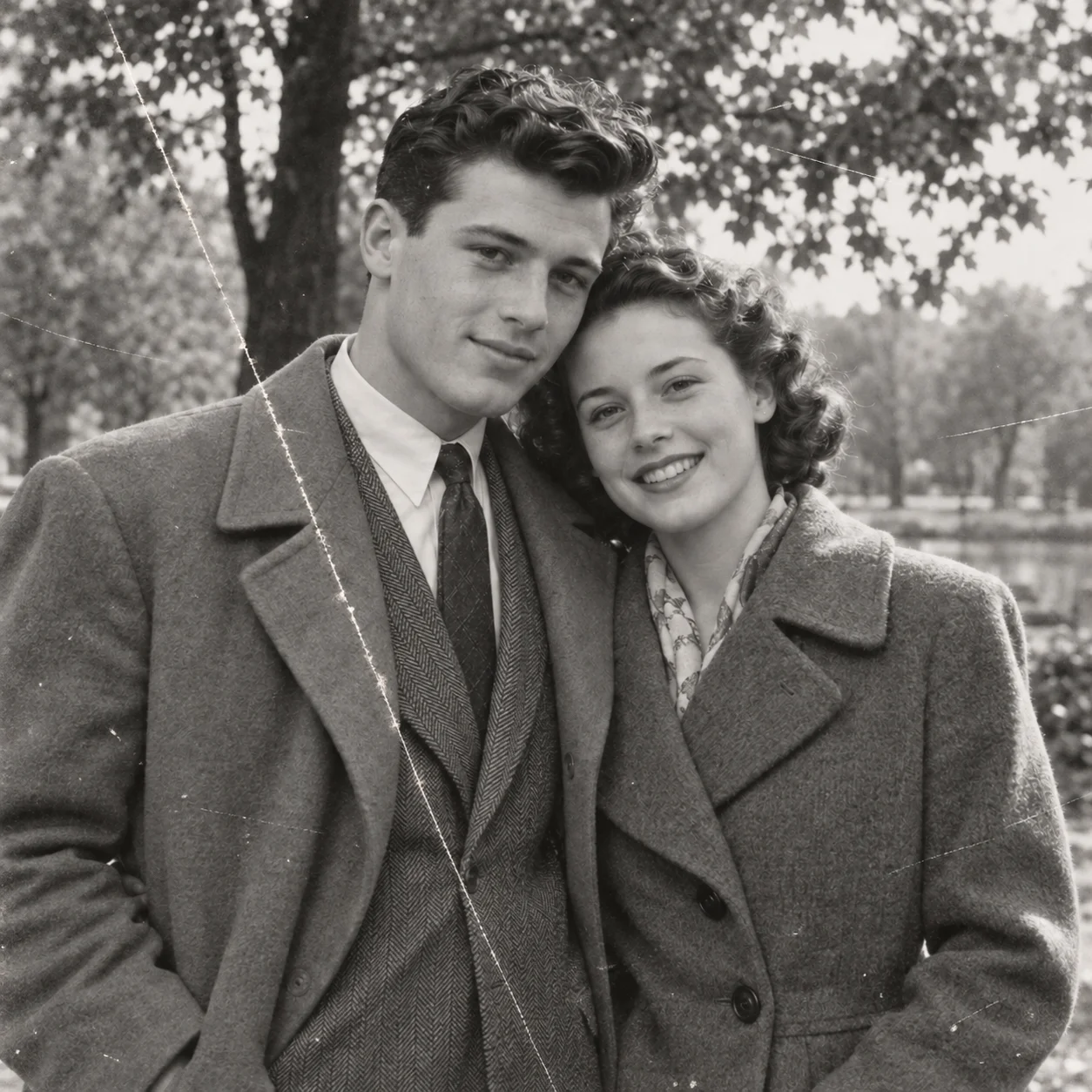
Reduce a Long Scratch on an Old Photo
Repair scratched photos with long marks by comparing the result with its source scan. Check nearby facial and background detail after the repair.
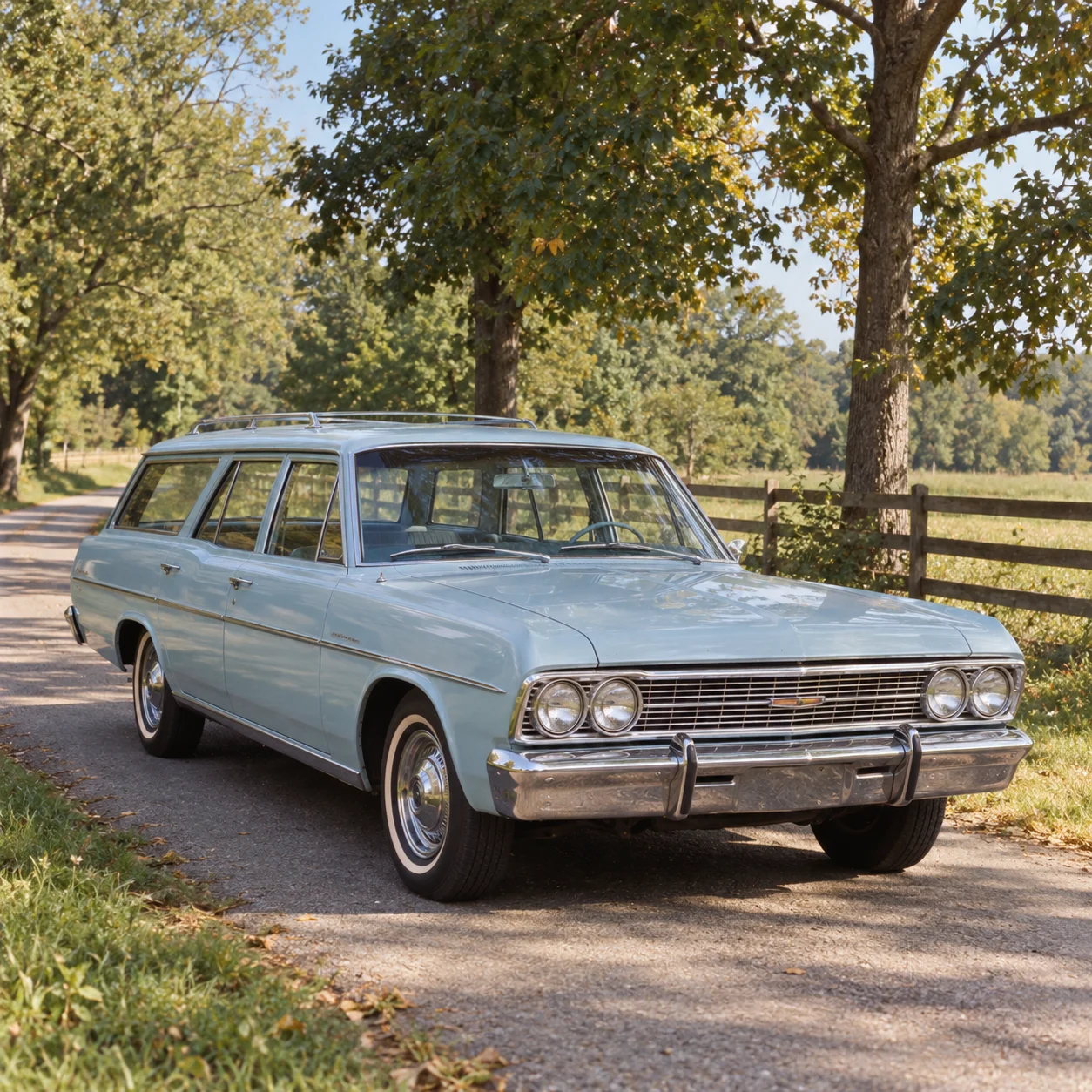
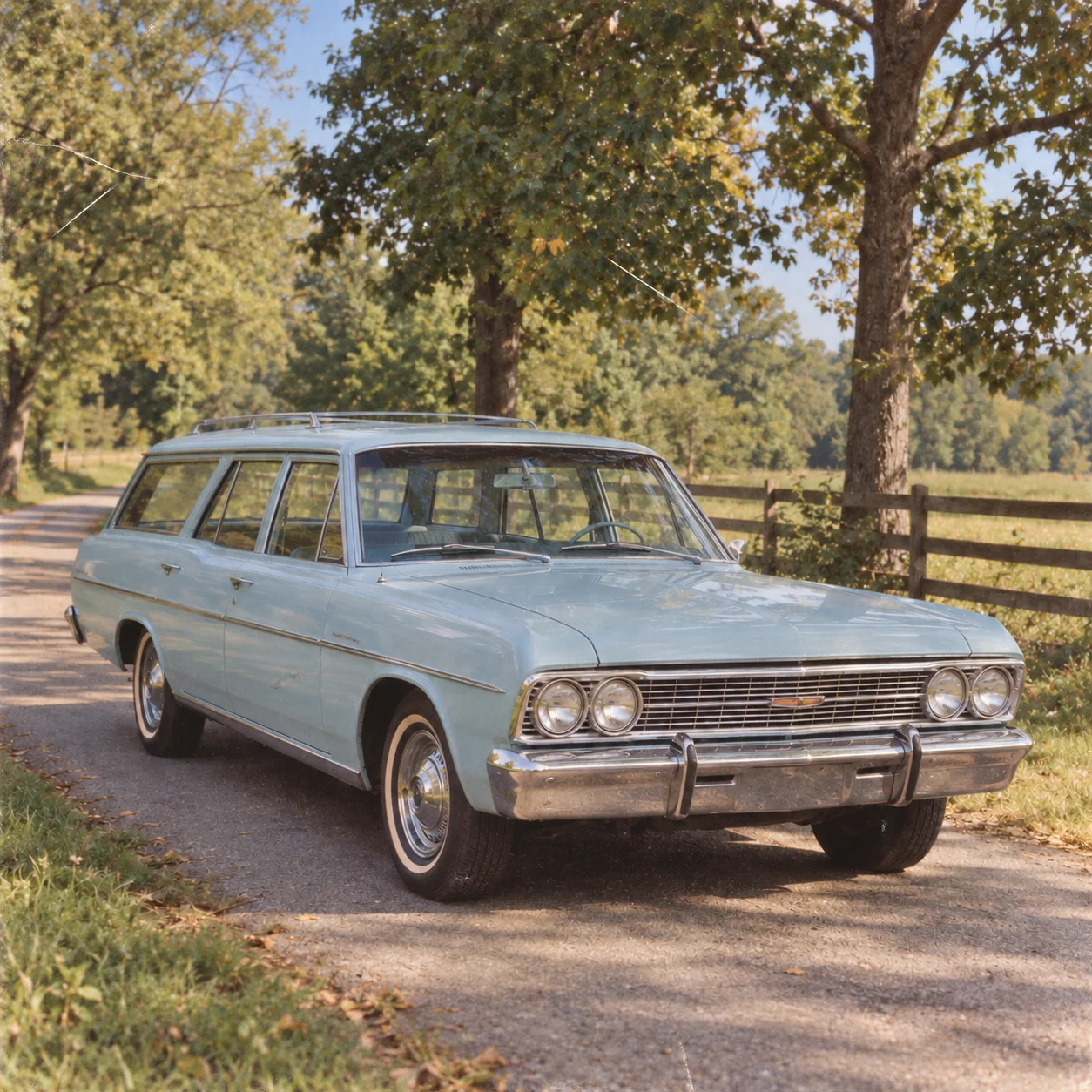
Clean Up Light Scratches on a Scanned Print
Repair scratched photos with light abrasions by previewing an AI result on a scanned print. Compare it with the original before downloading.
What Can an AI Photo Scratch Remover Help Repair?
Repair scratched photos by working from a digital scan of the print. AI can help reduce visible surface marks while keeping the people, setting, and remaining image detail in view.

Repair Scratched Photos
Repair scratched photos by reducing fine lines and abrasions in a scan. Results depend on scratch depth, scan quality, and how much image detail remains around the damaged area.
Repair Scratched Photos from Old Prints
To repair scratched photos from old prints, upload a clear scan with nearby textures and tones visible. Faint surface marks differ from deep cuts through the emulsion or missing image areas.
Repair Scratched Photos from Scans
Repair scratched photos from family snapshots, portraits, and other digitized prints. A clear scan or well-lit, straight-on photo helps retain more of the original image detail.
Check Important Details
When you repair scratched photos, compare the result with the source scan before saving. Check faces and important details, especially where a scratch crosses a person's features.
A Simple Way to Repair Scratched Photos
Repair scratched photos online with an AI first pass instead of beginning with time-consuming manual cleanup. Preview the digitized print and decide whether the result is useful.
How to Repair Scratched Photos in 4 Steps
Repair scratched photos online in four steps: prepare a clear scan, upload it, inspect the AI repair, and download the result if it looks right.
Prepare a Clear Photo Scan
To repair scratched photos, choose a digital scan or a clear, straight-on photo of the print. A sharp, evenly lit source gives AI more visible detail to work with.
Upload the Scratched Photo
Upload a scanned photo to repair scratched photos with AI. Keep an untouched copy of the original so you can compare it with the generated result.
Review the Scratch Repair
When you repair scratched photos, preview the result and inspect marks crossing faces, text, or other details. AI repairs can vary, so review the image carefully.
Download Your Repaired Photo
After you repair scratched photos, download the image if the preview looks right. Keep the original scan as a reference for future edits or archiving.
Online AI Photo Scratch Remover Features
Repair scratched photos from digitized prints with this AI tool. Upload a scan, inspect the result, and decide whether the repair suits your needs.
AI Photo Scratch Repair
Repair scratched photos with AI, which uses surrounding image details to generate a repaired version. Results can vary, especially when marks cover faces or important details.
Reduce Visible Scratches
Repair scratched photos by reducing visible lines and abrasions on scans. Deep cuts and missing image areas may require additional manual retouching.
For Scanned Photo Prints
Upload a digital scan of a printed picture to work on surface scratches in the image. The tool processes a digital copy; it does not physically repair the paper print.
Review Important Details
Inspect faces, text, and fine details after AI repair. Keep your original scan, since generated fill may interpret areas where a scratch has obscured image information.
Preview Before Download
Repair scratched photos and compare the generated result with your source scan. Review current preview, download, and credit requirements in the tool before deciding what to keep.
Works on Any Device
Repair scratched photos in a modern browser on a phone, tablet, or desktop. No desktop editing software installation is needed to preview a scanned photo repair.
Repair Scratched Photos: Common Questions
Learn how to repair scratched photos online, prepare a scan, and review AI photo scratch repair results.
Ready to Repair a Scratched Photo?
Repair scratched photos from a digitized print with an AI-assisted preview. Review the result carefully and keep your original scan as a reference.