
Upscale Image Online — Free AI Image Upscaler
Increase image resolution up to 4K with AI. Upscale image quality without losing detail — built for photos, digital images, and prints. Try free, no signup required.
Drop an old photo here
JPG, PNG, WebP up to 50MB


See What AI Image Upscaling Can Do
Compare before and after examples to see what AI image upscaling can do — increase resolution, recover fine details, and reduce noise so your pictures look sharper, more detailed, and print-ready.


See How AI Can Upscale Image Resolution
See how AI image upscaling increases pixel count, recovers fine details, and reduces noise — transforming a low-resolution source into a sharper, more detailed image ready for large displays, prints, or professional use.
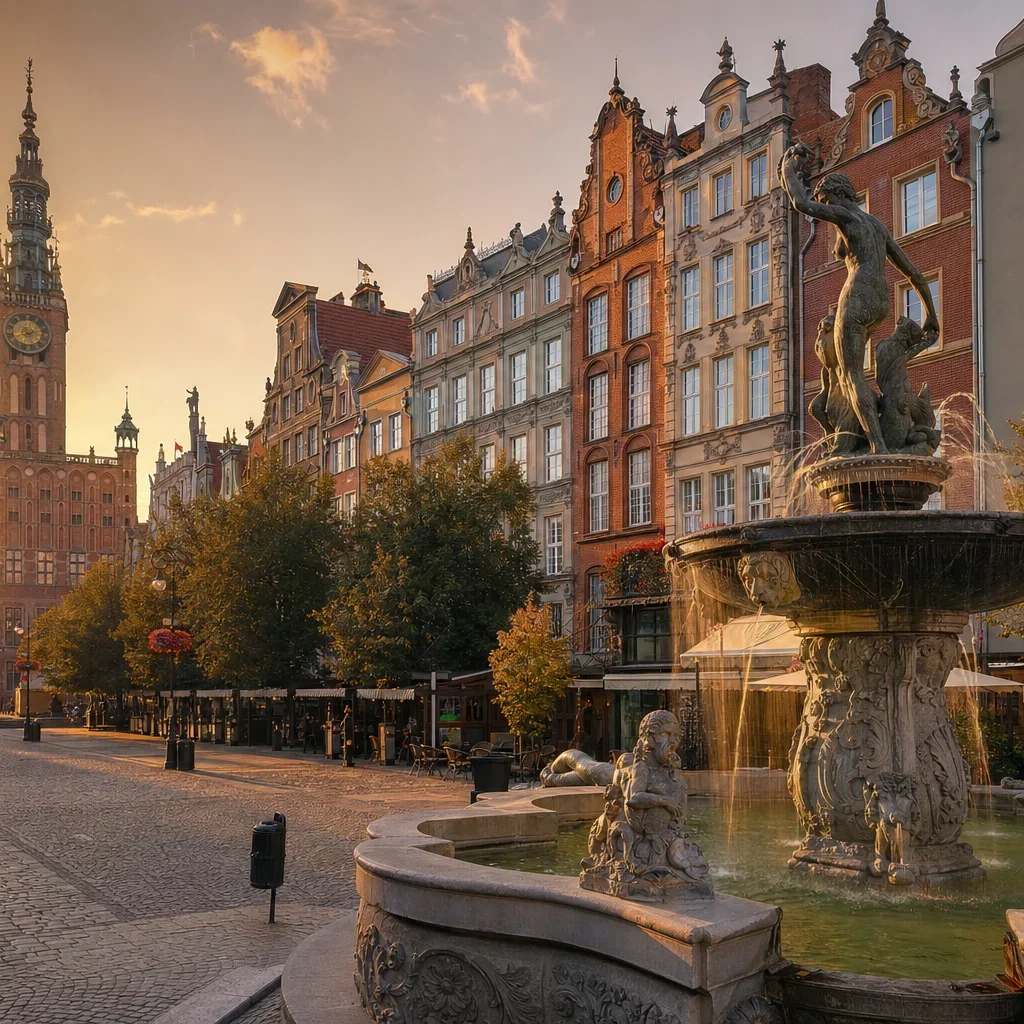
Increase Image Resolution from Any Source
Increase image resolution for photos from smartphones, digital cameras, and web downloads — when you need higher quality for printing, large screens, or professional presentation without losing the original look and feel.
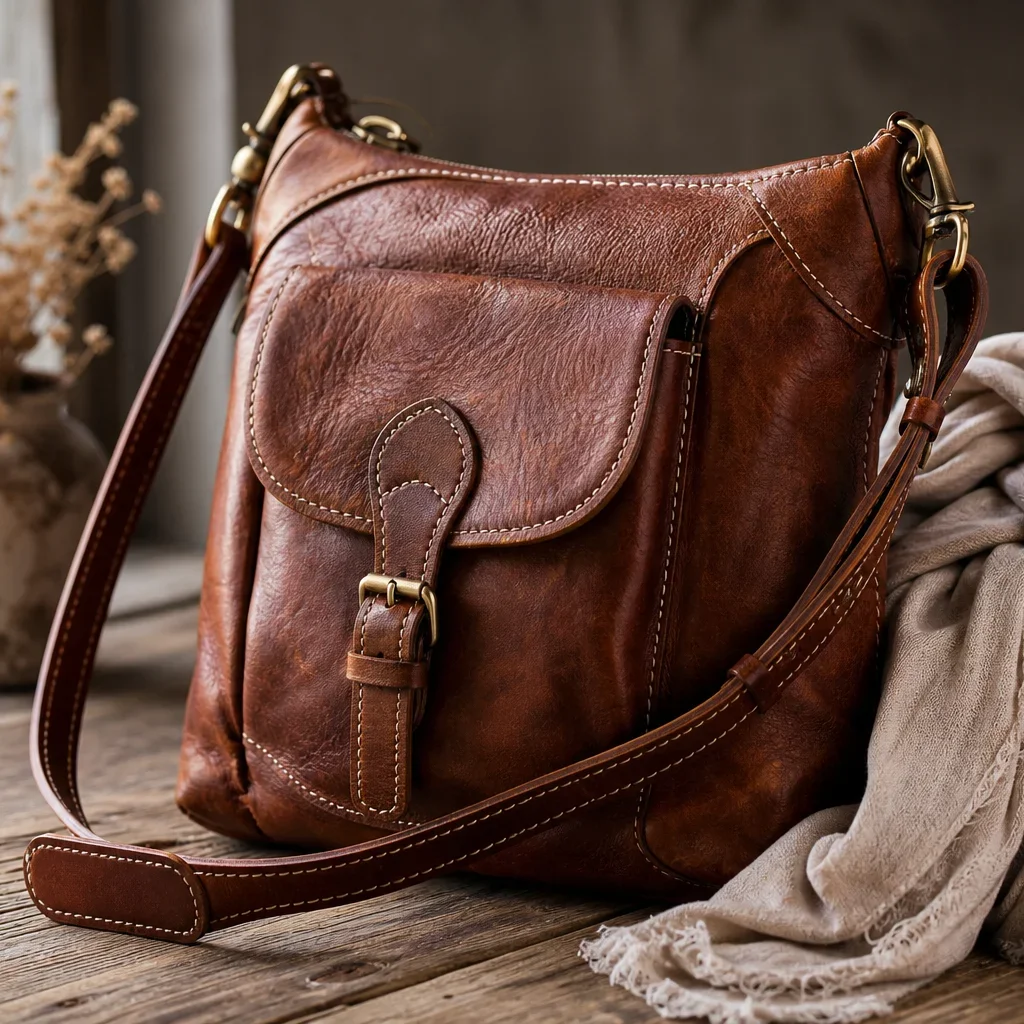
Upscale Image with Artifacts and Noise
Use AI to upscale image files affected by compression artifacts, digital pixelation, image noise, and other quality issues common in web downloads, social media images, and older digital camera files.
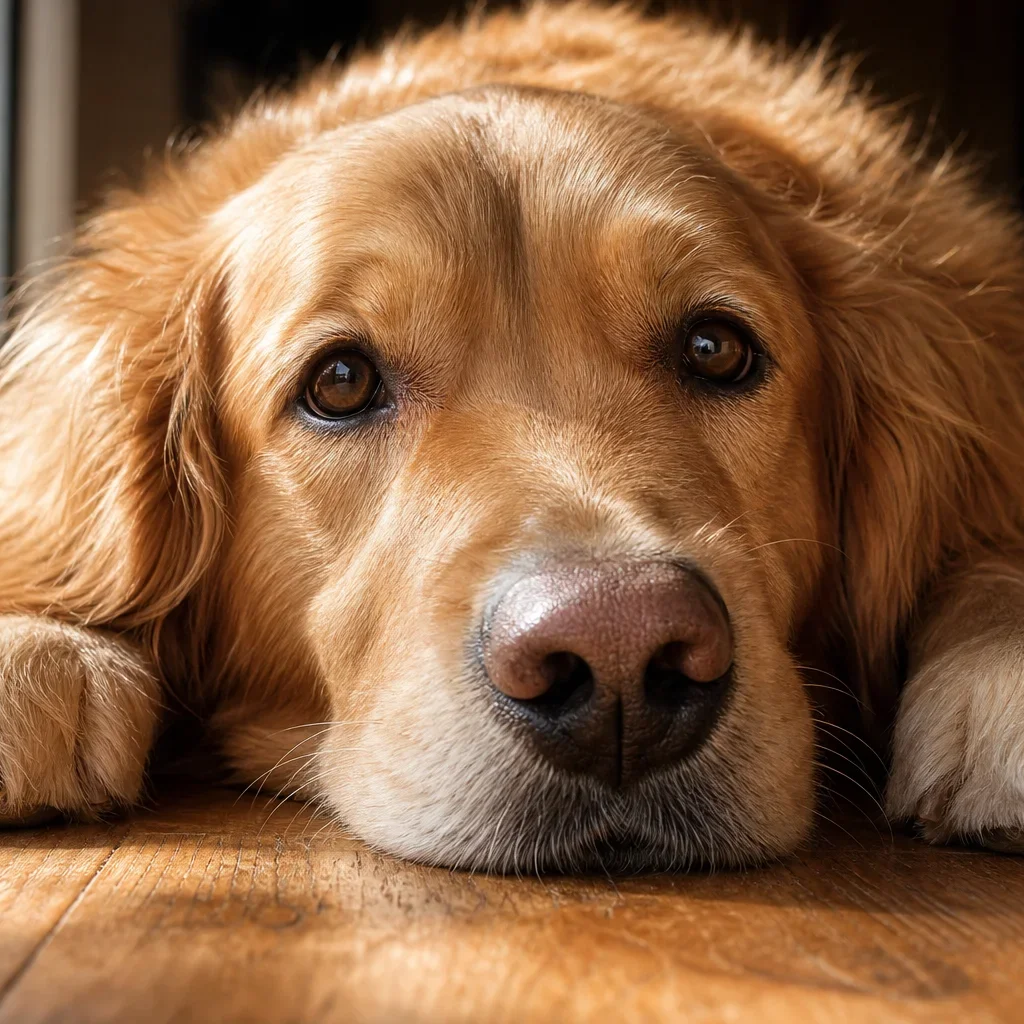
Upscale Image for Archiving and Sharing
Increase image resolution before saving, printing, or sharing — so your photos, screenshots, and digital files look sharper, more polished, and better prepared for long-term archiving or professional portfolios.
What Does It Mean to Upscale Image?
What does it mean to upscale image? Learn how AI image upscaling increases resolution, recovers fine details, and makes low-resolution pictures look sharper — all without complicated editing software.
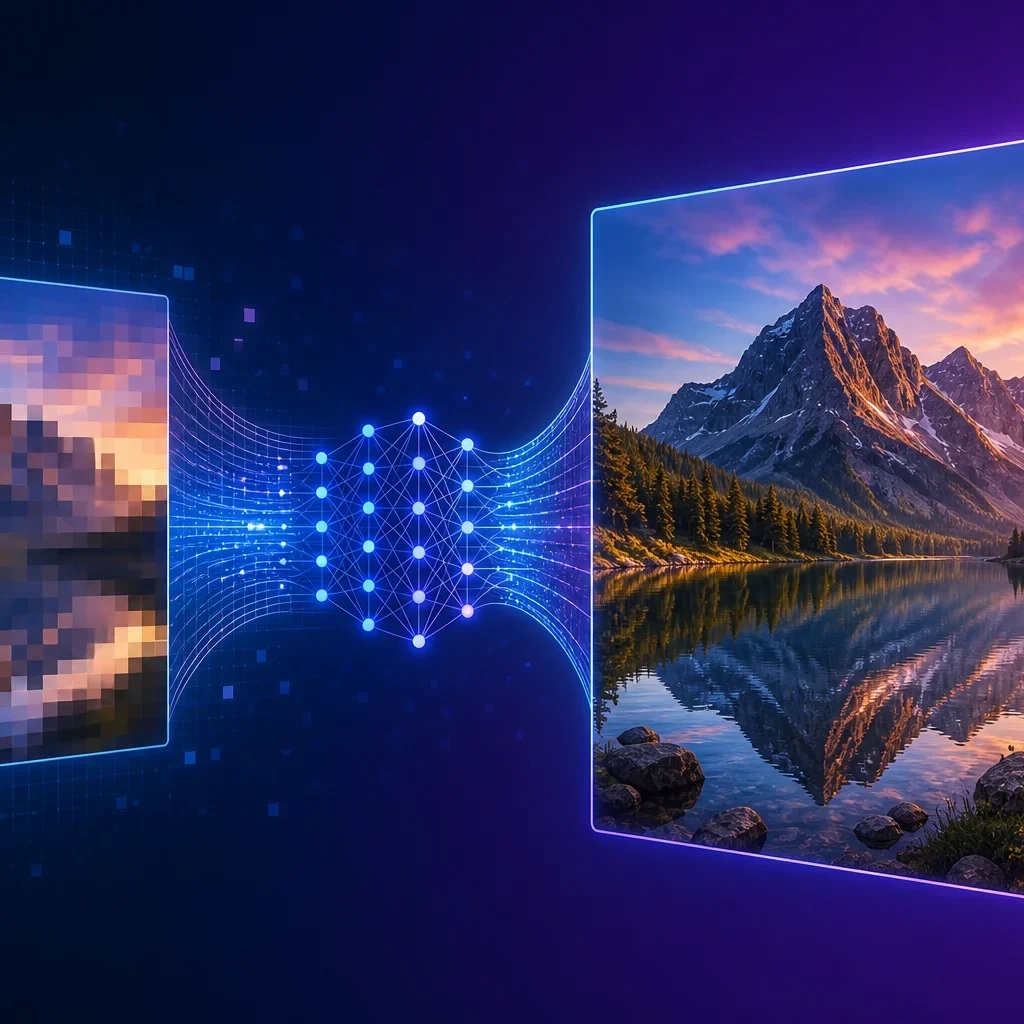
What It Means to Upscale Image
To upscale image means increasing the pixel dimensions and resolution of a picture so it looks sharper, more detailed, and better suited for large displays, high-quality prints, or professional use. AI handles the complex pixel reconstruction automatically.
Fix Common Resolution Problems
AI can increase image resolution for files affected by low pixel count, compression artifacts, soft focus, weak detail, and pixelation — common issues in smartphone photos, web downloads, social media images, and older digital files.
Built for Real Digital Photos
Upscale image files from smartphones, digital cameras, web downloads, social media, and older devices that look too small or pixelated and need higher resolution for printing, large screens, or professional presentation.
Keep Faces and Details Natural
When you increase image resolution, the goal is to keep faces, textures, edges, and background details looking natural instead of over-smoothed, over-sharpened, or artificially rebuilt by the enlargement process.
Why Use AI to Upscale Image Resolution
Use a simple online AI image upscaler when you need to upscale image resolution without spending time on complicated editing software, manual resizing, or advanced enhancement tools.
How to Upscale Image Without Losing Quality
Learn how to upscale image without losing quality in 4 simple steps — no complicated editing software or manual enhancement skills needed. Just upload, let AI work, preview, and download.
Upload Your Image
Start with any image you want to upscale — a smartphone photo, web download, scanned print, or compressed file. Upload a version that still keeps visible detail for the best results when you upscale image resolution.
AI Analyzes Image Quality
The AI image upscaler analyzes your photo for low resolution, compression artifacts, soft focus, weak detail, and digital noise. It identifies areas that need intelligent reconstruction before it begins to upscale image detail.
Preview the Upscaled Result
Compare the before-and-after view side by side. See exactly what happens when you upscale image resolution — sharper details, cleaner edges, and more visible texture — before you save anything.
Download in High Resolution
Save your newly upscaled image once it looks ready. Download in high resolution for large displays, professional prints, digital archiving, or sharing — all without losing the original detail.
Everything You Need to Upscale Image Resolution
Use one AI upscaler to upscale image quality — enhance fine details, reduce compression artifacts, and improve clarity across digital photos, smartphone images, and web downloads.
AI Image Upscaling
Upscale image resolution with AI in seconds. Automatically increases pixel count, recovers fine details, and reduces noise while keeping faces, textures, and backgrounds looking natural.
Artifact & Noise Reduction
Upscale image quality while reducing JPEG compression artifacts, digital noise, and pixelation. AI reconstructs fine details by analyzing surrounding textures for natural, seamless enhancement.
Natural Detail Preservation
When you upscale image resolution, AI preserves natural colors, skin tones, and visual balance — so your photo looks sharper without introducing artificial-looking textures or over-processed effects.
Clarity & Detail Recovery
Recover visible detail in low-resolution or compressed images. When you upscale image files, the AI improves clarity and brings back fine textures without making faces or backgrounds look artificial.
Try Free Before You Commit
Try our AI image upscaler free before you commit. Preview your results without any payment — no account or credit card required to upscale image quality and see the difference for yourself.
Works on Any Device
Upscale image files from your phone, tablet, or desktop browser. No app download or software installation needed — the AI image upscaler works in any modern browser, anytime.
FAQ About AI Image Upscaling
Answers to common questions about using AI to increase image resolution online — how upscaling works, what results to expect, and how to get the best quality from your photos.
Ready to Upscale Image Resolution?
Increase image resolution up to 4K without losing quality. Upload your photo and let AI handle the rest — free to try, no signup needed, results in seconds.